Sign In Start Free Trial
Account

Add to playlist

Create a Playlist

Modal Close icon
You need to login to use this feature.
  • Book Overview & Buying Windows Server 2016 Administration Cookbook
  • Table Of Contents Toc
  • Feedback & Rating feedback
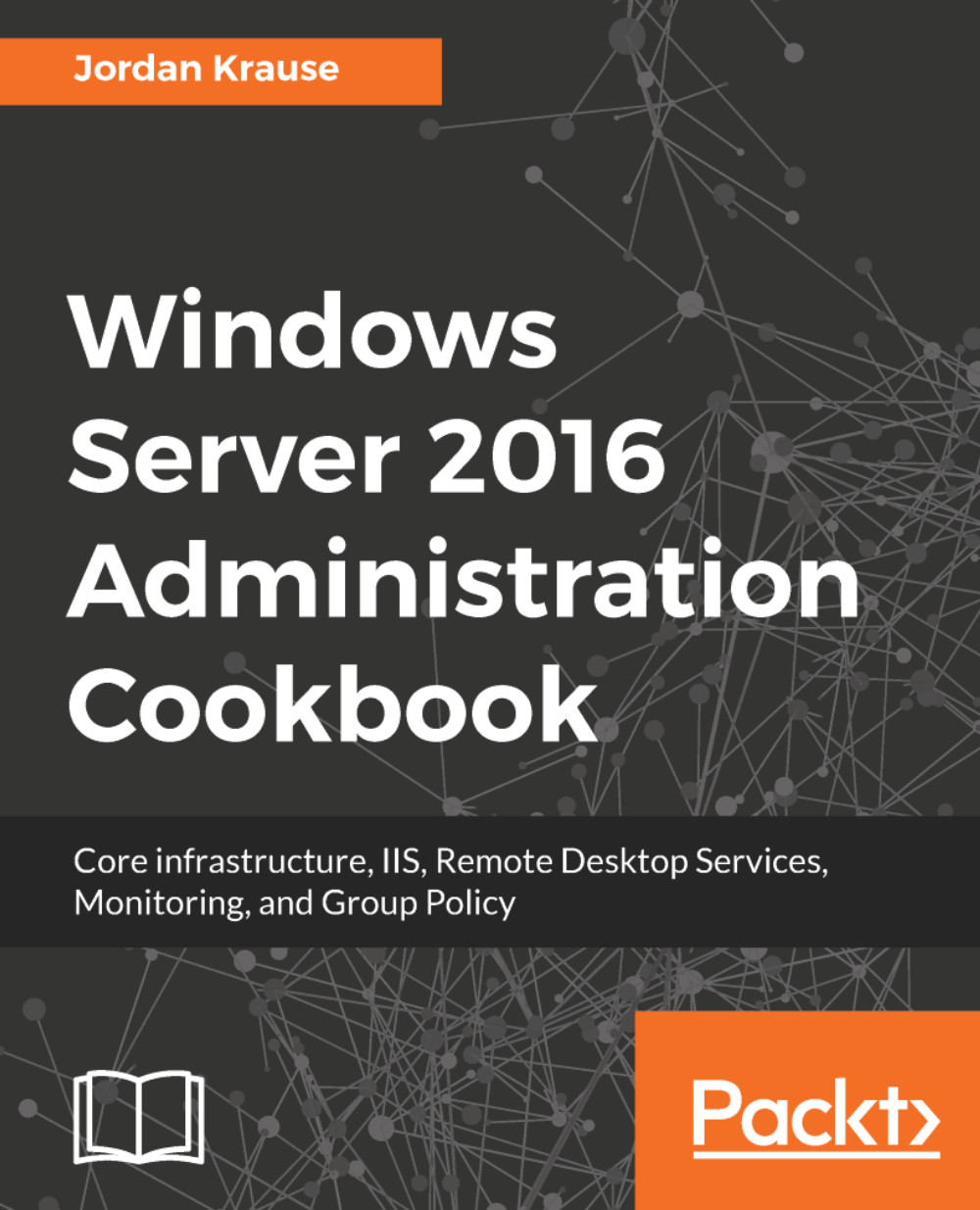
Windows Server 2016 Administration Cookbook

Windows Server 2016 Administration Cookbook

By : Jordan Krause
4 (3)
close
close
Windows Server 2016 Administration Cookbook

Windows Server 2016 Administration Cookbook

4 (3)
By: Jordan Krause

Overview of this book

<p>Windows Server 2016 is an operating system designed to run on servers. It supports enterprise-level data storage, communications, management, and applications. This book contains specially selected, detailed help on core, essential administrative tasks of Windows Server 2016.</p> <p>This book starts by helping you to navigate the interface of Windows Server 2016, and quickly shifts gears to implementing roles that are necessarily in any Microsoft-centric datacenter.</p> <p>This book will also help you leverage the web services platform built into Windows Server 2016, available to anyone who runs this latest and greatest Server operating system. Further, you will also learn to compose optimal Group Policies and monitor system performance and IP address management.</p> <p>This book will be a handy quick-reference guide for any Windows Server administrator, providing easy to read, step-by-step instructions for many common administrative tasks that will be part of any Server Administrator’s job description as they administer their Windows Server 2016 powered servers.</p> <p>The material in the book has been selected from the content of Packt's Windows Server 2016 Cookbook by Jordan Krause to provide a specific focus on key Windows Server administration tasks.</p>
Table of Contents (8 chapters)
close
close

Adding a second Domain Controller


AD is the core of your network. It has ties to everything! As such, it makes sense that you would want this to be as redundant as possible. In Windows Server 2016, creating a secondary DC is so easy that you really have no reason not to do it. Can you imagine rebuilding your directory following a single server hardware failure where you have 100 user accounts and computers that are all part of the domain that just failed? How about with 1,000 or even 10,000 users? That could take weeks to clean up, and you'll probably never get it back exactly the way it was before. Additionally, while you are stuck in the middle of this downtime, you will have all kinds of trouble inside your network since your user and computer accounts are relying on AD, which would then be offline. Here are the steps to take a second server in your network and join it to the existing domain that is running on the primary DC to create our redundant, secondary DC. The larger your network...

Visually different images
CONTINUE READING
83
Tech Concepts
36
Programming languages
73
Tech Tools
Icon Unlimited access to the largest independent learning library in tech of over 8,000 expert-authored tech books and videos.
Icon Innovative learning tools, including AI book assistants, code context explainers, and text-to-speech.
Icon 50+ new titles added per month and exclusive early access to books as they are being written.
Windows Server 2016 Administration Cookbook
notes
bookmark Notes and Bookmarks search Search in title playlist Add to playlist font-size Font size

Change the font size

margin-width Margin width

Change margin width

day-mode Day/Sepia/Night Modes

Change background colour

Close icon Search
Country selected

Close icon Your notes and bookmarks

Confirmation

Modal Close icon
claim successful

Buy this book with your credits?

Modal Close icon
Are you sure you want to buy this book with one of your credits?
Close
YES, BUY

Submit Your Feedback

Modal Close icon
Modal Close icon
Modal Close icon