
Sign In Start Free Trial
Account

Add to playlist

Create a Playlist

Modal Close icon
You need to login to use this feature.
  • Book Overview & Buying Windows Server 2016 Administration Cookbook
  • Table Of Contents Toc
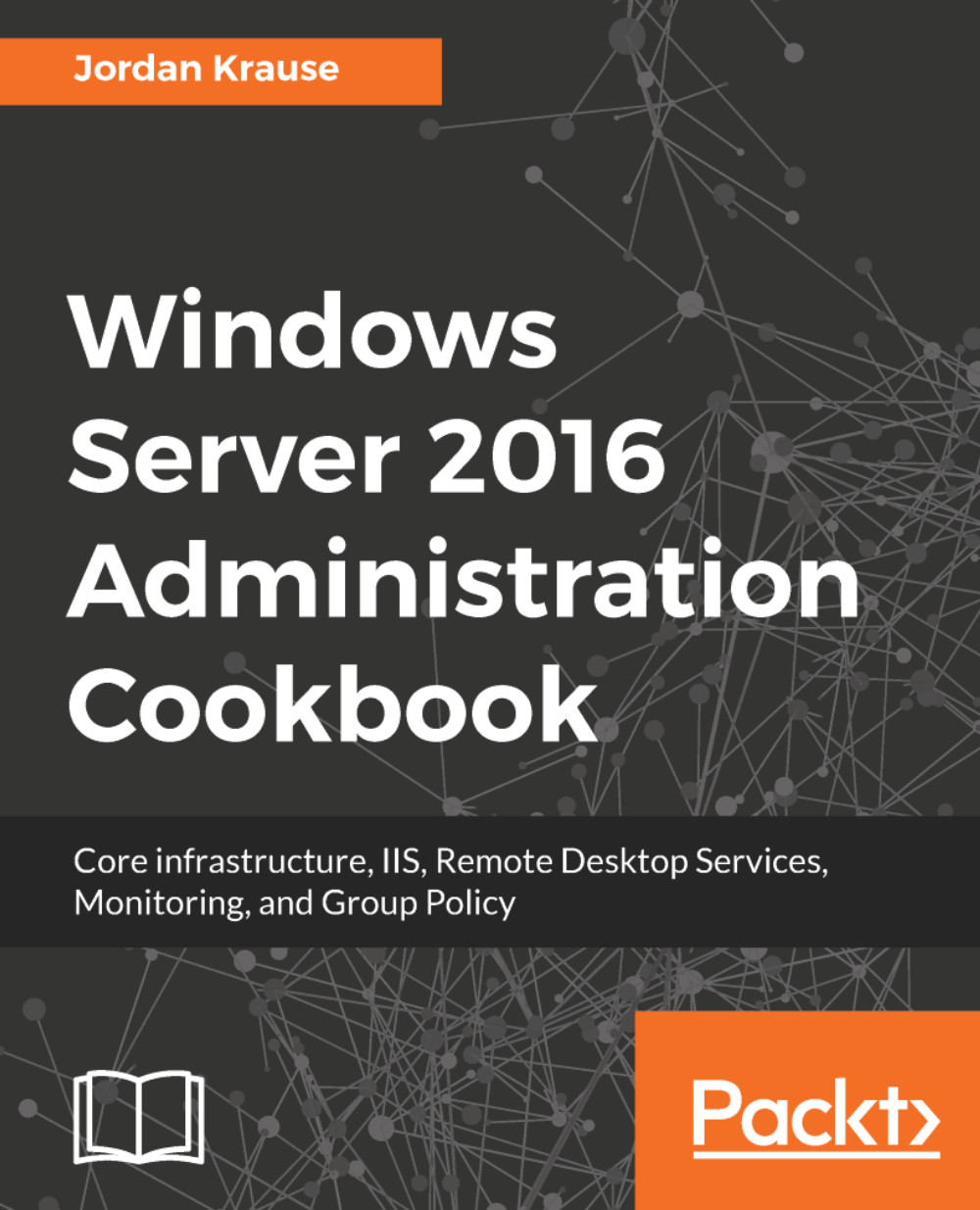
Windows Server 2016 Administration Cookbook

Windows Server 2016 Administration Cookbook

By : Jordan Krause
4 (3)
close
close
Windows Server 2016 Administration Cookbook

Windows Server 2016 Administration Cookbook

4 (3)
By: Jordan Krause

Overview of this book

<p>Windows Server 2016 is an operating system designed to run on servers. It supports enterprise-level data storage, communications, management, and applications. This book contains specially selected, detailed help on core, essential administrative tasks of Windows Server 2016.</p> <p>This book starts by helping you to navigate the interface of Windows Server 2016, and quickly shifts gears to implementing roles that are necessarily in any Microsoft-centric datacenter.</p> <p>This book will also help you leverage the web services platform built into Windows Server 2016, available to anyone who runs this latest and greatest Server operating system. Further, you will also learn to compose optimal Group Policies and monitor system performance and IP address management.</p> <p>This book will be a handy quick-reference guide for any Windows Server administrator, providing easy to read, step-by-step instructions for many common administrative tasks that will be part of any Server Administrator’s job description as they administer their Windows Server 2016 powered servers.</p> <p>The material in the book has been selected from the content of Packt's Windows Server 2016 Cookbook by Jordan Krause to provide a specific focus on key Windows Server administration tasks.</p>
Table of Contents (8 chapters)
close
close

Evaluating system performance with Windows Performance Monitor

While good old Task Manager and the new Resource Monitor are great utilities for monitoring system performance in real time, for any more extensive monitoring needs I tend to prefer Performance Monitor. Perfmon, as it is often nicknamed, is an excellent tool that can be used for collecting specific data over a predefined period of time.

We have all had cases where a report comes across our desk that a certain server is misbehaving or running slowly. By the time we get logged in, everything looks normal. Other than Event Viewer, we don't have a whole lot of options for investigating what was happening during the time of the problem. But it might happen again, and if we plan ahead with the Performance Monitor tool, we might be able to catch the server in the act, even if we don't see the data until after the...

Visually different images
CONTINUE READING
83
Tech Concepts
36
Programming languages
73
Tech Tools
Icon Unlimited access to the largest independent learning library in tech of over 8,000 expert-authored tech books and videos.
Icon Innovative learning tools, including AI book assistants, code context explainers, and text-to-speech.
Icon 50+ new titles added per month and exclusive early access to books as they are being written.
Windows Server 2016 Administration Cookbook
notes
bookmark Notes and Bookmarks search Search in title playlist Add to playlist font-size Font size

Change the font size

margin-width Margin width

Change margin width

day-mode Day/Sepia/Night Modes

Change background colour

Close icon Search
Country selected

Close icon Your notes and bookmarks

Confirmation

Modal Close icon
claim successful

Buy this book with your credits?

Modal Close icon
Are you sure you want to buy this book with one of your credits?
Close
YES, BUY

Submit Your Feedback

Modal Close icon
Modal Close icon
Modal Close icon