
Sign In Start Free Trial
Account

Add to playlist

Create a Playlist

Modal Close icon
You need to login to use this feature.
  • Book Overview & Buying Mastering Windows Group Policy
  • Table Of Contents Toc
  • Feedback & Rating feedback
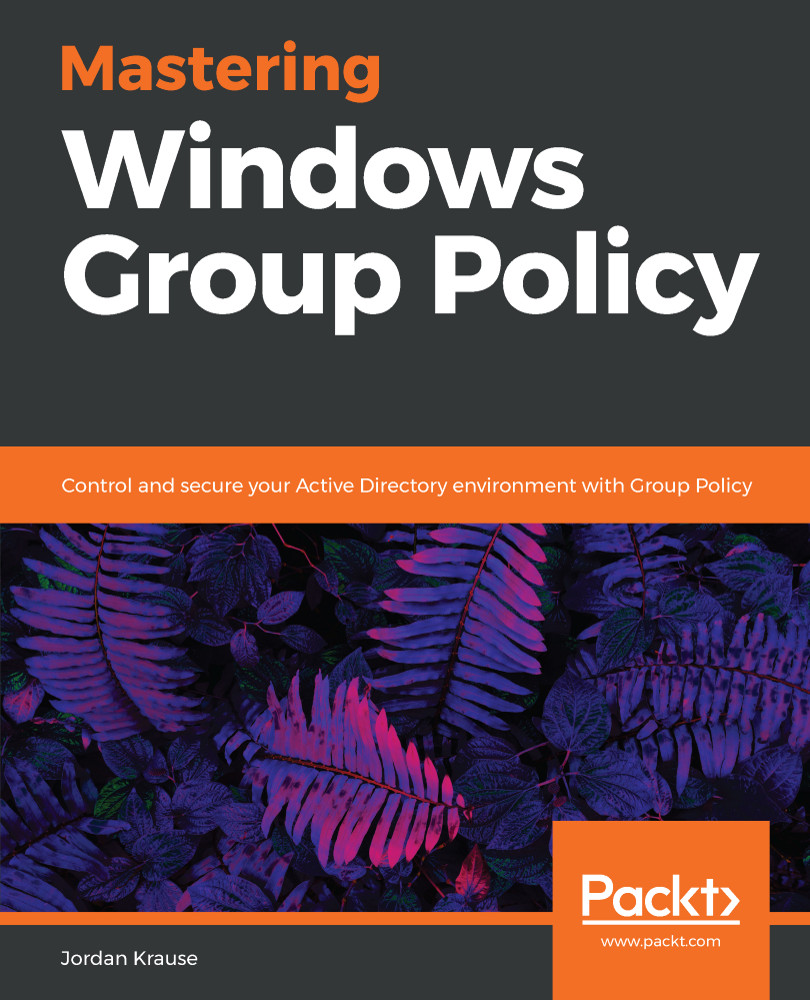
Mastering Windows Group Policy

Mastering Windows Group Policy

By : Jordan Krause
4.5 (10)
close
close
Mastering Windows Group Policy

Mastering Windows Group Policy

4.5 (10)
By: Jordan Krause

Overview of this book

This book begins with a discussion of the core material any administrator needs to know in order to start working with Group Policy. Moving on, we will also walk through the process of building a lab environment to start testing Group Policy today. Next we will explore the Group Policy Management Console (GPMC) and start using the powerful features available for us within that interface. Once you are well versed with using GPMC, you will learn to perform and manage the traditional core tasks inside Group Policy. Included in the book are many examples and walk-throughs of the different filtering options available for the application of Group Policy settings, as this is the real power that Group Policy holds within your network. You will also learn how you can use Group Policy to secure your Active Directory environment, and also understand how Group Policy preferences are different than policies, with the help of real-world examples. Finally we will spend some time on maintenance and troubleshooting common Group Policy-related issues so that you, as a directory administrator, will understand the diagnosing process for policy settings. By the end of the book, you will be able to jump right in and use Group Policy to its full potential.
Table of Contents (12 chapters)
close
close

Importing PowerShell Group Policy modules

Since I am using a fresh Windows 10 workstation with the RSAT tools installed, my Group Policy PowerShell cmdlets are all going to work without any special considerations. If you attempt to run the commands in this chapter and are receiving errors that your PowerShell doesn't seem to know what to do with those commands, then it sounds like you are running a version of PowerShell old enough that you need to manually import the Group Policy module before you can expect any results.

The command for importing that module is Import-Module GroupPolicy.

If you are unsure about whether or not you already have the Group Policy-specific PowerShell cmdlets available to use, there is a helpful command you can run that lists all of the commands available within the GroupPolicy Module:

Get-Command -module grouppolicy | select name

Running this...

Visually different images
CONTINUE READING
83
Tech Concepts
36
Programming languages
73
Tech Tools
Icon Unlimited access to the largest independent learning library in tech of over 8,000 expert-authored tech books and videos.
Icon Innovative learning tools, including AI book assistants, code context explainers, and text-to-speech.
Icon 50+ new titles added per month and exclusive early access to books as they are being written.
Mastering Windows Group Policy
notes
bookmark Notes and Bookmarks search Search in title playlist Add to playlist font-size Font size

Change the font size

margin-width Margin width

Change margin width

day-mode Day/Sepia/Night Modes

Change background colour

Close icon Search
Country selected

Close icon Your notes and bookmarks

Confirmation

Modal Close icon
claim successful

Buy this book with your credits?

Modal Close icon
Are you sure you want to buy this book with one of your credits?
Close
YES, BUY

Submit Your Feedback

Modal Close icon
Modal Close icon
Modal Close icon