
Sign In Start Free Trial
Account

Add to playlist

Create a Playlist

Modal Close icon
You need to login to use this feature.
  • Book Overview & Buying Docker High Performance
  • Table Of Contents Toc
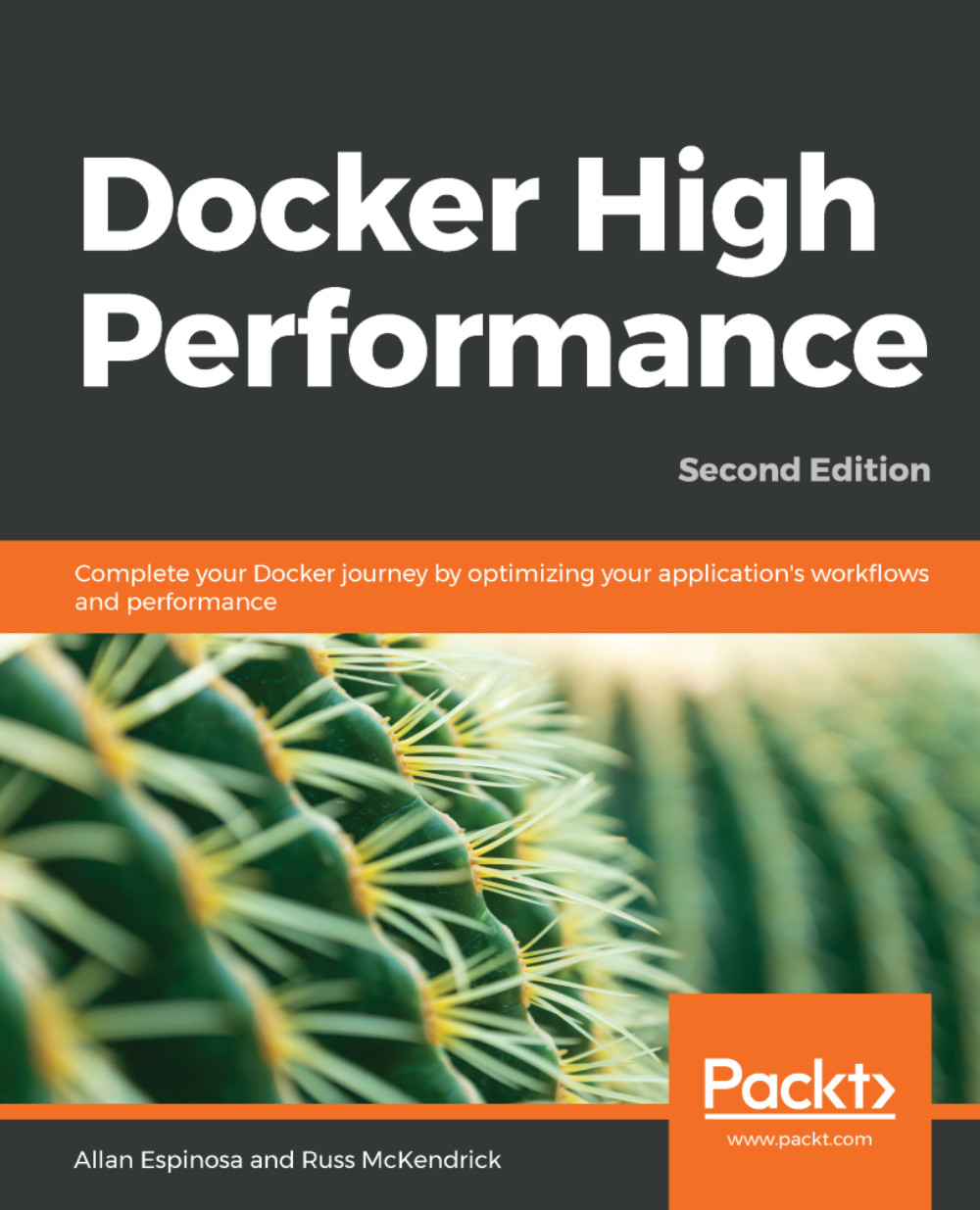
Docker High Performance

Docker High Performance - Second Edition

By : Espinosa, Russ McKendrick
close
close
Docker High Performance

Docker High Performance

By: Espinosa, Russ McKendrick

Overview of this book

Docker is an enterprise-grade container platform that allows you to build and deploy your apps. Its portable format lets you run your code right from your desktop workstations to popular cloud computing providers. This comprehensive guide will improve your Docker work?ows and ensure your application's production environment runs smoothly. This book starts with a refresher on setting up and running Docker and details the basic setup for creating a Docker Swarm cluster. You will then learn how to automate this cluster by using the Chef server and cookbooks. After that, you will run the Docker monitoring system with Prometheus and Grafana, and deploy the ELK stack. You will also learn best practices for optimizing Docker images. After deploying containers with the help of Jenkins, you will then move on to a tutorial on using Apache JMeter to analyze your application's performance. You will learn how to use Docker Swarm and NGINX to load-balance your application, and how common debugging tools in Linux can be used to troubleshoot Docker containers. By the end of this book, you will be able to integrate all the optimizations that you have learned and put everything into practice in your applications.
Table of Contents (11 chapters)
close
close

Building a Docker Swarm cluster

Docker introduced swarm mode to its Docker engine from version 1.12.0. Docker Swarm allows us to pool together multiple Docker hosts to deploy our containers in a scalable and high availability way. In this section, we will build a small Docker Swarm cluster.

Let's dive into building our cluster with the following steps:

  1. First, we will go to our Docker host and initialize it as a managermanager is responsible for maintaining the state of our Docker Swarm cluster. It also dispatches tasks to other Docker hosts in our cluster. Let's type the following command to begin the initialization:
dockerhost$ docker swarm init
Swarm initialized: current node (w49smc2ciy100gaecgx77yir3)
is now a manager


To add a worker to this swarm, run the following command:

docker swarm join --token SWMTKN-1-4wbs...aq2r \
172.16.132.187:2377

The preceding command generated a token that will be used by other Docker hosts to join our cluster.

  1. Next, we will go to a new Docker host called node1. We use the token from the previous step to make this Docker host join our Docker Swarm cluster as a worker. Workers are members of the cluster that are responsible for running our containers. Let's now type the following command to make this new node join our cluster:
node1$ docker swarm join --token SWMTKN-1-4...aq2r \ 172.16.132.187:2377
This node joined a swarm as a worker.
We can scale out our Docker Swarm cluster by adding more managers and workers using the same Docker Swarm join command. More details can be found in the upstream Docker documentation at https://docs.docker.com/engine/swarm/join-nodes.

We have now finished setting up our Docker Swarm cluster. Let's go back to our Docker client workstation and confirm the members of our cluster:

client$ docker node ls
ID HOSTNAME STATUS AVAILABILITY MANAGER STATUS ENGINE VERSION
w49smc * dockerhost Ready Active Leader 18.09.0
2e0aif node1 Ready Active 18.09.0
CONTINUE READING
83
Tech Concepts
36
Programming languages
73
Tech Tools
Icon Unlimited access to the largest independent learning library in tech of over 8,000 expert-authored tech books and videos.
Icon Innovative learning tools, including AI book assistants, code context explainers, and text-to-speech.
Icon 50+ new titles added per month and exclusive early access to books as they are being written.
Docker High Performance
notes
bookmark Notes and Bookmarks search Search in title playlist Add to playlist download Download options font-size Font size

Change the font size

margin-width Margin width

Change margin width

day-mode Day/Sepia/Night Modes

Change background colour

Close icon Search
Country selected

Close icon Your notes and bookmarks

Confirmation

Modal Close icon
claim successful

Buy this book with your credits?

Modal Close icon
Are you sure you want to buy this book with one of your credits?
Close
YES, BUY

Submit Your Feedback

Modal Close icon
Modal Close icon
Modal Close icon