Sign In Start Free Trial
Account

Add to playlist

Create a Playlist

Modal Close icon
You need to login to use this feature.
  • Book Overview & Buying Mastering PowerShell Scripting
  • Table Of Contents Toc
Mastering PowerShell Scripting

Mastering PowerShell Scripting - Fifth Edition

By : Chris Dent
5 (26)
close
close
Mastering PowerShell Scripting

Mastering PowerShell Scripting

5 (26)
By: Chris Dent

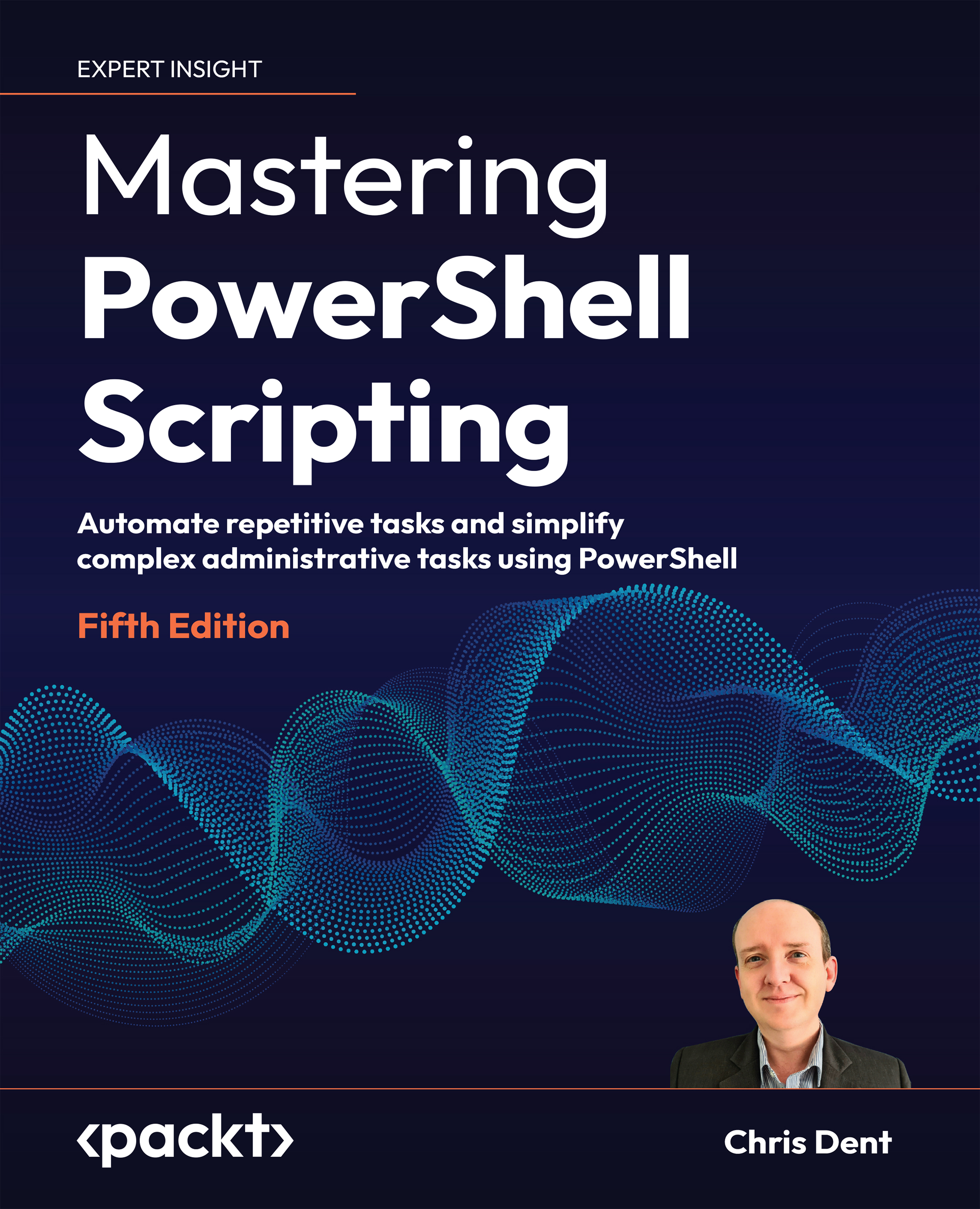
Overview of this book

Mastering PowerShell Scripting, Fifth Edition, is your comprehensive guide to harnessing PowerShell’s full potential. This edition introduces new chapters on debugging, troubleshooting, and creating GUIs while covering the latest enhancements in PowerShell 7.3, including parameters, objects, and .NET classes. The book takes you from foundational concepts to advanced techniques, covering asynchronous processing, desired state configuration, and managing large datasets. You'll explore PowerShell’s automation features, error-handling strategies, and integration with external services. Additionally, this guide provides practical insights into working with regular expressions, Windows Management Instrumentation, and complex scripting methods. By the end of this book, you’ll have the skills to efficiently automate tasks, troubleshoot scripts, and leverage PowerShell’s advanced capabilities for real-world scenarios. Be sure to explore the online bonus chapters 8, 9, and 20, where we dive into Strings, Numbers, and Dates, Regular Expressions, and Building Modules.
Table of Contents (23 chapters)
close
close
21
Other Books You May Enjoy
22
Index

The command line

PowerShell 7 comes with a module called PSReadLine. A module is a collection of related commands. Modules are explored in greater detail in Chapter 2, Modules.

PSReadLine provides command-line syntax highlighting, preserves history between sessions, and offers completion services when writing commands.

PSReadLine can be configured to offer command completion based on previously typed commands, a useful feature when using similar commands in the console and one that can save searching history for the right command. By default, PSReadline 2.2.6 uses history and a command prediction plugin. The plugin may be explicitly enabled using Set-PSReadLineOption.

Set-PSReadLineOption -PredictionSource HistoryAndPlugin

Once enabled, PSReadLine will offer suggestions based on typed content that may be completed using Tab as shown in Figure 1.1.

Figure 1.1: PSReadLine Predictive completion

By default, Tab can be used to complete any command or parameter, and a variety of arguments for parameters. In addition to Tab completion, PSReadLine allows the use of Control and Space to provide menu style completion. For example, entering the following partial command:

Get-ChildItem -

Then pressing Control and Space (immediately after the hyphen) will show a menu that can be navigated using the cursor keys, as shown in Figure 1.2:

Figure 1.2: PSReadLine List completion

In PowerShell, the prompt displayed is controlled by a function named prompt. A very simple prompt can be set as shown below:

function prompt {
    "$env:USERNAME $pwd PS>"
}

The default prompt can be restored by restarting PowerShell. A profile script is required to make changes on console restart. See about_profiles for more information:

Get-Help about_profiles

Several modules and tools exist to help customize prompts in PowerShell:

PowerShell is a complex language; a good editor can save time finding the right syntax to use in a script.

CONTINUE READING
83
Tech Concepts
36
Programming languages
73
Tech Tools
Icon Unlimited access to the largest independent learning library in tech of over 8,000 expert-authored tech books and videos.
Icon Innovative learning tools, including AI book assistants, code context explainers, and text-to-speech.
Icon 50+ new titles added per month and exclusive early access to books as they are being written.
Mastering PowerShell Scripting
notes
bookmark Notes and Bookmarks search Search in title playlist Add to playlist download Download options font-size Font size

Change the font size

margin-width Margin width

Change margin width

day-mode Day/Sepia/Night Modes

Change background colour

Close icon Search
Country selected

Close icon Your notes and bookmarks

Confirmation

Modal Close icon
claim successful

Buy this book with your credits?

Modal Close icon
Are you sure you want to buy this book with one of your credits?
Close
YES, BUY

Submit Your Feedback

Modal Close icon
Modal Close icon
Modal Close icon