Sign In Start Free Trial
Account

Add to playlist

Create a Playlist

Modal Close icon
You need to login to use this feature.
  • Book Overview & Buying Hands-On Linux Administration on Azure
  • Table Of Contents Toc
Hands-On Linux Administration on Azure

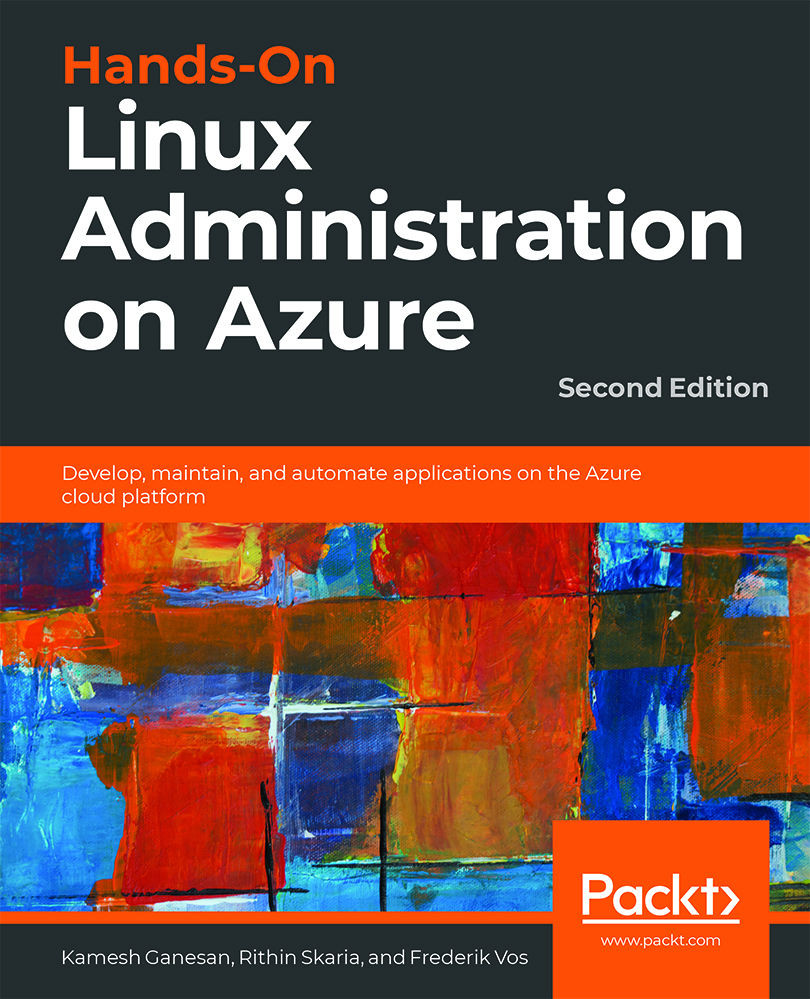
Hands-On Linux Administration on Azure - Second Edition

By : Rithin Skaria, Kamesh Ganesan, Frederik Vos
5 (1)
close
close
Hands-On Linux Administration on Azure

Hands-On Linux Administration on Azure

5 (1)
By: Rithin Skaria, Kamesh Ganesan, Frederik Vos

Overview of this book

Thanks to its flexibility in delivering scalable cloud solutions, Microsoft Azure is a suitable platform for managing all your workloads. You can use it to implement Linux virtual machines and containers, and to create applications in open source languages with open APIs. This Linux administration book first takes you through the fundamentals of Linux and Azure to prepare you for the more advanced Linux features in later chapters. With the help of real-world examples, you’ll learn how to deploy virtual machines (VMs) in Azure, expand their capabilities, and manage them efficiently. You will manage containers and use them to run applications reliably, and in the concluding chapter, you'll explore troubleshooting techniques using a variety of open source tools. By the end of this book, you'll be proficient in administering Linux on Azure and leveraging the tools required for deployment.
Table of Contents (14 chapters)
close
close
13
Index

Chapter 4: Managing Azure

In Chapter 2, Getting Started with the Azure Cloud, we took our first steps on a journey into the world of Azure. We discovered that there are many ways to manage an Azure environment and that these include the Azure portal and command-line interfaces. You can use the command-line interfaces within the Azure portal to run them on your workstation. Later in this book, we'll see that there are other great possibilities using automation and orchestration solutions. At the end of Chapter 3, Basic Linux Administration, we created a Linux VM and explored the basics of the Linux environment.

Before we continue our journey, covering more advanced topics, this chapter covers components of the Azure infrastructure that are needed for our workloads, VMs, and containers. We discussed the filesystem in Linux, but how will we add more data disks to the VM? As a system administrator, you might need to allow or deny traffic to your VM based on your business...

CONTINUE READING
83
Tech Concepts
36
Programming languages
73
Tech Tools
Icon Unlimited access to the largest independent learning library in tech of over 8,000 expert-authored tech books and videos.
Icon Innovative learning tools, including AI book assistants, code context explainers, and text-to-speech.
Icon 50+ new titles added per month and exclusive early access to books as they are being written.
Hands-On Linux Administration on Azure
notes
bookmark Notes and Bookmarks search Search in title playlist Add to playlist download Download options font-size Font size

Change the font size

margin-width Margin width

Change margin width

day-mode Day/Sepia/Night Modes

Change background colour

Close icon Search
Country selected

Close icon Your notes and bookmarks

Confirmation

Modal Close icon
claim successful

Buy this book with your credits?

Modal Close icon
Are you sure you want to buy this book with one of your credits?
Close
YES, BUY

Submit Your Feedback

Modal Close icon
Modal Close icon
Modal Close icon