


-
Book Overview & Buying
-
Table Of Contents

Microsoft SQL Server 2012 Integration Services: An Expert Cookbook


Microsoft SQL Server 2012 Integration Services: An Expert Cookbook
Overview of this book
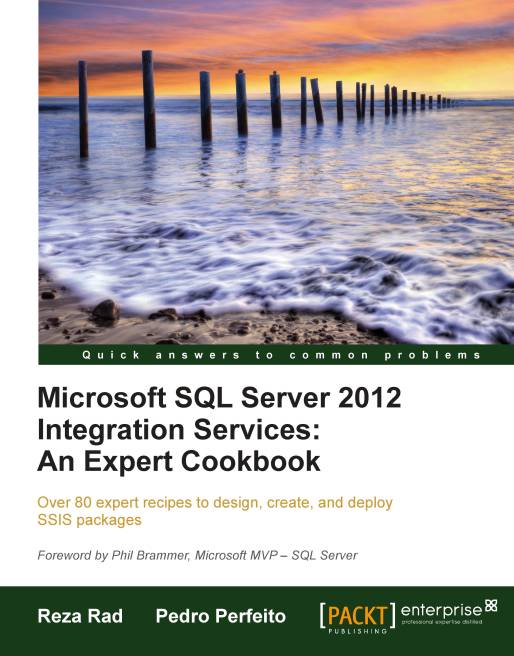
SQL Server Integration Services (SSIS) is a leading tool in the data warehouse industry - used for performing extraction, transformation, and load operations. This book is aligned with the most common methodology associated with SSIS known as Extract Transform and Load (ETL); ETL is responsible for the extraction of data from several sources, their cleansing, customization, and loading into a central repository normally called Data Warehouse or Data Mart.Microsoft SQL Server 2012 Integration Services: An Expert Cookbook covers all the aspects of SSIS 2012 with lots of real-world scenarios to help readers understand usages of SSIS in every environment. Written by two SQL Server MVPs who have in-depth knowledge of SSIS having worked with it for many years.This book starts by creating simple data transfer packages with wizards and illustrates how to create more complex data transfer packages, troubleshoot packages, make robust SSIS packages, and how to boost the performance of data consolidation with SSIS. It then covers data flow transformations and advanced transformations for data cleansing, fuzzy and term extraction in detail. The book then dives deep into making a dynamic package with the help of expressions and variables, and performance tuning and consideration.
Table of Contents (23 chapters)
Microsoft SQL Server 2012 Integration Services: An Expert Cookbook


Credits
Foreword
About the Authors
About the Reviewers
www.PacktPub.com
Preface
 Free Chapter
Getting Started with SQL Server Integration Services
Control Flow Tasks
Data Flow Task Part 1—Extract and Load

Data Flow Task Part 2—Transformations
Data Flow Task Part 3—Advanced Transformation
Variables, Expressions, and Dynamism in SSIS
Containers and Precedence Constraints
Scripting
Deployment
Debugging, Troubleshooting, and Migrating Packages to 2012
Event Handling and Logging
Execution
Restartability and Robustness
Programming SSIS
Performance Boost in SSIS
Index




