Sign In Start Free Trial
Account

Add to playlist

Create a Playlist

Modal Close icon
You need to login to use this feature.
  • Book Overview & Buying NumPy Essentials
  • Table Of Contents Toc
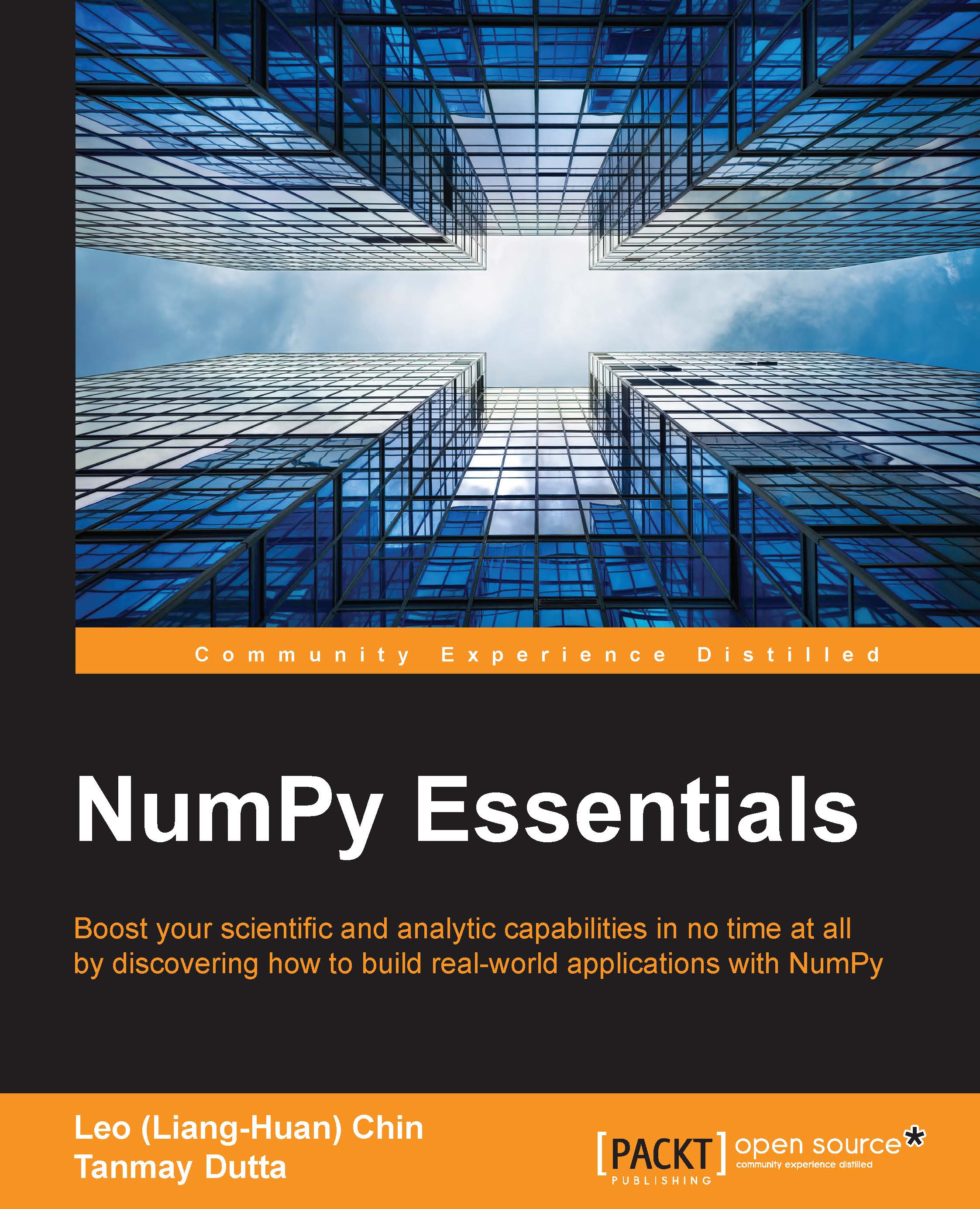
NumPy Essentials

NumPy Essentials

By : Jaidev Deshpande, Chin, Tanmay Dutta, Shane Holloway
3.3 (3)
close
close
NumPy Essentials

NumPy Essentials

3.3 (3)
By: Jaidev Deshpande, Chin, Tanmay Dutta, Shane Holloway

Overview of this book

In today’s world of science and technology, it’s all about speed and flexibility. When it comes to scientific computing, NumPy tops the list. NumPy gives you both the speed and high productivity you need. This book will walk you through NumPy using clear, step-by-step examples and just the right amount of theory. We will guide you through wider applications of NumPy in scientific computing and will then focus on the fundamentals of NumPy, including array objects, functions, and matrices, each of them explained with practical examples. You will then learn about different NumPy modules while performing mathematical operations such as calculating the Fourier Transform; solving linear systems of equations, interpolation, extrapolation, regression, and curve fitting; and evaluating integrals and derivatives. We will also introduce you to using Cython with NumPy arrays and writing extension modules for NumPy code using the C API. This book will give you exposure to the vast NumPy library and help you build efficient, high-speed programs using a wide range of mathematical features.
Table of Contents (11 chapters)
close
close

Array indexing and slicing


NumPy provides powerful indexing capabilities for arrays. Indexing capabilities in NumPy became so popular that many of them were added back to Python.

Indexing NumPy arrays, in many ways, is very similar to indexing lists or tuples. There are some differences, which will become apparent as we proceed. To start with, let's create an array that has 100 x 100 dimensions:

In [9]: x = np.random.random((100, 100)) 

Simple integer indexing works by typing indices within a pair of square brackets and placing this next to the array variable. This is a widely used Python construct. Any object that has a __getitem__ method will respond to such indexing. Thus, to access the element in the 42nd row and 87th column, just type this:

In [10]: y = x[42, 87] 

Like lists and other Python sequences, the use of a colon to index a range of values is also supported. The following statement will print the k th row of the x matrix.

In [11]: print(x[k, :]) 

The colon can be...

Visually different images
CONTINUE READING
83
Tech Concepts
36
Programming languages
73
Tech Tools
Icon Unlimited access to the largest independent learning library in tech of over 8,000 expert-authored tech books and videos.
Icon Innovative learning tools, including AI book assistants, code context explainers, and text-to-speech.
Icon 50+ new titles added per month and exclusive early access to books as they are being written.
NumPy Essentials
notes
bookmark Notes and Bookmarks search Search in title playlist Add to playlist font-size Font size

Change the font size

margin-width Margin width

Change margin width

day-mode Day/Sepia/Night Modes

Change background colour

Close icon Search
Country selected

Close icon Your notes and bookmarks

Confirmation

Modal Close icon
claim successful

Buy this book with your credits?

Modal Close icon
Are you sure you want to buy this book with one of your credits?
Close
YES, BUY

Submit Your Feedback

Modal Close icon
Modal Close icon
Modal Close icon