Sign In Start Free Trial
Account

Add to playlist

Create a Playlist

Modal Close icon
You need to login to use this feature.
  • Book Overview & Buying Java Data Science Cookbook
  • Table Of Contents Toc
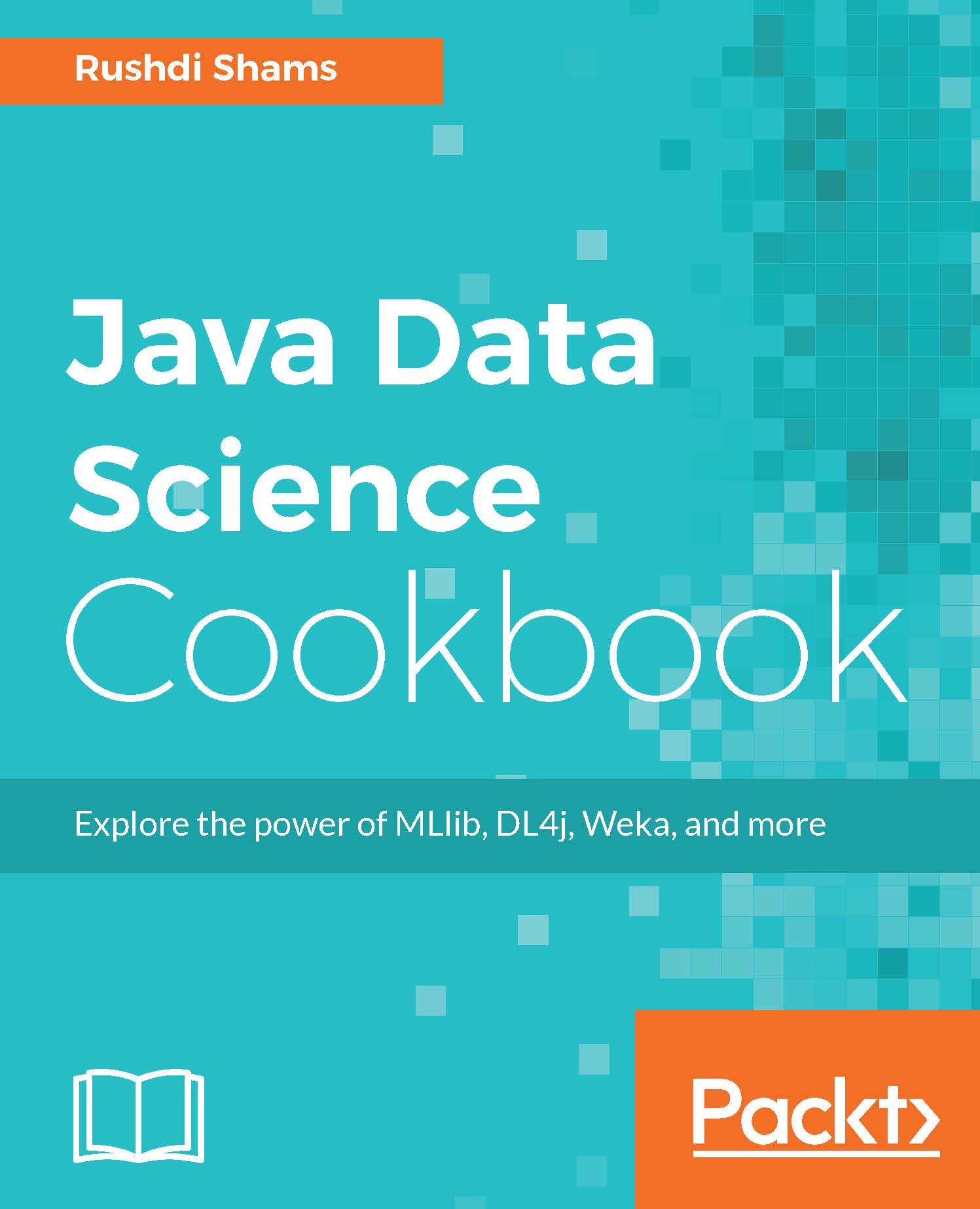
Java Data Science Cookbook

Java Data Science Cookbook

By : Shams
close
close
Java Data Science Cookbook

Java Data Science Cookbook

By: Shams

Overview of this book

If you are looking to build data science models that are good for production, Java has come to the rescue. With the aid of strong libraries such as MLlib, Weka, DL4j, and more, you can efficiently perform all the data science tasks you need to. This unique book provides modern recipes to solve your common and not-so-common data science-related problems. We start with recipes to help you obtain, clean, index, and search data. Then you will learn a variety of techniques to analyze, learn from, and retrieve information from data. You will also understand how to handle big data, learn deeply from data, and visualize data. Finally, you will work through unique recipes that solve your problems while taking data science to production, writing distributed data science applications, and much more - things that will come in handy at work.
Table of Contents (10 chapters)
close
close

Reading contents from text files all at once using Java 8

On many occasions, data scientists have their data in text format. There are many different ways to read text file contents, and they each have their own pros and cons: some of them consume time and memory, while some are fast and do not require much computer memory; some read the text contents all at once, while some read text files line by line. The choice depends on the task at hand and a data scientist's approach to that task.

This recipe demonstrates how to read text file contents all at once using Java 8.

How to do it...

  1. First, create a String object to hold the path and name of the text file you are going to read:
            String file = "C:/dummy.txt";  
    
  2. Using the get() method of the Paths class, we get to the path of the file we are trying to read. The parameter for this method is the String object that points to the name of the file. The output of this method is fed to another method named lines(), which is in the Files class. This method reads all lines from a file as a Stream, and therefore, the output of this method is directed to a Stream variable. Because our dummy.txt file contains string data, the generics of the Stream variable is set to String.

The entire process of reading needs a try...catch block for attempts such as reading a file that does not exist or damaged and so on.

The following code segment displays the contents of our dummy.txt file. The stream variable contains the lines of the text file, and therefore, the forEach() method of the variable is used to display each line content:

        try (Stream<String> stream = Files.lines(Paths.get(file))) { 
        stream.forEach(System.out::println); } catch (IOException e) { 
        System.out.println("Error reading " +  file.getAbsolutePath()); 
        } 
CONTINUE READING
83
Tech Concepts
36
Programming languages
73
Tech Tools
Icon Unlimited access to the largest independent learning library in tech of over 8,000 expert-authored tech books and videos.
Icon Innovative learning tools, including AI book assistants, code context explainers, and text-to-speech.
Icon 50+ new titles added per month and exclusive early access to books as they are being written.
Java Data Science Cookbook
notes
bookmark Notes and Bookmarks search Search in title playlist Add to playlist download Download options font-size Font size

Change the font size

margin-width Margin width

Change margin width

day-mode Day/Sepia/Night Modes

Change background colour

Close icon Search
Country selected

Close icon Your notes and bookmarks

Confirmation

Modal Close icon
claim successful

Buy this book with your credits?

Modal Close icon
Are you sure you want to buy this book with one of your credits?
Close
YES, BUY

Submit Your Feedback

Modal Close icon
Modal Close icon
Modal Close icon