


MySQL is a freely available, open source Relational Database Management System (RDBMS). In this example, we will read the planets data from the website and store it into a MySQL database.
-
Book Overview & Buying
-
Table Of Contents

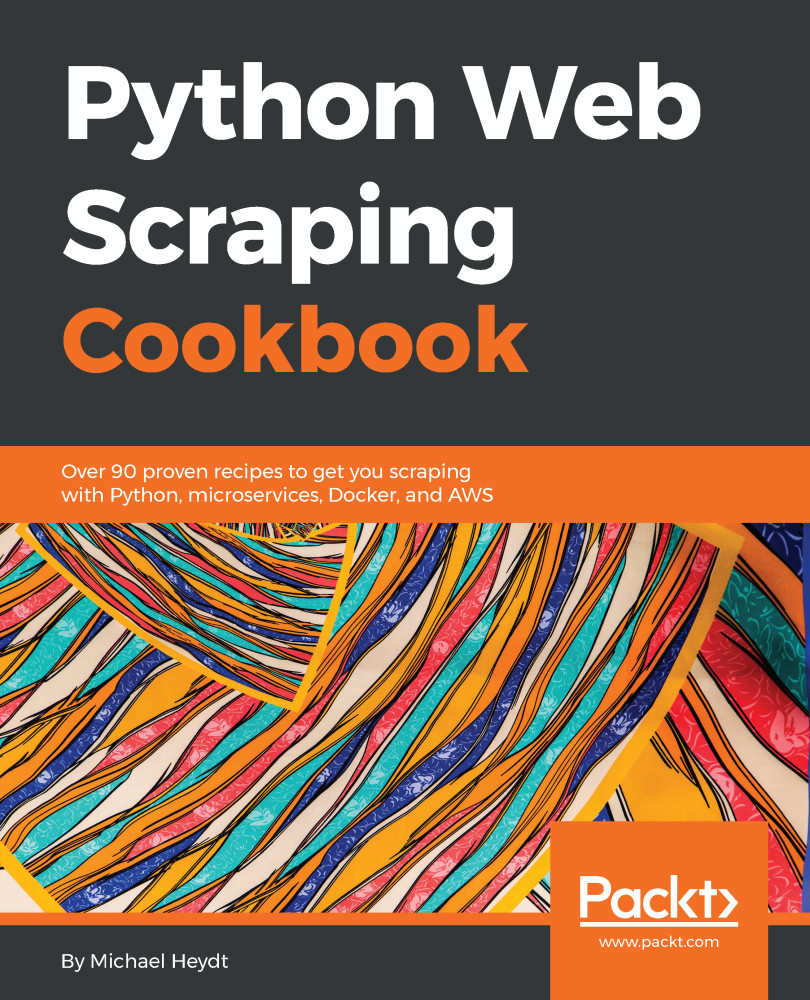
Python Web Scraping Cookbook
By :


Python Web Scraping Cookbook
By:
Overview of this book
Python Web Scraping Cookbook is a solution-focused book that will teach you techniques to develop high-performance scrapers and deal with crawlers, sitemaps, forms automation, Ajax-based sites, caches, and more.
You'll explore a number of real-world scenarios where every part of the development/product life cycle will be fully covered. You will not only develop the skills needed to design and develop reliable performance data flows, but also deploy your codebase to AWS. If you are involved in software engineering, product development, or data mining (or are interested in building data-driven products), you will find this book useful as each recipe has a clear purpose and objective. Right from extracting data from the websites to writing a sophisticated web crawler, the book's independent recipes will be a godsend. This book covers Python libraries, requests, and BeautifulSoup. You will learn about crawling, web spidering, working with Ajax websites, paginated items, and more. You will also learn to tackle problems such as 403 errors, working with proxy, scraping images, and LXML.
By the end of this book, you will be able to scrape websites more efficiently and able to
deploy and operate your scraper in the cloud.
Table of Contents (13 chapters)
Preface

 Free Chapter
Getting Started with Scraping
Data Acquisition and Extraction
Processing Data

Working with Images, Audio, and other Assets
Scraping - Code of Conduct
Scraping Challenges and Solutions
Text Wrangling and Analysis
Searching, Mining and Visualizing Data
Creating a Simple Data API
Creating Scraper Microservices with Docker
Making the Scraper as a Service Real
Other Books You May Enjoy


