
Sign In Start Free Trial
Account

Add to playlist

Create a Playlist

Modal Close icon
You need to login to use this feature.
  • Book Overview & Buying Machine Learning for Mobile
  • Table Of Contents Toc
  • Feedback & Rating feedback
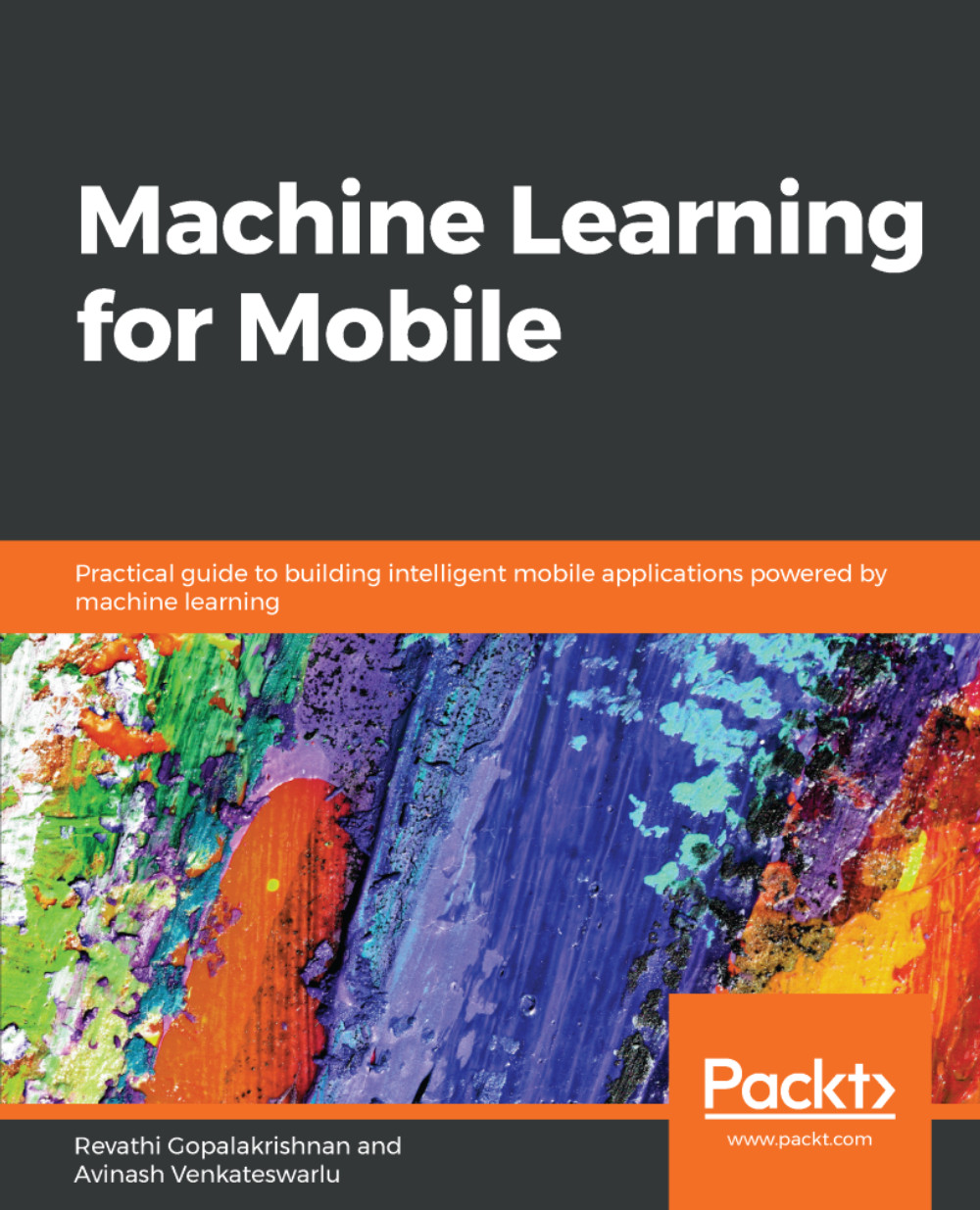
Machine Learning for Mobile

Machine Learning for Mobile

By : Revathi Gopalakrishnan, Avinash Venkateswarlu
close
close
Machine Learning for Mobile

Machine Learning for Mobile

By: Revathi Gopalakrishnan, Avinash Venkateswarlu

Overview of this book

Machine learning presents an entirely unique opportunity in software development. It allows smartphones to produce an enormous amount of useful data that can be mined, analyzed, and used to make predictions. This book will help you master machine learning for mobile devices with easy-to-follow, practical examples. You will begin with an introduction to machine learning on mobiles and grasp the fundamentals so you become well-acquainted with the subject. You will master supervised and unsupervised learning algorithms, and then learn how to build a machine learning model using mobile-based libraries such as Core ML, TensorFlow Lite, ML Kit, and Fritz on Android and iOS platforms. In doing so, you will also tackle some common and not-so-common machine learning problems with regard to Computer Vision and other real-world domains. By the end of this book, you will have explored machine learning in depth and implemented on-device machine learning with ease, thereby gaining a thorough understanding of how to run, create, and build real-time machine-learning applications on your mobile devices.
Table of Contents (14 chapters)
close
close
12
Question and Answers

Creating a text recognition app using Firebase on-device APIs

To get started in ML Kit, you need to sign in to your Google account, activate your Firebase account, and create a Firebase project. Follow these steps:

  • Go to https://firebase.google.com/.
  • Sign in to your Google account, if you are not already signed in.
  • Click Go to console in the menu bar.
  • Click Add project to create a project and open it.

Now open Android Studio, and create a project with an empty activity. Note down the app package name that you have given while creating the project—for example,  com.packt.mlkit.textrecognizationondevice.

Next, go to the Firebase console. In the Project overview menu, click Add app and give the required information. It will give you a JSON file to download. Add to the app folder of your project in project view in Android Studio, as shown...

Visually different images
CONTINUE READING
83
Tech Concepts
36
Programming languages
73
Tech Tools
Icon Unlimited access to the largest independent learning library in tech of over 8,000 expert-authored tech books and videos.
Icon Innovative learning tools, including AI book assistants, code context explainers, and text-to-speech.
Icon 50+ new titles added per month and exclusive early access to books as they are being written.
Machine Learning for Mobile
notes
bookmark Notes and Bookmarks search Search in title playlist Add to playlist download Download options font-size Font size

Change the font size

margin-width Margin width

Change margin width

day-mode Day/Sepia/Night Modes

Change background colour

Close icon Search
Country selected

Close icon Your notes and bookmarks

Confirmation

Modal Close icon
claim successful

Buy this book with your credits?

Modal Close icon
Are you sure you want to buy this book with one of your credits?
Close
YES, BUY

Submit Your Feedback

Modal Close icon
Modal Close icon
Modal Close icon