Sign In Start Free Trial
Account

Add to playlist

Create a Playlist

Modal Close icon
You need to login to use this feature.
  • Book Overview & Buying Jupyter Cookbook
  • Table Of Contents Toc
Jupyter Cookbook

Jupyter Cookbook

By : Toomey
1 (1)
close
close
Jupyter Cookbook

Jupyter Cookbook

1 (1)
By: Toomey

Overview of this book

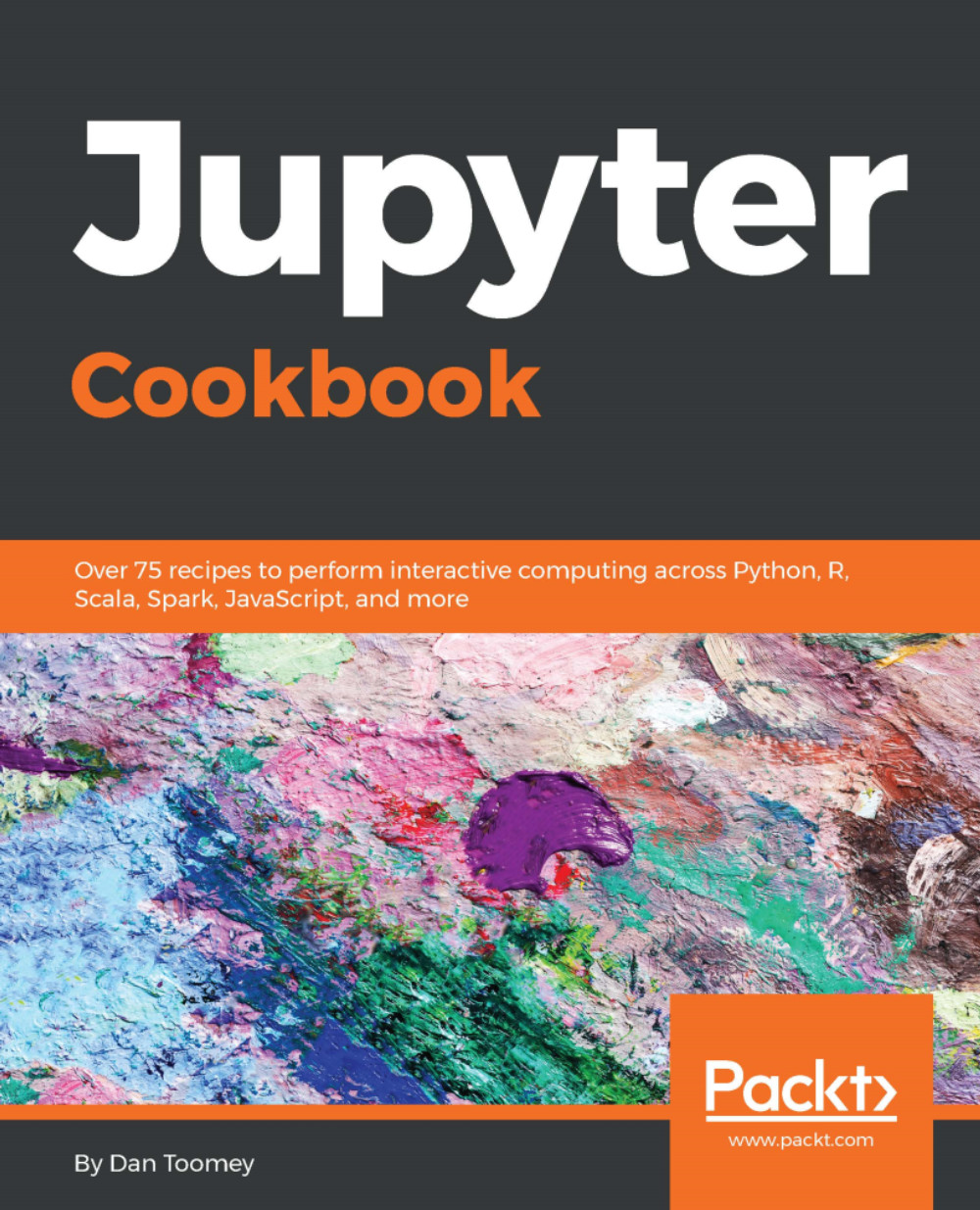
Jupyter has garnered a strong interest in the data science community of late, as it makes common data processing and analysis tasks much simpler. This book is for data science professionals who want to master various tasks related to Jupyter to create efficient, easy-to-share, scientific applications. The book starts with recipes on installing and running the Jupyter Notebook system on various platforms and configuring the various packages that can be used with it. You will then see how you can implement different programming languages and frameworks, such as Python, R, Julia, JavaScript, Scala, and Spark on your Jupyter Notebook. This book contains intuitive recipes on building interactive widgets to manipulate and visualize data in real time, sharing your code, creating a multi-user environment, and organizing your notebook. You will then get hands-on experience with Jupyter Labs, microservices, and deploying them on the web. By the end of this book, you will have taken your knowledge of Jupyter to the next level to perform all key tasks associated with it.
Table of Contents (12 chapters)
close
close

The Jupyter trust model


Jupyter has specific parts of the application that are trusted or not:

  • Untrusted HTML is always sanitized
  • Untrusted JavaScript is never executed
  • HTML and JavaScript in Markdown cells are never trusted
  • Outputs generated by the user are trusted
  • Any other HTML or JavaScript (in Markdown cells or output generated by others) is never trusted

Sanitized, untrusted coding is crippled by not allowing access to resources, such as accessing the internet. This can be a problem as many applications would naturally store JavaScript and/or actionable CSS in cells that are not visible to the user but would be crippled as part of the trust model.

Jupyter develops trust for an application by comparing digital signatures. When a Notebook is stored, a digital signature is made using the contents of the Notebook and a secret. The digital signature is stored on a disk accessible by the server. Then, whenever a Notebook is accessed, the signature is regenerated and compared to the stored value...

CONTINUE READING
83
Tech Concepts
36
Programming languages
73
Tech Tools
Icon Unlimited access to the largest independent learning library in tech of over 8,000 expert-authored tech books and videos.
Icon Innovative learning tools, including AI book assistants, code context explainers, and text-to-speech.
Icon 50+ new titles added per month and exclusive early access to books as they are being written.
Jupyter Cookbook
notes
bookmark Notes and Bookmarks search Search in title playlist Add to playlist download Download options font-size Font size

Change the font size

margin-width Margin width

Change margin width

day-mode Day/Sepia/Night Modes

Change background colour

Close icon Search
Country selected

Close icon Your notes and bookmarks

Confirmation

Modal Close icon
claim successful

Buy this book with your credits?

Modal Close icon
Are you sure you want to buy this book with one of your credits?
Close
YES, BUY

Submit Your Feedback

Modal Close icon
Modal Close icon
Modal Close icon