
Sign In Start Free Trial
Account

Add to playlist

Create a Playlist

Modal Close icon
You need to login to use this feature.
  • Book Overview & Buying Qt 5 and OpenCV 4 Computer Vision Projects
  • Table Of Contents Toc
Qt 5 and OpenCV 4 Computer Vision Projects

Qt 5 and OpenCV 4 Computer Vision Projects

By : Zhuo Qingliang
5 (1)
close
close
Qt 5 and OpenCV 4 Computer Vision Projects

Qt 5 and OpenCV 4 Computer Vision Projects

5 (1)
By: Zhuo Qingliang

Overview of this book

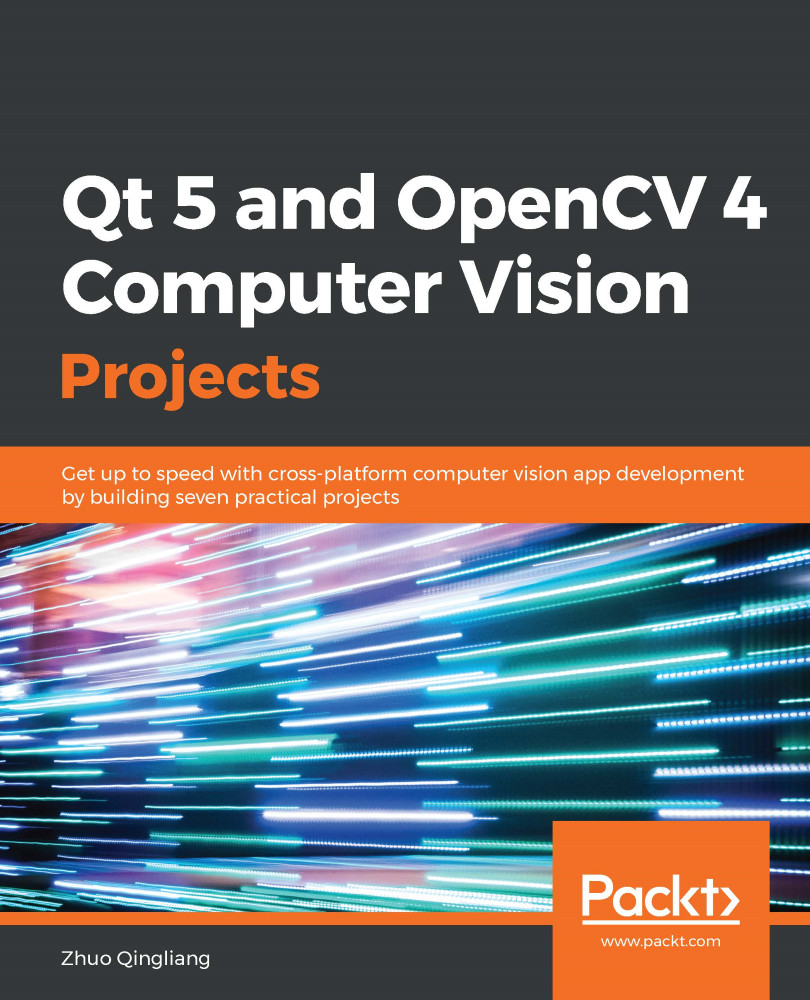
OpenCV and Qt have proven to be a winning combination for developing cross-platform computer vision applications. By leveraging their power, you can create robust applications with both an intuitive graphical user interface (GUI) and high-performance capabilities. This book will help you learn through a variety of real-world projects on image processing, face and text recognition, object detection, and high-performance computing. You’ll be able to progressively build on your skills by working on projects of increasing complexity. You’ll begin by creating an image viewer application, building a user interface from scratch by adding menus, performing actions based on key-presses, and applying other functions. As you progress, the book will guide you through using OpenCV image processing and modification functions to edit an image with filters and transformation features. In addition to this, you’ll explore the complex motion analysis and facial landmark detection algorithms, which you can use to build security and face detection applications. Finally, you’ll learn to use pretrained deep learning models in OpenCV and GPUs to filter images quickly. By the end of this book, you will have learned how to effectively develop full-fledged computer vision applications with OpenCV and Qt.
Table of Contents (11 chapters)
close
close

Home Security Applications

In Chapter 2, Editing Images Like a Pro, we learned about the plugin mechanism of the Qt library and many image filters and transformations from the OpenCV library by building our own image editor application. In this chapter, we will move on from working with images to working with videos. We will build a new application with which we can do many things with the webcam of a PC, such as play video that's been captured from it in real time, record portions of video from its video feed, calculate its frames per second (FPS), detect motion by doing motion analysis on its video feed in real time, and more.

The following topics will be covered in this chapter:

  • Designing and creating the user interface (UI)
  • Handling cameras and videos
  • Recording videos
  • Calculating the FPS in real time
  • Motion analysis and movement detection
  • Sending notifications to a mobile...
CONTINUE READING
83
Tech Concepts
36
Programming languages
73
Tech Tools
Icon Unlimited access to the largest independent learning library in tech of over 8,000 expert-authored tech books and videos.
Icon Innovative learning tools, including AI book assistants, code context explainers, and text-to-speech.
Icon 50+ new titles added per month and exclusive early access to books as they are being written.
Qt 5 and OpenCV 4 Computer Vision Projects
notes
bookmark Notes and Bookmarks search Search in title playlist Add to playlist download Download options font-size Font size

Change the font size

margin-width Margin width

Change margin width

day-mode Day/Sepia/Night Modes

Change background colour

Close icon Search
Country selected

Close icon Your notes and bookmarks

Confirmation

Modal Close icon
claim successful

Buy this book with your credits?

Modal Close icon
Are you sure you want to buy this book with one of your credits?
Close
YES, BUY

Submit Your Feedback

Modal Close icon
Modal Close icon
Modal Close icon