
Sign In Start Free Trial
Account

Add to playlist

Create a Playlist

Modal Close icon
You need to login to use this feature.
  • Book Overview & Buying Hands-On Generative Adversarial Networks with Keras
  • Table Of Contents Toc
Hands-On Generative Adversarial Networks with Keras

Hands-On Generative Adversarial Networks with Keras

By : Rafael Valle
1.5 (2)
close
close
Hands-On Generative Adversarial Networks with Keras

Hands-On Generative Adversarial Networks with Keras

1.5 (2)
By: Rafael Valle

Overview of this book

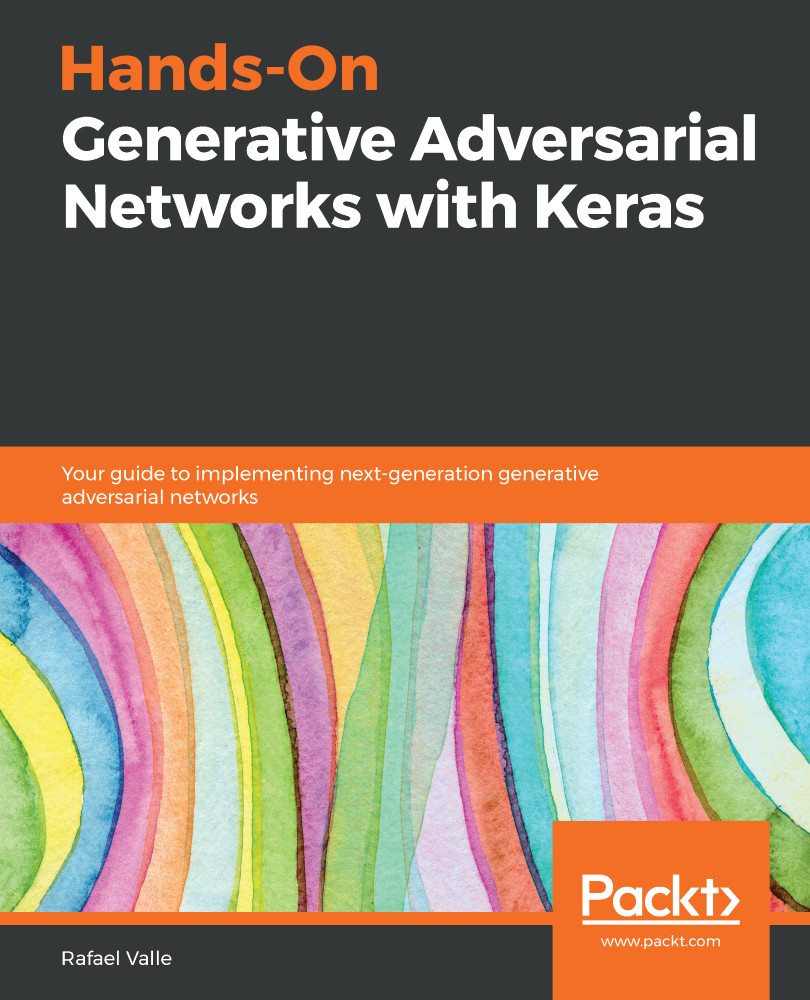
Generative Adversarial Networks (GANs) have revolutionized the fields of machine learning and deep learning. This book will be your first step toward understanding GAN architectures and tackling the challenges involved in training them. This book opens with an introduction to deep learning and generative models and their applications in artificial intelligence (AI). You will then learn how to build, evaluate, and improve your first GAN with the help of easy-to-follow examples. The next few chapters will guide you through training a GAN model to produce and improve high-resolution images. You will also learn how to implement conditional GANs that enable you to control characteristics of GAN output. You will build on your knowledge further by exploring a new training methodology for progressive growing of GANs. Moving on, you'll gain insights into state-of-the-art models in image synthesis, speech enhancement, and natural language generation using GANs. In addition to this, you'll be able to identify GAN samples with TequilaGAN. By the end of this book, you will be well-versed with the latest advancements in the GAN framework using various examples and datasets, and you will have developed the skills you need to implement GAN architectures for several tasks and domains, including computer vision, natural language processing (NLP), and audio processing. Foreword by Ting-Chun Wang, Senior Research Scientist, NVIDIA
Table of Contents (14 chapters)
close
close
Lock Free Chapter
1
Section 1: Introduction and Environment Setup
4
Section 2: Training GANs
8
Section 3: Application of GANs in Computer Vision, Natural Language Processing, and Audio

The deep learning environment test

We are going to verify our deep learning environment installation by building and training a simple fully-connected neural network to perform classification on images of handwritten digits from the MNIST dataset. MNIST is an introductory dataset that contains 70,000 images, thus enabling us to quickly train a small model on a CPU and extremely fast on the GPU. In this simple example, we are only interested in testing our deep learning setup.

We start by using the keras built-in function to download and load the train and test datasets associated with MNIST:

import numpy as np
from keras.datasets import mnist
from keras.models import Sequential
from keras.utils import np_utils
from keras.optimizers import SGD
from keras.layers.core import Dense,Activation

The training set has 60,000 samples and the test set has 10,000 samples. The dataset is balanced...

CONTINUE READING
83
Tech Concepts
36
Programming languages
73
Tech Tools
Icon Unlimited access to the largest independent learning library in tech of over 8,000 expert-authored tech books and videos.
Icon Innovative learning tools, including AI book assistants, code context explainers, and text-to-speech.
Icon 50+ new titles added per month and exclusive early access to books as they are being written.
Hands-On Generative Adversarial Networks with Keras
notes
bookmark Notes and Bookmarks search Search in title playlist Add to playlist download Download options font-size Font size

Change the font size

margin-width Margin width

Change margin width

day-mode Day/Sepia/Night Modes

Change background colour

Close icon Search
Country selected

Close icon Your notes and bookmarks

Confirmation

Modal Close icon
claim successful

Buy this book with your credits?

Modal Close icon
Are you sure you want to buy this book with one of your credits?
Close
YES, BUY

Submit Your Feedback

Modal Close icon
Modal Close icon
Modal Close icon