
Sign In Start Free Trial
Account

Add to playlist

Create a Playlist

Modal Close icon
You need to login to use this feature.
  • Book Overview & Buying Hands-On Data Analysis with Pandas
  • Table Of Contents Toc
Hands-On Data Analysis with Pandas

Hands-On Data Analysis with Pandas

By : Stefanie Molin
4.7 (11)
close
close
Hands-On Data Analysis with Pandas

Hands-On Data Analysis with Pandas

4.7 (11)
By: Stefanie Molin

Overview of this book

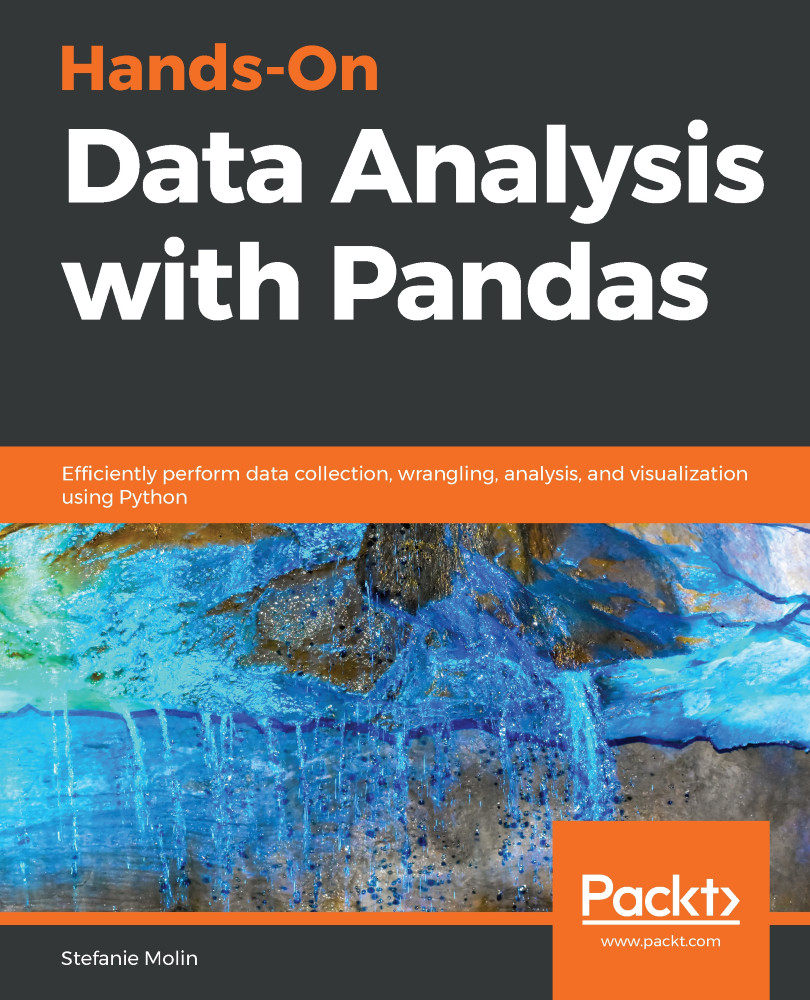
Data analysis has become a necessary skill in a variety of domains where knowing how to work with data and extract insights can generate significant value. Hands-On Data Analysis with Pandas will show you how to analyze your data, get started with machine learning, and work effectively with Python libraries often used for data science, such as pandas, NumPy, matplotlib, seaborn, and scikit-learn. Using real-world datasets, you will learn how to use the powerful pandas library to perform data wrangling to reshape, clean, and aggregate your data. Then, you will be able to conduct exploratory data analysis by calculating summary statistics and visualizing the data to find patterns. In the concluding chapters, you will explore some applications of anomaly detection, regression, clustering, and classification using scikit-learn to make predictions based on past data. By the end of this book, you will be equipped with the skills you need to use pandas to ensure the veracity of your data, visualize it for effective decision-making, and reliably reproduce analyses across multiple datasets.
Table of Contents (21 chapters)
close
close
Lock Free Chapter
1
Section 1: Getting Started with Pandas
4
Section 2: Using Pandas for Data Analysis
9
Section 3: Applications - Real-World Analyses Using Pandas
12
Section 4: Introduction to Machine Learning with Scikit-Learn
16
Section 5: Additional Resources
18
Solutions

Plotting with pandas

Both Series and DataFrame objects have a plot() method that allows us to create several different plots and control some aspects of their formatting, such as subplot layout, figure size, titles, and whether to share an axis across subplots. This makes plotting our data much more convenient, as the bulk of the work to create presentable plots is achieved with a single method call. Under the hood, pandas is making several calls to matplotlib to produce our plot.

Some of the frequently used arguments to the plot() method include:

Parameter Purpose Type
kind Determines the plot type String
x/y Column(s) to plot on the x-axis and the y-axis String or list
ax Draws the plot on the Axes object provided Axes
subplots Determines whether to make subplots Boolean
layout Specifies how to arrange the subplots Tuple of (rows, columns)
figsize Size to make...
CONTINUE READING
83
Tech Concepts
36
Programming languages
73
Tech Tools
Icon Unlimited access to the largest independent learning library in tech of over 8,000 expert-authored tech books and videos.
Icon Innovative learning tools, including AI book assistants, code context explainers, and text-to-speech.
Icon 50+ new titles added per month and exclusive early access to books as they are being written.
Hands-On Data Analysis with Pandas
notes
bookmark Notes and Bookmarks search Search in title playlist Add to playlist font-size Font size

Change the font size

margin-width Margin width

Change margin width

day-mode Day/Sepia/Night Modes

Change background colour

Close icon Search
Country selected

Close icon Your notes and bookmarks

Confirmation

Modal Close icon
claim successful

Buy this book with your credits?

Modal Close icon
Are you sure you want to buy this book with one of your credits?
Close
YES, BUY

Submit Your Feedback

Modal Close icon
Modal Close icon
Modal Close icon