
Sign In Start Free Trial
Account

Add to playlist

Create a Playlist

Modal Close icon
You need to login to use this feature.
  • Book Overview & Buying Go Web Scraping Quick Start Guide
  • Table Of Contents Toc
Go Web Scraping Quick Start Guide

Go Web Scraping Quick Start Guide

By : Vincent Smith
3.5 (2)
close
close
Go Web Scraping Quick Start Guide

Go Web Scraping Quick Start Guide

3.5 (2)
By: Vincent Smith

Overview of this book

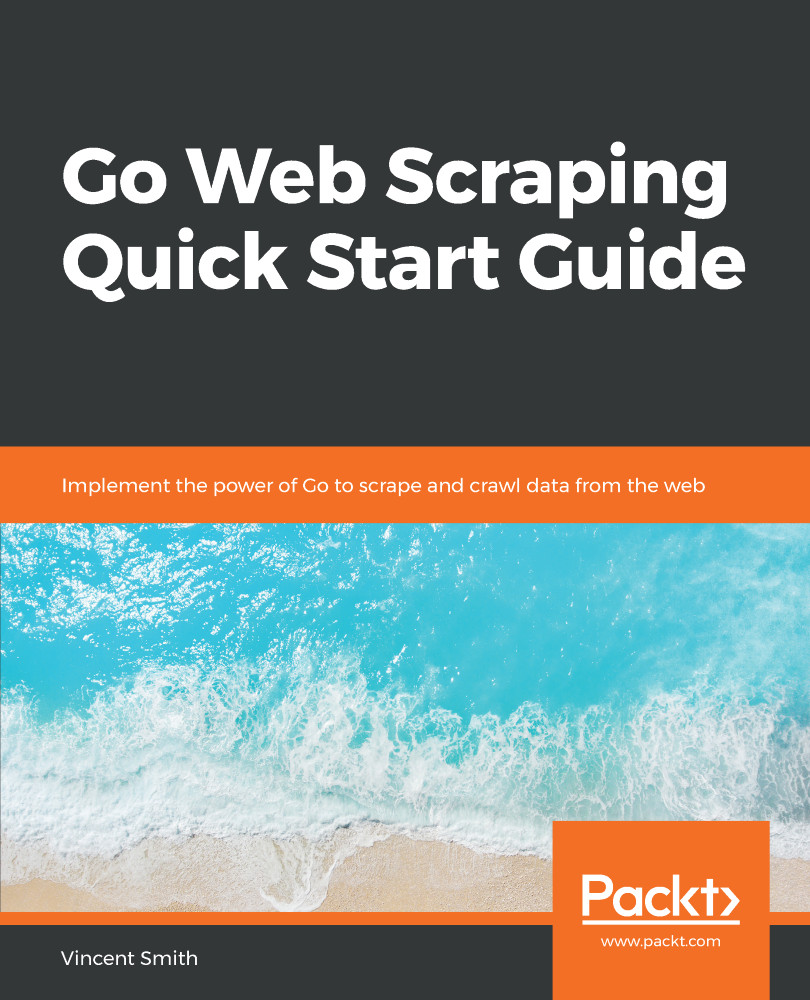
Web scraping is the process of extracting information from the web using various tools that perform scraping and crawling. Go is emerging as the language of choice for scraping using a variety of libraries. This book will quickly explain to you, how to scrape data data from various websites using Go libraries such as Colly and Goquery. The book starts with an introduction to the use cases of building a web scraper and the main features of the Go programming language, along with setting up a Go environment. It then moves on to HTTP requests and responses and talks about how Go handles them. You will also learn about a number of basic web scraping etiquettes. You will be taught how to navigate through a website, using a breadth-first and then a depth-first search, as well as find and follow links. You will get to know about the ways to track history in order to avoid loops and to protect your web scraper using proxies. Finally the book will cover the Go concurrency model, and how to run scrapers in parallel, along with large-scale distributed web scraping.
Table of Contents (10 chapters)
close
close

How to throttle your scraper

Part of good web scraping etiquette is making sure you are not putting too much load on your target web server. This means limiting the number of requests you make within a certain period of time. For smaller servers, this is especially true, as they have a much more limited pool of resources. As a good rule of thumb, you should only access the same web page as often as you think it will change. For example, if you were looking at daily deals, you would probably only need to scrape once per day. As for scraping multiple pages from the same website, you should first follow the Crawl-Delay in a robots.txt file. If there is no Crawl-Delay specified, then you should manually delay your requests by one second after every page.

There are many different ways to incorporate delays into your crawler, from manually putting your program to sleep to using external...

CONTINUE READING
83
Tech Concepts
36
Programming languages
73
Tech Tools
Icon Unlimited access to the largest independent learning library in tech of over 8,000 expert-authored tech books and videos.
Icon Innovative learning tools, including AI book assistants, code context explainers, and text-to-speech.
Icon 50+ new titles added per month and exclusive early access to books as they are being written.
Go Web Scraping Quick Start Guide
notes
bookmark Notes and Bookmarks search Search in title playlist Add to playlist download Download options font-size Font size

Change the font size

margin-width Margin width

Change margin width

day-mode Day/Sepia/Night Modes

Change background colour

Close icon Search
Country selected

Close icon Your notes and bookmarks

Confirmation

Modal Close icon
claim successful

Buy this book with your credits?

Modal Close icon
Are you sure you want to buy this book with one of your credits?
Close
YES, BUY

Submit Your Feedback

Modal Close icon
Modal Close icon
Modal Close icon