Sign In Start Free Trial
Account

Add to playlist

Create a Playlist

Modal Close icon
You need to login to use this feature.
  • Book Overview & Buying The Computer Vision Workshop
  • Table Of Contents Toc
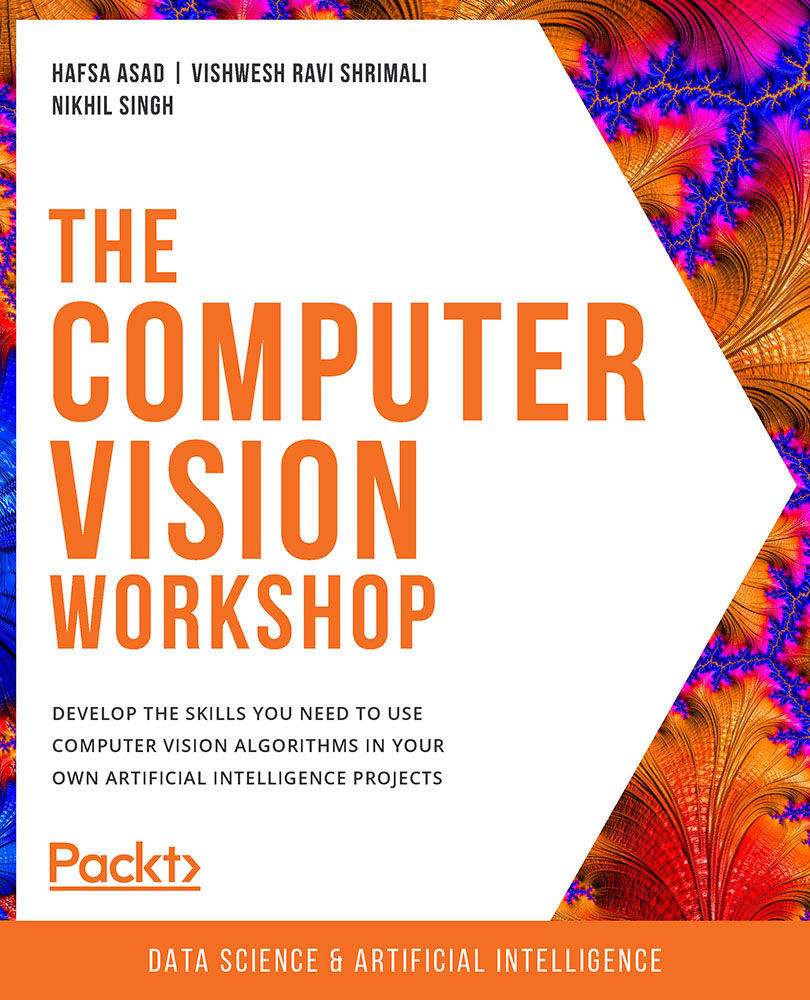
The Computer Vision Workshop

The Computer Vision Workshop

By : Hafsa Asad , Vishwesh Ravi Shrimali , Nikhil Singh , Richmond Alake, Tim Hoolihan, Harshil Jain, Geetank Raipuria, Shovon Sengupta, Sanchit Singh
4.3 (6)
close
close
The Computer Vision Workshop

The Computer Vision Workshop

4.3 (6)
By: Hafsa Asad , Vishwesh Ravi Shrimali , Nikhil Singh , Richmond Alake, Tim Hoolihan, Harshil Jain, Geetank Raipuria, Shovon Sengupta, Sanchit Singh

Overview of this book

Computer Vision (CV) has become an important aspect of AI technology. From driverless cars to medical diagnostics and monitoring the health of crops to fraud detection in banking, computer vision is used across all domains to automate tasks. The Computer Vision Workshop will help you understand how computers master the art of processing digital images and videos to mimic human activities. Starting with an introduction to the OpenCV library, you'll learn how to write your first script using basic image processing operations. You'll then get to grips with essential image and video processing techniques such as histograms, contours, and face processing. As you progress, you'll become familiar with advanced computer vision and deep learning concepts, such as object detection, tracking, and recognition, and finally shift your focus from 2D to 3D visualization. This CV course will enable you to experiment with camera calibration and explore both passive and active canonical 3D reconstruction methods. By the end of this book, you'll have developed the practical skills necessary for building powerful applications to solve computer vision problems.
Table of Contents (10 chapters)
close
close

Introduction

If you've ever seen a "behind-the-scenes" video of your favorite Hollywood movie, you might have noticed that some of the animated scenes are shot in front of a green screen. Then, during editing, the green screen is replaced with a mind-blowing futuristic vista or a dystopian scene that's beyond your wildest imagination.

Now, think of one single frame from that scene in the movie. The original frame was shot in front of a green background. Then, the image was modified to obtain a particular result, that is, a different background.

Furthermore, sometimes, you want to process an image to directly obtain the result you seek so that you can receive an intermediate result that will make further steps easier and achievable. The following is a sample picture that was taken in front of the green screen:

Figure 2.1: A picture taken in front of a green screen

Figure 2.1: A picture taken in front of a green screen

This activity of modifying or processing an image to obtain a particular result is known as image processing.

In the previous chapter, we went over the basics of images – what pixels are, what pixel coordinates are, how to extract pixel values using pixel coordinates, and more. We'll start this chapter by understanding what we mean by image processing and why we need it. By the end of this chapter, you will be able to process images such as the one shown previously and replace the green screen with a background of your choice using a very basic image processing technique referred to as masking.

This chapter can be broken down into two major parts. First, we will focus on basic techniques, such as translation, rotation, resizing, and cropping, and a more general geometric transformation called affine transformation. We will end the section by looking at perspective transformation. Then, we will discuss binary images and arithmetic operations that we can carry out on images. We will also talk about masking in this section.

Both sections will be accompanied by exercises and activities that you can try to complete. Now, let's start with the first section of this chapter – Geometric Transformations.

CONTINUE READING
83
Tech Concepts
36
Programming languages
73
Tech Tools
Icon Unlimited access to the largest independent learning library in tech of over 8,000 expert-authored tech books and videos.
Icon Innovative learning tools, including AI book assistants, code context explainers, and text-to-speech.
Icon 50+ new titles added per month and exclusive early access to books as they are being written.
The Computer Vision Workshop
notes
bookmark Notes and Bookmarks search Search in title playlist Add to playlist download Download options font-size Font size

Change the font size

margin-width Margin width

Change margin width

day-mode Day/Sepia/Night Modes

Change background colour

Close icon Search
Country selected

Close icon Your notes and bookmarks

Confirmation

Modal Close icon
claim successful

Buy this book with your credits?

Modal Close icon
Are you sure you want to buy this book with one of your credits?
Close
YES, BUY

Submit Your Feedback

Modal Close icon
Modal Close icon
Modal Close icon