Sign In Start Free Trial
Account

Add to playlist

Create a Playlist

Modal Close icon
You need to login to use this feature.
  • Book Overview & Buying The Computer Vision Workshop
  • Table Of Contents Toc
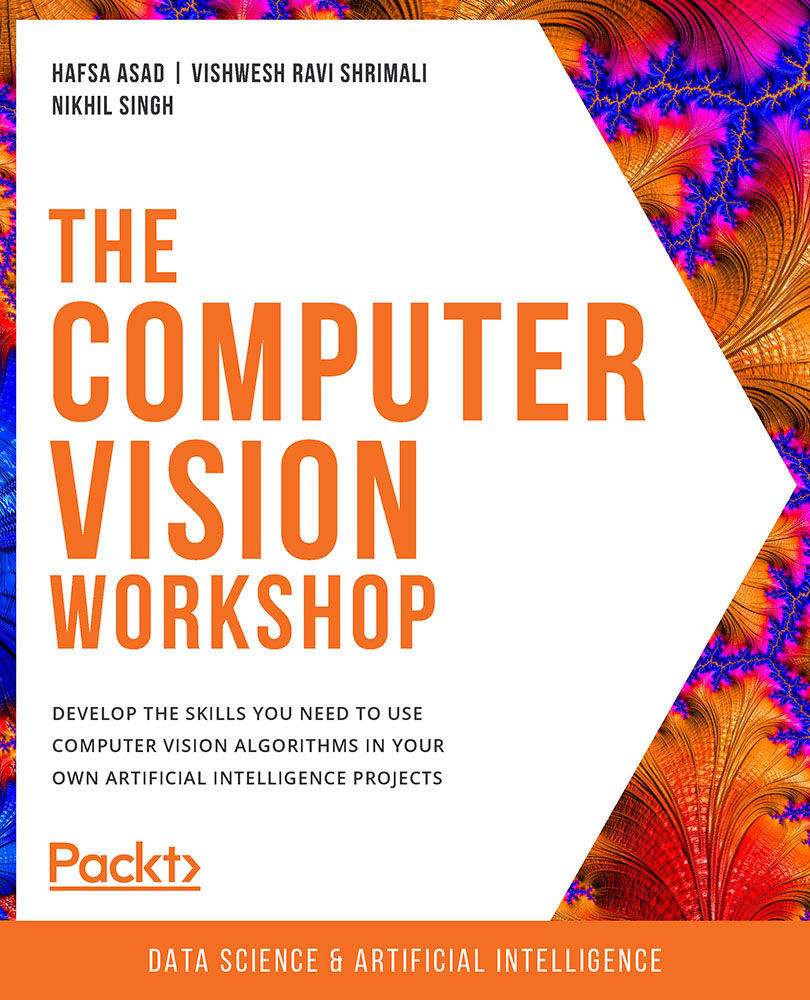
The Computer Vision Workshop

The Computer Vision Workshop

By : Hafsa Asad , Vishwesh Ravi Shrimali , Nikhil Singh , Richmond Alake, Tim Hoolihan, Harshil Jain, Geetank Raipuria, Shovon Sengupta, Sanchit Singh
4.3 (6)
close
close
The Computer Vision Workshop

The Computer Vision Workshop

4.3 (6)
By: Hafsa Asad , Vishwesh Ravi Shrimali , Nikhil Singh , Richmond Alake, Tim Hoolihan, Harshil Jain, Geetank Raipuria, Shovon Sengupta, Sanchit Singh

Overview of this book

Computer Vision (CV) has become an important aspect of AI technology. From driverless cars to medical diagnostics and monitoring the health of crops to fraud detection in banking, computer vision is used across all domains to automate tasks. The Computer Vision Workshop will help you understand how computers master the art of processing digital images and videos to mimic human activities. Starting with an introduction to the OpenCV library, you'll learn how to write your first script using basic image processing operations. You'll then get to grips with essential image and video processing techniques such as histograms, contours, and face processing. As you progress, you'll become familiar with advanced computer vision and deep learning concepts, such as object detection, tracking, and recognition, and finally shift your focus from 2D to 3D visualization. This CV course will enable you to experiment with camera calibration and explore both passive and active canonical 3D reconstruction methods. By the end of this book, you'll have developed the practical skills necessary for building powerful applications to solve computer vision problems.
Table of Contents (10 chapters)
close
close

Introduction to Matplotlib

To compute the histogram of an image, we are going to use a command from a Python library named Matplotlib. Matplotlib is a vast library, and the module you need from it to plot a histogram is called pyplot. The pyplot module gives you access to the plotting functionality of Matplotlib. This plotting functionality is what we need to display histograms.

The code you will need to import this module is as follows:

import matplotlib.pyplot as plt

Alternatively, you can also import the pyplot module as follows:

from matplotlib import pyplot as plt

Following is an explanation of the syntax for importing the pyplot module:

Figure 3.2: Explanation of the syntax

Displaying Images with Matplotlib

Using Matplotlib, you can also display images on the console itself, unlike cv2.imshow, which opens a new window to display the image.

To plot a grayscale image (img) using Matplotlib, you can use the following code:

imgplot...
CONTINUE READING
83
Tech Concepts
36
Programming languages
73
Tech Tools
Icon Unlimited access to the largest independent learning library in tech of over 8,000 expert-authored tech books and videos.
Icon Innovative learning tools, including AI book assistants, code context explainers, and text-to-speech.
Icon 50+ new titles added per month and exclusive early access to books as they are being written.
The Computer Vision Workshop
notes
bookmark Notes and Bookmarks search Search in title playlist Add to playlist download Download options font-size Font size

Change the font size

margin-width Margin width

Change margin width

day-mode Day/Sepia/Night Modes

Change background colour

Close icon Search
Country selected

Close icon Your notes and bookmarks

Confirmation

Modal Close icon
claim successful

Buy this book with your credits?

Modal Close icon
Are you sure you want to buy this book with one of your credits?
Close
YES, BUY

Submit Your Feedback

Modal Close icon
Modal Close icon
Modal Close icon