Sign In Start Free Trial
Account

Add to playlist

Create a Playlist

Modal Close icon
You need to login to use this feature.
  • Book Overview & Buying 3D Deep Learning with Python
  • Table Of Contents Toc
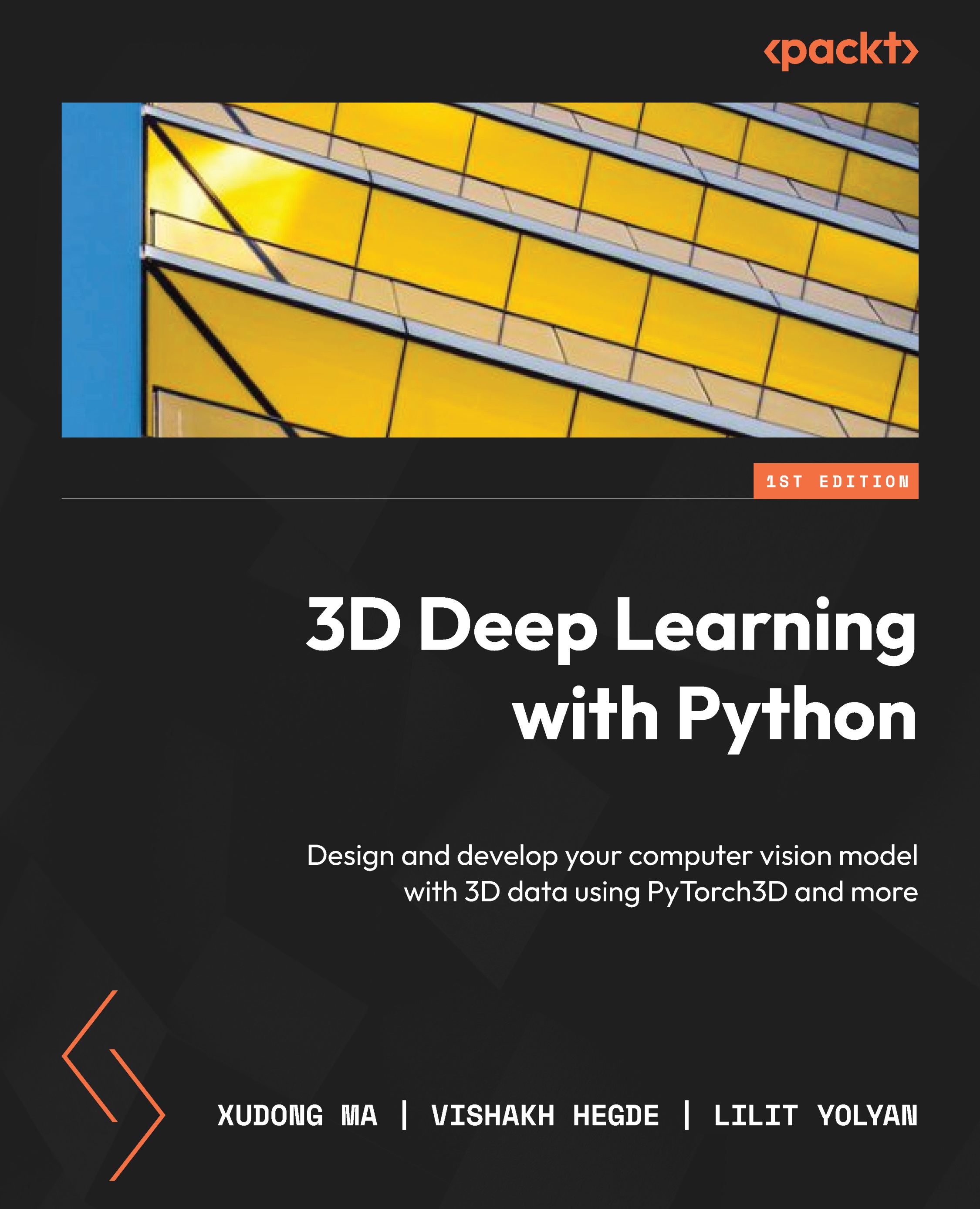
3D Deep Learning with Python

3D Deep Learning with Python

By : Xudong Ma, Farrugia, Vishakh Hegde, Lilit Yolyan
4.4 (5)
close
close
3D Deep Learning with Python

3D Deep Learning with Python

4.4 (5)
By: Xudong Ma, Farrugia, Vishakh Hegde, Lilit Yolyan

Overview of this book

With this hands-on guide to 3D deep learning, developers working with 3D computer vision will be able to put their knowledge to work and get up and running in no time. Complete with step-by-step explanations of essential concepts and practical examples, this book lets you explore and gain a thorough understanding of state-of-the-art 3D deep learning. You’ll see how to use PyTorch3D for basic 3D mesh and point cloud data processing, including loading and saving ply and obj files, projecting 3D points into camera coordination using perspective camera models or orthographic camera models, rendering point clouds and meshes to images, and much more. As you implement some of the latest 3D deep learning algorithms, such as differential rendering, Nerf, synsin, and mesh RCNN, you’ll realize how coding for these deep learning models becomes easier using the PyTorch3D library. By the end of this deep learning book, you’ll be ready to implement your own 3D deep learning models confidently.
Table of Contents (16 chapters)
close
close
1
PART 1: 3D Data Processing Basics
4
PART 2: 3D Deep Learning Using PyTorch3D
9
PART 3: State-of-the-art 3D Deep Learning Using PyTorch3D

Introducing 3D Data Processing

In this chapter, we are going to discuss some basic concepts that are very fundamental to 3D deep learning and that will be used frequently in later chapters. We will begin by learning about the most frequently used 3D data formats, as well as the many ways that we are going to manipulate them and convert them to different formats. We will start by setting up our development environment and installing all the necessary software packages, including Anaconda, Python, PyTorch, and PyTorch3D. We will then talk about the most frequently used ways to represent 3D data – for example, point clouds, meshes, and voxels. We will then move on to the 3D data file formats, such as PLY and OBJ files. We will then discuss 3D coordination systems. Finally, we will discuss camera models, which are mostly related to how 3D data is mapped to 2D images.

After reading this chapter, you will be able to debug 3D deep learning algorithms easily by inspecting output data files. With a solid understanding of coordination systems and camera models, you will be ready to build on that knowledge and learn about more advanced 3D deep learning topics.

In this chapter, we’re going to cover the following main topics:

  • Setting up a development environment and installing Anaconda, PyTorch, and PyTorch3D
  • 3D data representation
  • 3D data formats – PLY and OBJ files
  • 3D coordination systems and conversion between them
  • Camera models – perspective and orthographic cameras
CONTINUE READING
83
Tech Concepts
36
Programming languages
73
Tech Tools
Icon Unlimited access to the largest independent learning library in tech of over 8,000 expert-authored tech books and videos.
Icon Innovative learning tools, including AI book assistants, code context explainers, and text-to-speech.
Icon 50+ new titles added per month and exclusive early access to books as they are being written.
3D Deep Learning with Python
notes
bookmark Notes and Bookmarks search Search in title playlist Add to playlist download Download options font-size Font size

Change the font size

margin-width Margin width

Change margin width

day-mode Day/Sepia/Night Modes

Change background colour

Close icon Search
Country selected

Close icon Your notes and bookmarks

Confirmation

Modal Close icon
claim successful

Buy this book with your credits?

Modal Close icon
Are you sure you want to buy this book with one of your credits?
Close
YES, BUY

Submit Your Feedback

Modal Close icon
Modal Close icon
Modal Close icon