Sign In Start Free Trial
Account

Add to playlist

Create a Playlist

Modal Close icon
You need to login to use this feature.
  • Book Overview & Buying Time Series Analysis with Python Cookbook
  • Table Of Contents Toc
Time Series Analysis with Python Cookbook

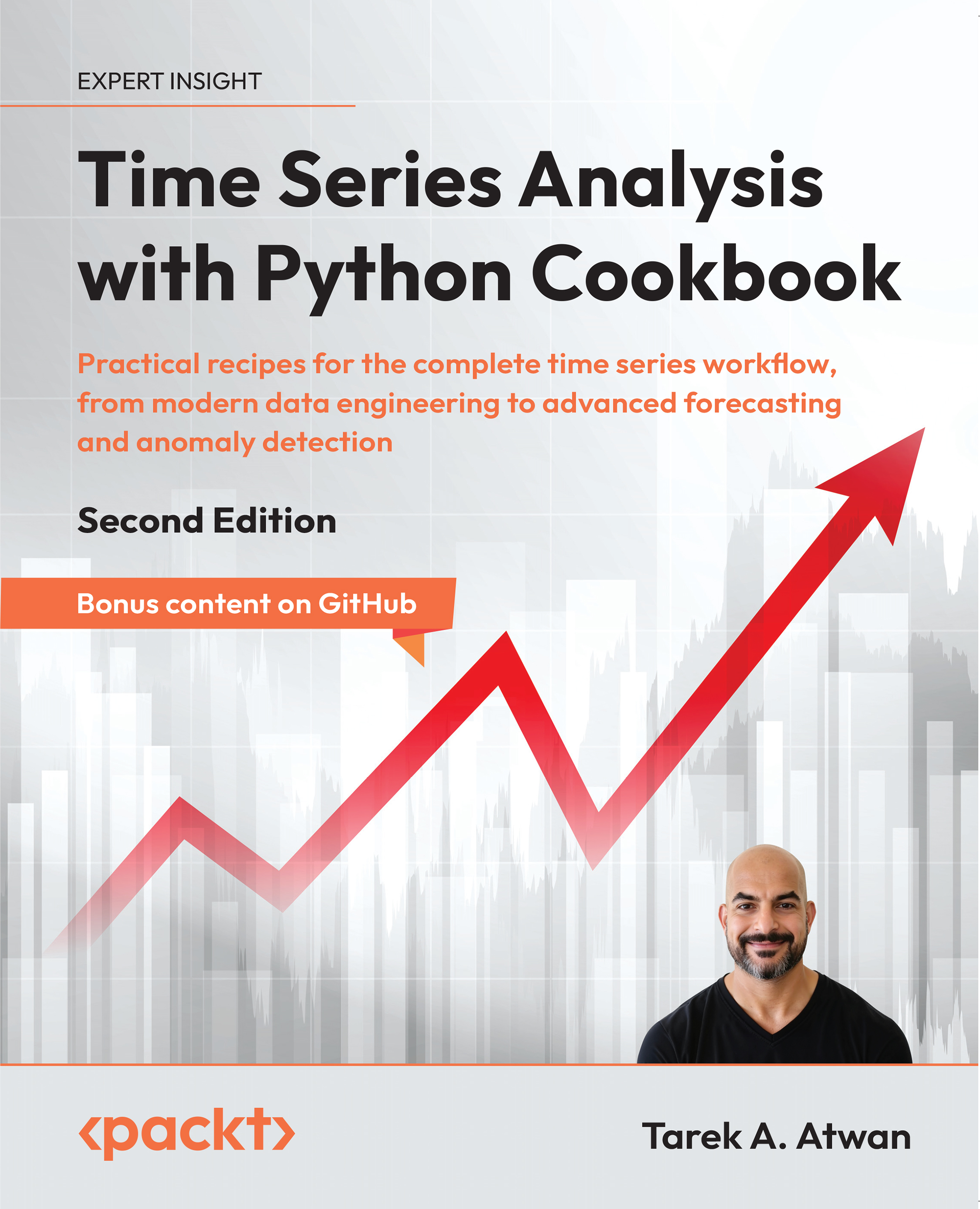
Time Series Analysis with Python Cookbook - Second Edition

By : Tarek A. Atwan
close
close
Time Series Analysis with Python Cookbook

Time Series Analysis with Python Cookbook

By: Tarek A. Atwan

Overview of this book

To use time series data to your advantage, you need to master data preparation, analysis, and forecasting. This fully refreshed second edition helps you unlock insights from time series data with new chapters on probabilistic models, signal processing techniques, and new content on transformers. You’ll work with the latest releases of popular libraries like Pandas, Polars, Sktime, stats models, stats forecast, Darts, and Prophet through up-to-date examples. You'll hit the ground running by ingesting time series data from various sources and formats and learn strategies for handling missing data, dealing with time zones and custom business days, and detecting anomalies using intuitive statistical methods. Through detailed instructions, you'll explore forecasting using classical statistical models such as Holt-Winters, SARIMA, and VAR, and learn practical techniques for handling non-stationary data using power transforms, ACF and PACF plots, and decomposing time series data with seasonal patterns. The recipes then level up to cover more advanced topics such as building ML and DL models using TensorFlow and PyTorch and applying probabilistic modeling techniques. In this part, you’ll also be able to evaluate, compare, and optimize models, finishing with a strong command of wrangling data with Python.
Table of Contents (18 chapters)
close
close
16
Other Books You May Enjoy
17
Index

Reading Time Series Data from Files

Time series analysis often begins with data preparation, a crucial and time-consuming stage. To effectively analyze time series, you first need to access the data, often stored in various file formats or database systems.

Time series data is complex and can appear in various shapes and formats. For instance, it may come as regular timestamped records, such as hourly temperature readings, or irregular events, such as transaction logs with varying time intervals. Data might also include multiple time series combined into a single dataset, such as sales and inventory levels for several stores.

In this chapter, we will use pandas, a popular Python library with a rich set of I/O tools, data wrangling, and date/time handling capabilities that streamline the process of working with time series data. You will explore several of the reader functions available in pandas to ingest data from different file types, including comma-separated values (CSV), Excel, and Parquet. Additionally, you will explore ingesting data from files stored locally or remotely on the cloud, such as an Amazon S3 bucket.

The pandas library provides two fundamental data structures for working with time series data: Series and DataFrame. A DataFrame is a distinct data structure for working with tabular data (think rows and columns in a spreadsheet). The main difference between the two data structures is that a Series is one-dimensional (single column), while a DataFrame is two-dimensional (multiple columns). The relationship between the two is that you get a Series when you slice out a column from a DataFrame. You can think of a DataFrame as a side-by-side concatenation of two or more Series objects.

A particular feature of the Series and DataFrames data structures is that they both have a labeled axis called an index. A specific type of index that you will often see with time series data is DatetimeIndex, which you will explore further in this chapter. Generally, the index makes slicing and dicing operations very intuitive. For example, to make a DataFrame ready for time series analysis, you will learn how to create DataFrames with an index of the DatetimeIndex type.

The recipes in this chapter will guide you through key techniques to load time series data into pandas DataFrames:

  • Reading data from CSV and other delimited files
  • Reading data from an Excel file
  • Reading data from URLs
  • Reading data from Parquet files

There’s an exciting GitHub-only bonus—Chapter 0: Getting Started with Time Series Analysis—available here: https://github.com/PacktPublishing/Time-Series-Analysis-with-Python-Cookbook-Second-Edition

Don’t miss the GitHub-exclusive recipe— Chapter 1-1: Working with large data files—available here: https://github.com/PacktPublishing/Time-Series-Analysis-with-Python-Cookbook-Second-Edition

Why DateTimeIndex?

A pandas DataFrame with an index of the DatetimeIndex type unlocks a large set of features and useful functions needed when working with time series data. You can think of it as adding a layer of intelligence or awareness to pandas to treat the DataFrame as a time series DataFrame.

Visually different images
CONTINUE READING
83
Tech Concepts
36
Programming languages
73
Tech Tools
Icon Unlimited access to the largest independent learning library in tech of over 8,000 expert-authored tech books and videos.
Icon Innovative learning tools, including AI book assistants, code context explainers, and text-to-speech.
Icon 50+ new titles added per month and exclusive early access to books as they are being written.
Time Series Analysis with Python Cookbook
notes
bookmark Notes and Bookmarks search Search in title playlist Add to playlist download Download options font-size Font size

Change the font size

margin-width Margin width

Change margin width

day-mode Day/Sepia/Night Modes

Change background colour

Close icon Search
Country selected

Close icon Your notes and bookmarks

Confirmation

Modal Close icon
claim successful

Buy this book with your credits?

Modal Close icon
Are you sure you want to buy this book with one of your credits?
Close
YES, BUY

Submit Your Feedback

Modal Close icon
Modal Close icon
Modal Close icon