-
Book Overview & Buying
-
Table Of Contents

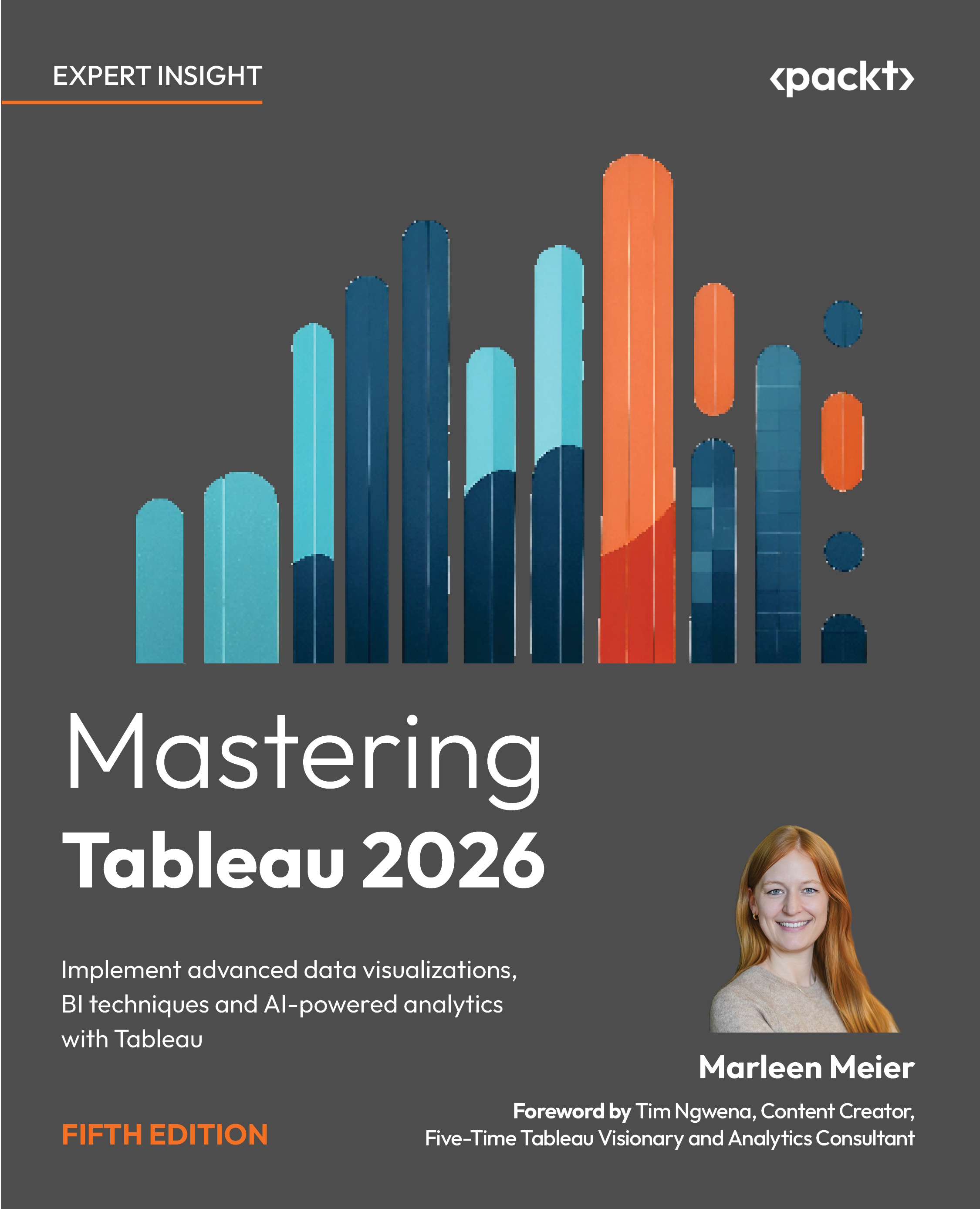
Mastering Tableau 2026 - Fifth Edition
By :


Mastering Tableau 2026
By:
Overview of this book
Master the full capabilities of Tableau to design, build, and scale modern data visualization and business intelligence solutions.
This book takes you beyond the basics to help you create advanced Tableau dashboards, perform efficient data preparation with Tableau Prep Builder, and deliver impactful analytics across your organization. Through practical examples, you’ll learn how to turn raw data into meaningful insights using proven Tableau data visualization techniques.
As you progress, you’ll work with calculated fields and LOD expressions to build more flexible and powerful analyses. You’ll also explore performance optimization, deployment, and collaboration using Tableau Server, along with best practices for data governance and security in enterprise environments.
In addition, the book covers AI-powered Tableau features that enhance analysis and accelerate insight discovery. You’ll apply advanced techniques such as time series analysis, geospatial analytics, and data modeling, and extend Tableau’s capabilities through Python and R integration for more sophisticated analytics workflows.
By the end of this book, you’ll be equipped to build scalable, high-performance Tableau analytics solutions, enabling you to solve complex business problems with confidence.
Table of Contents (19 chapters)
Preface


 Free Chapter
Chapter 1: Reviewing the Basics
Chapter 2: Cleaning Your Data
Chapter 3: Using Tableau Prep Builder
Chapter 4: Learning About Joins, Blends, and Data Structures
Chapter 5: Introducing Table Calculations
Chapter 6: Utilizing OData, Data Densification, Big Data, and Google BigQuery
Chapter 7: Practicing Level of Detail Calculations
Chapter 8: Going Beyond the Basics
Chapter 9: Working with Maps
Chapter 10: Designing Dashboards and Best Practices for Visualizations
Chapter 11: Leveraging Advanced Analytics
Chapter 12: Improving Performance
Chapter 13: Exploring Tableau Server and Tableau Cloud
Chapter 14: Integrating Programming Languages

Chapter 15: The Intelligent Era of Tableau AI, Pulse, and Next
Chapter 16: Developing Data Governance Practices
Chapter 17: Unlock Your Exclusive Benefits
Index