Sign In Start Free Trial
Account

Add to playlist

Create a Playlist

Modal Close icon
You need to login to use this feature.
  • Book Overview & Buying Mastering Tableau 2026
  • Table Of Contents Toc
Mastering Tableau 2026

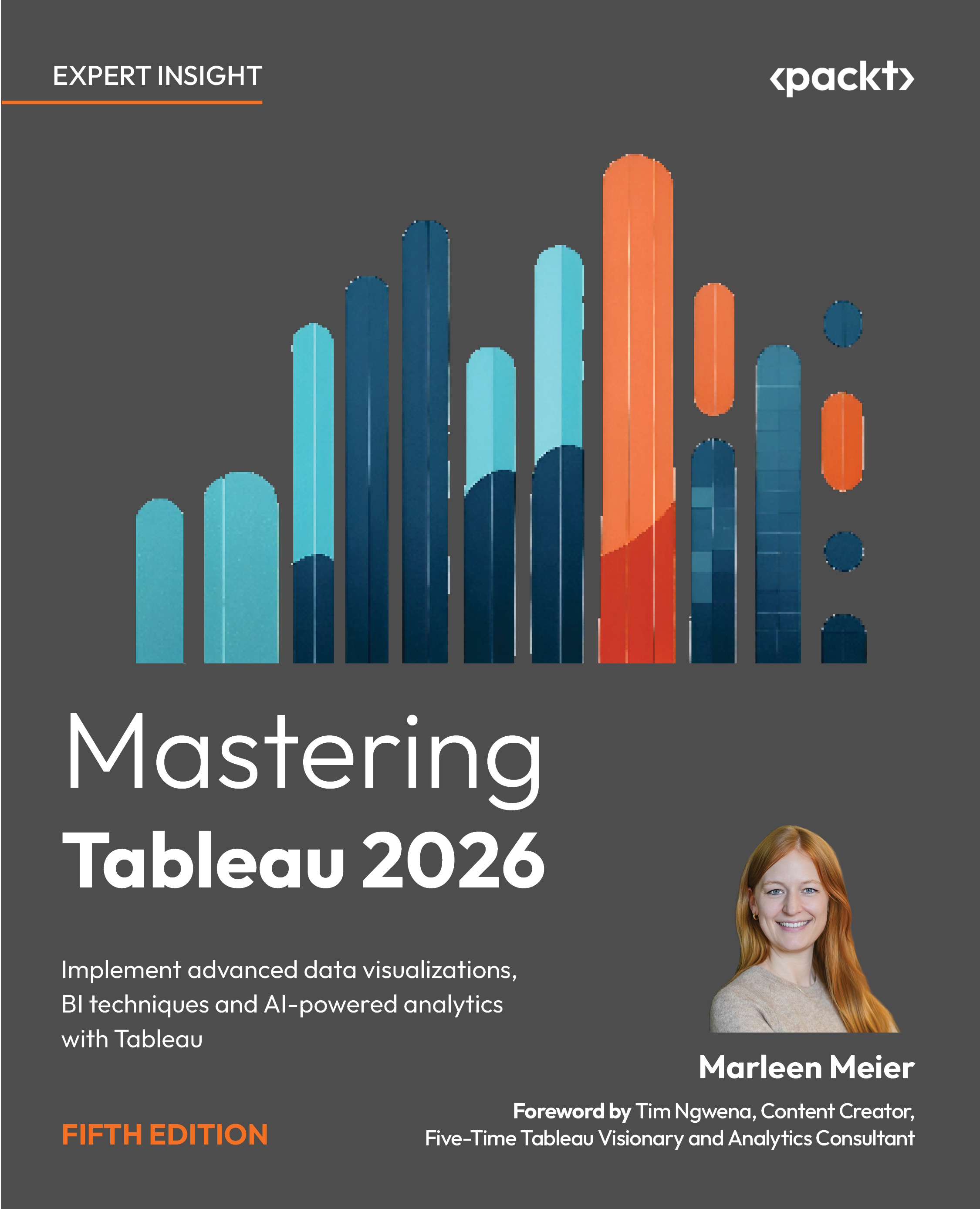
Mastering Tableau 2026 - Fifth Edition

By : Marleen Meier
close
close
Mastering Tableau 2026

Mastering Tableau 2026

By: Marleen Meier

Overview of this book

Master the full capabilities of Tableau to design, build, and scale modern data visualization and business intelligence solutions. This book takes you beyond the basics to help you create advanced Tableau dashboards, perform efficient data preparation with Tableau Prep Builder, and deliver impactful analytics across your organization. Through practical examples, you’ll learn how to turn raw data into meaningful insights using proven Tableau data visualization techniques. As you progress, you’ll work with calculated fields and LOD expressions to build more flexible and powerful analyses. You’ll also explore performance optimization, deployment, and collaboration using Tableau Server, along with best practices for data governance and security in enterprise environments. In addition, the book covers AI-powered Tableau features that enhance analysis and accelerate insight discovery. You’ll apply advanced techniques such as time series analysis, geospatial analytics, and data modeling, and extend Tableau’s capabilities through Python and R integration for more sophisticated analytics workflows. By the end of this book, you’ll be equipped to build scalable, high-performance Tableau analytics solutions, enabling you to solve complex business problems with confidence.
Table of Contents (19 chapters)
close
close
15
Chapter 15: The Intelligent Era of Tableau AI, Pulse, and Next
18
Index

Preface

This new edition of the bestselling Tableau guide will teach you how to leverage Tableau's newest features across the modern BI landscape. Updated with fresh topics including the latest capabilities in Tableau Server, Tableau Cloud, Tableau Prep, and Tableau Desktop, plus up-to-date examples and solutions to real-world challenges, this book will take you from mastering essential Tableau concepts all the way to advanced functionalities.

Throughout this book, you will learn how to connect various files and databases to Tableau Desktop and Prep Builder. You'll easily perform data preparation and handling, master complex joins, spatial joins, unions, and data blending using practical, hands-on examples. You'll also get to grips with data densification and explore other expert-level techniques for calculations, mapping, and visual design using the Tableau Exchange.

Later chapters will teach you how to improve dashboard performance, connect to Tableau Server and Tableau Cloud, and understand data visualization with real-world examples. You'll also cover advanced use cases such as self-service analysis, time series analysis, and geospatial analysis. And you'll learn how to connect Tableau to Python and R, bringing powerful programming capabilities right into your Tableau workflows.

The brand-new, Chapter 15, The Intelligent Era of Tableau AI, Pulse, and Next, covers the cutting edge of Tableau: agentic analytics, Tableau Pulse, Tableau Next, Einstein Discovery, and all the AI-powered features transforming how we work with data. All other chapters have been fully updated to reflect the latest features.

By the end of this book, you will have mastered Tableau for the modern analytics era. You'll be ready to tackle common and advanced challenges in the data analytics space with confidence.

Who this book is for

This book is for business analysts, BI professionals, and data analysts who want to truly master Tableau. Whether you're looking to solve complex data science problems or build better business intelligence dashboards, you'll find practical, hands-on guidance here.

If you've used Tableau before, you'll pick up the advanced features more quickly. But don't worry if you're completely new to Tableau; I've designed every chapter to be accessible, with clear explanations and plenty of follow-along exercises. All you need is curiosity and a willingness to learn.

What this book covers

Chapter 1, Reviewing the Basics, walks you through the fundamental Tableau concepts you need to get started. Think of it as your friendly onboarding to the Tableau universe.

Chapter 2, Getting Your Data Ready, is a theory-oriented chapter that will help you understand data preparation so you can confidently tame even the messiest of datasets.

Chapter 3, Using Tableau Prep Builder, introduces Tableau Prep Builder, the not-so-little ETL sibling of Tableau Desktop. You'll learn how to clean, shape, and combine your data with ease.

Chapter 4, Learning about Joins, Blends, and Data Structures, answers the timeless question: relationships, joins, or blends? You'll learn exactly when to use which.

Chapter 5, Introducing Table Calculations, covers the special magic of table calculations. These powerful functions use data order to assign ranks, running sums, and moving averages.

Chapter 6, Utilizing OData, Data Densification, Big Data, and Google BigQuery, teaches you how to leverage big data solutions and master the concept of data densification for more flexible analysis.

Chapter 7, Practicing Level of Detail Calculations, helps you unlock this advanced topic. You'll learn how to change the granularity of your data for precise, powerful calculations.

Chapter 8, Going Beyond the Basics, introduces you to advanced visualization concepts and the Tableau Exchange. There you'll discover Extensions, Accelerators, and Connectors to supercharge your workbooks.

Chapter 9, Working with Maps, explores Tableau's native mapping capabilities and beyond. You'll work with custom polygons, heatmaps, layered maps, and real-world spatial analysis.

Chapter 10, Designing Dashboards and Best Practices for Visualizations, takes you through formatting techniques and design principles to maximize the impact and clarity of your visualizations.

Chapter 11, Leveraging Advanced Analytics, helps you take your analytical skills to the next level with three hands-on follow-along exercises: self-service analytics, time series analysis, and geospatial analytics.

Chapter 12, Improving Performance, addresses various aspects of performance from data sources to dashboard design. This chapter empowers you to create fast-loading, user-friendly dashboards.

Chapter 13, Exploring Tableau Server and Tableau Cloud, covers the different offerings and functionalities of Tableau Server and Cloud. You'll also explore Ask Data, Data Details, and the latest 2026.1 features.

Chapter 14, Integrating Programming Languages, shows you how to integrate R and Python with Tableau. This unlocks virtually unlimited analytics capabilities, from statistical modeling to sentiment analysis.

Chapter 15, The Intelligent Era of Tableau AI, Pulse, and Next, introduces you to the cutting edge of Tableau. You'll explore agentic analytics, Tableau Pulse, Tableau Next, Einstein Discovery, and all the AI-powered features transforming how we work with data.

Chapter 16, Developing Data Governance Practices, introduces the vital topic of data governance. You'll learn how to comply with regulations, document your data, and build trust using Tableau's governance features.

To get the most out of this book

Basic knowledge of Tableau will give you a head start, but I've designed each chapter to be accessible even if you're fairly new to the tool. You will need a Tableau license after your 14-day free trial ends, so keep that in mind as you work through the exercises. That said, most exercises in this book can be completed using Tableau Public, which is completely free and perfect for following along and building your portfolio.

As per www.tableau.com, the latest technical requirements are:

Windows

64-bit Windows (8, 10, 11)

2 GB memory minimum (8GB recommended)

1.5 GB minimum free disk space

CPUs must support SSE4.2 and POPCNT instruction sets

Mac

macOS (Mojave, Catalina, Big Sur 11.4+)

Intel processors 2 GB memory minimum (8GB recommended)

1.5 GB minimum free disk space

You will also require:

Component

Recommendation

CPU (Processor)

Faster single-core speed matters more than more cores. Look for CPUs with high clock speeds (3.5GHz+).

RAM (Memory)

8GB minimum, 16GB recommended for large datasets or complex dashboards. More RAM allows larger extracts to stay in memory.

SSD (Storage)

Upgrading from HDD to SSD can reduce workbook load times by 50-70%. Essential for working with local extracts.

Graphics Card (GPU)

Tableau uses GPU for map rendering and some visual effects. Integrated graphics work for most dashboards; dedicated GPU helps with large maps or many marks.

Network Connection

100Mbps+ recommended for cloud data sources. Local extracts bypass network latency entirely.

Any other installations you might need (like TabPy for Python integration or Rserve for R) are mentioned in the relevant chapters. All of these are free and work on both Windows and Mac.

Download the example code files

The code bundle for the book is also hosted on GitHub at https://github.com/PacktPublishing/Mastering-Tableau-2026. We also have other code bundles from our rich catalog of books and videos available at https://github.com/PacktPublishing/. Check them out!

Conventions used

There are a number of text conventions used throughout this book.

CodeInText: Indicates code words in text, database table names, folder names, filenames, file extensions, pathnames, dummy URLs, user input, and Twitter handles. For example: "When recording performance, Tableau initially creates a file in  My Tableau Repository\Logs, named performance_[timestamp].tab."

A block of code is set as follows:

[Select Chart Type]

Bold: Indicates a new term, an important word, or words that you see on the screen, for example, in menus or dialog boxes, also appear in the text like this. For example: "Query will only show details when clicking on any event in (B) or (C)."

Warnings or important notes appear like this.

Tips and tricks appear like this.

Get in touch

Feedback from our readers is always welcome.

General feedback: Email [email protected], and mention the book's title in the subject of your message. If you have questions about any aspect of this book, please email us at [email protected].

Errata: Although we have taken every care to ensure the accuracy of our content, mistakes do happen. If you have found a mistake in this book we would be grateful if you would report this to us. Please visit, http://www.packtpub.com/submit-errata, selecting your book, click Submit Errata, and fill in the form.

Piracy: If you come across any illegal copies of our works in any form on the Internet, we would be grateful if you would provide us with the location address or website name. Please contact us at [email protected] with a link to the material.

If you are interested in becoming an author: If there is a topic that you have expertise in and you are interested in either writing or contributing to a book, please visit http://authors.packtpub.com.

CONTINUE READING
83
Tech Concepts
36
Programming languages
73
Tech Tools
Icon Unlimited access to the largest independent learning library in tech of over 8,000 expert-authored tech books and videos.
Icon Innovative learning tools, including AI book assistants, code context explainers, and text-to-speech.
Icon 50+ new titles added per month and exclusive early access to books as they are being written.
Mastering Tableau 2026
notes
bookmark Notes and Bookmarks search Search in title playlist Add to playlist download Download options font-size Font size

Change the font size

margin-width Margin width

Change margin width

day-mode Day/Sepia/Night Modes

Change background colour

Close icon Search
Country selected

Close icon Your notes and bookmarks

Confirmation

Modal Close icon
claim successful

Buy this book with your credits?

Modal Close icon
Are you sure you want to buy this book with one of your credits?
Close
YES, BUY

Submit Your Feedback

Modal Close icon
Modal Close icon
Modal Close icon