Sign In Start Free Trial
Account

Add to playlist

Create a Playlist

Modal Close icon
You need to login to use this feature.
  • Book Overview & Buying Ship an MCP Server in Python - Fast
  • Table Of Contents Toc
Ship an MCP Server in Python - Fast

Ship an MCP Server in Python - Fast

By : Christoffer Noring
close
close
Ship an MCP Server in Python - Fast

Ship an MCP Server in Python - Fast

By: Christoffer Noring

Overview of this book

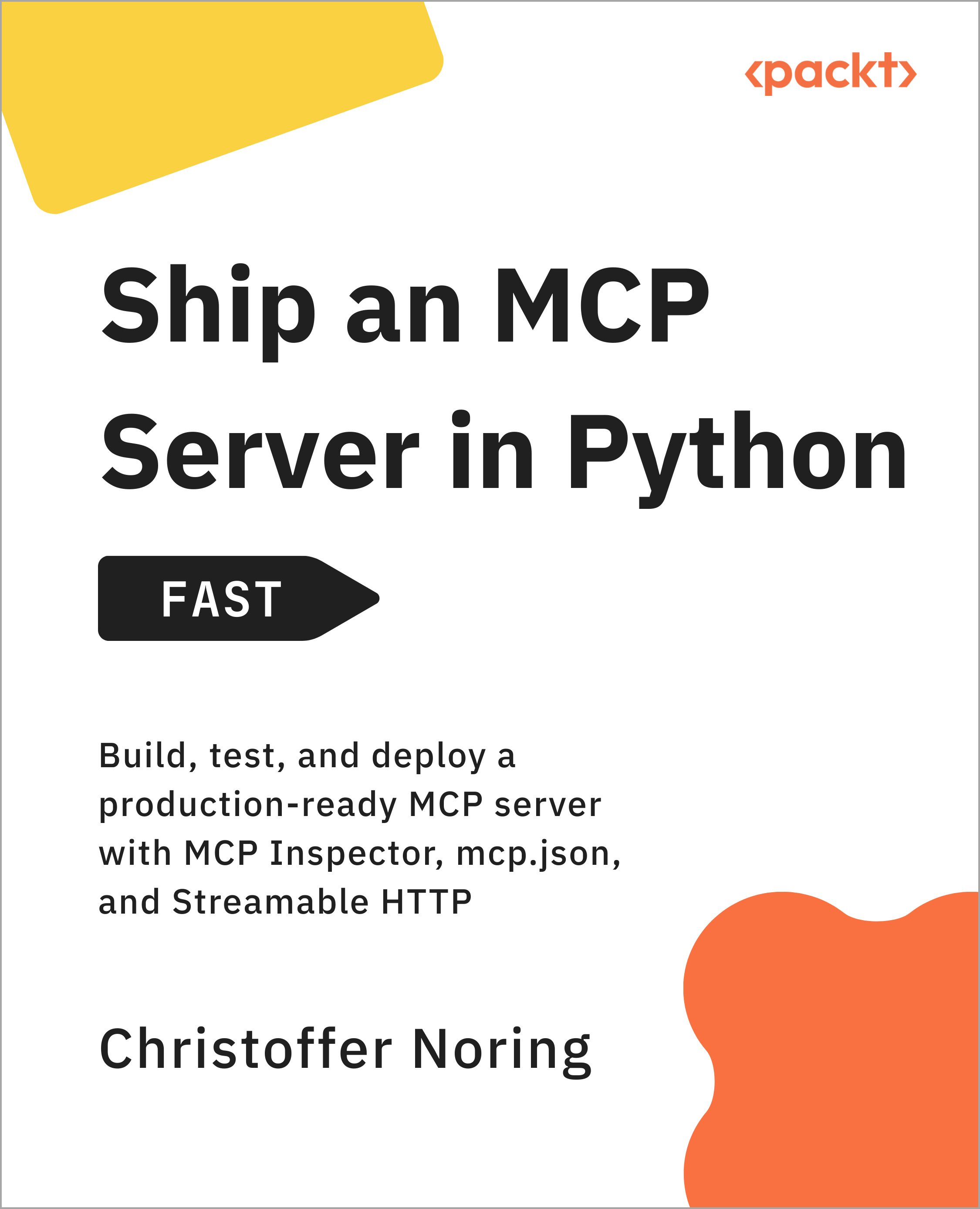
Discover how to build and ship a Python MCP server Fast so your AI workflows can call real tools with confidence. This short book gives you a clear, end-to-end path from a working local server to a deployable service, without wading through scattered docs or guesswork. This book takes you through creating an MCP reference server in Python: you implement practical tools, add a reusable resource, and package prompt templates that make tool use more reliable. You also wire everything into real hosts using mcp.json, so you can run your server from environments like VS Code agent mode and Claude Desktop. You validate behavior early using MCP Inspector in both GUI and CLI modes, so you can list tools, call them deterministically, and turn your checks into CI-friendly smoke tests. You then migrate from local stdio to streamable HTTP, applying pragmatic security patterns (such as bearer tokens and OAuth-style middleware) to prepare your MCP server for real-world deployment. By the end, you can confidently implement, test, and integrate a production-ready Python MCP server, and reuse the same approach to expose new capabilities as your agentic applications grow.
Table of Contents (19 chapters)
close
close
Lock Free Chapter
1
Chapter 01: Anchor Your MCP Server and Mental Model
5
Next actions
6
Chapter 05: Build a Programmatic Client With an LLM in the Loop
7
Starting and negotiating
9
Chapter 06: Migrate to Streamable HTTP and Add Pragmatic Security
11
Next actions
12
Chapter 07: Putting It All Together: Build and Rollout Plan
13
UV setup and dependencies
14
Host integration
chevron up
15
Security decisions
16
Maintenance and troubleshooting
17
Build-and-rollout snapshot
18
Expanding your domain
19
Next actions

Host integration

Wire your server into a host so an LLM can drive it. In VS Code with Copilot agent mode, configure the server in .vscode/mcp.json. In Claude Desktop, add the same server definition to Claude Desktop’s MCP config. In both cases, use a stdio server entry with the launcher (uv or python) and the correct path to your server.

Next, run a couple of agent-mode prompt checks. For our example, that meant asking for add and joke in chat, and allowing tool runs. Use the Configure Tools panel to enable or disable tool availability while you debug routing.

When local is solid, cut over to HTTP so others can reach the server. Expose a single Streamable HTTP MCP endpoint and verify the initialize/initialized handshake over HTTP. Perform some health checks before moving on. From CI, run Inspector in CLI mode to list tools against the HTTP endpoint and assert you get a valid tool list. From a developer machine, run one tool call the same way. Most cutover issues are...

CONTINUE READING
83
Tech Concepts
36
Programming languages
73
Tech Tools
Icon Unlimited access to the largest independent learning library in tech of over 8,000 expert-authored tech books and videos.
Icon Innovative learning tools, including AI book assistants, code context explainers, and text-to-speech.
Icon 50+ new titles added per month and exclusive early access to books as they are being written.
Ship an MCP Server in Python - Fast
notes
bookmark Notes and Bookmarks search Search in title playlist Add to playlist font-size Font size

Change the font size

margin-width Margin width

Change margin width

day-mode Day/Sepia/Night Modes

Change background colour

Close icon Search
Country selected

Close icon Your notes and bookmarks

Confirmation

Modal Close icon
claim successful

Buy this book with your credits?

Modal Close icon
Are you sure you want to buy this book with one of your credits?
Close
YES, BUY

Submit Your Feedback

Modal Close icon
Modal Close icon
Modal Close icon