Sign In Start Free Trial
Account

Add to playlist

Create a Playlist

Modal Close icon
You need to login to use this feature.
  • Book Overview & Buying The Definitive Guide to Power Query (M)
  • Table Of Contents Toc
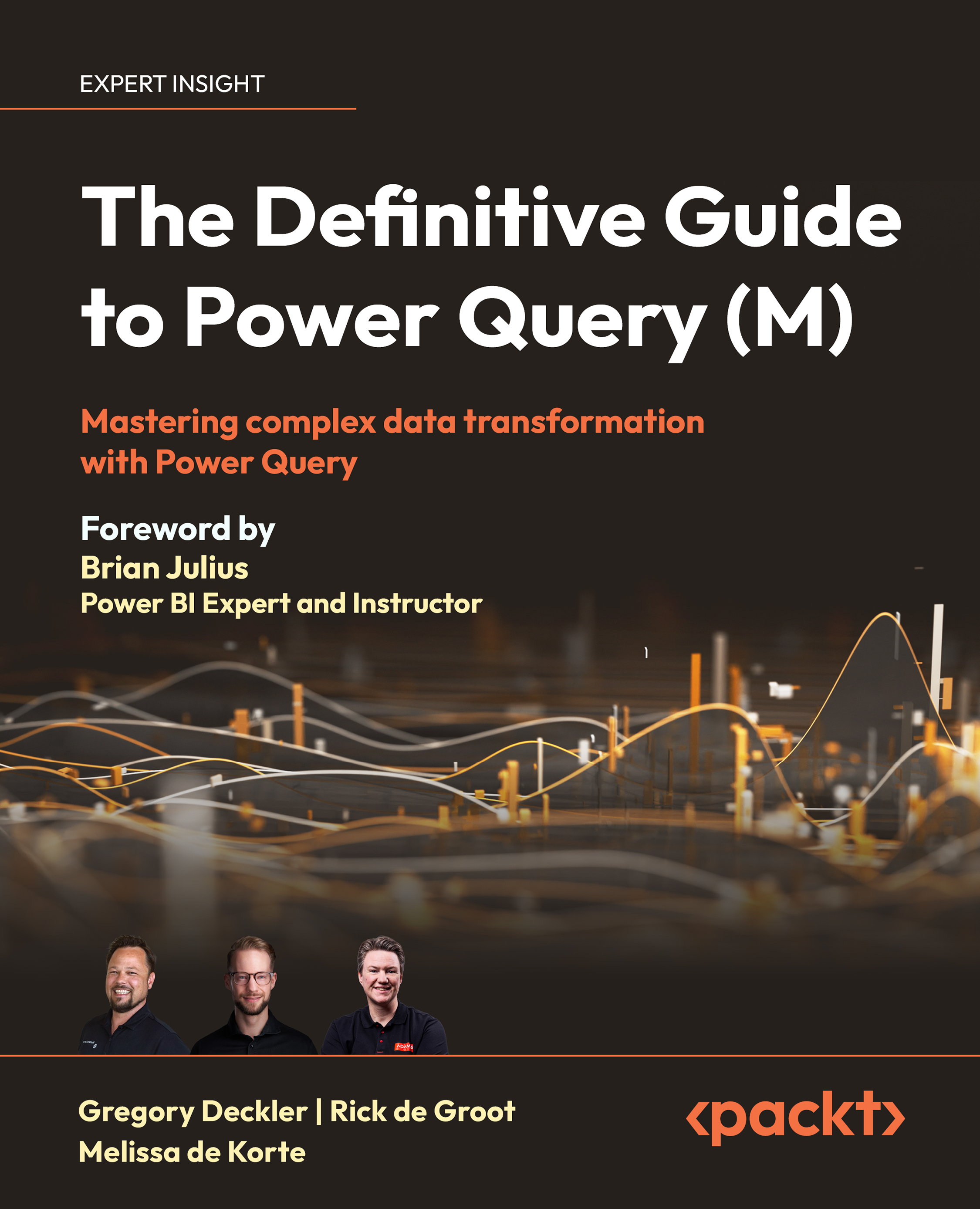
The Definitive Guide to Power Query (M)

The Definitive Guide to Power Query (M)

By : Greg Deckler, Rick de Groot, Melissa de Korte
4.8 (35)
close
close
The Definitive Guide to Power Query (M)

The Definitive Guide to Power Query (M)

4.8 (35)
By: Greg Deckler, Rick de Groot, Melissa de Korte

Overview of this book

Data transformation is a critical step in building data models and business intelligence reports. Power Query is an invaluable tool for anyone who wants to master data transformation, and this book will equip you with the knowledge and skills to make the most of it. The Definitive Guide to Power Query (M) will help you build a solid foundation in the Power Query M language. As you progress through the chapters, you'll learn how to use that knowledge to implement advanced concepts and data transformations. This will set the stage for an uncompromisingly thorough exploration of the Power Query M Language. You'll also get to grips with optimizing performance, handling errors, and implementing efficient data processing techniques. As this is a hands-on guide, the practical examples in the chapters will help you gain the skills to apply Power Query to real-world problems and improve your data analysis capabilities. By the end of this book, you will be able to leverage all of Power Query's remarkable capabilities for data transformation. *Email sign-up and proof of purchase required
Table of Contents (19 chapters)
close
close
17
Other Books You May Enjoy
18
Index

Creating custom columns

Creating custom columns is a common data transformation activity when working with Power Query and the M language. While the number of scenarios for adding custom columns is effectively endless, a common example might be combining a unit price column and a quantity column into a single total sales column. In this section, we will explore several ways to create custom columns both using the GUI of the Power Query Editor as well as writing custom M code.

Adding an index column

A common column added to M queries is an index column, which numbers the rows in sequential order. Index columns are extremely beneficial in certain scenarios, such as Mean Time Between Failure (MTBF), where it is necessary to compare the differences between two rows of data.

To add an index column to the existing query created in the Your First Query section of this chapter, do the following:

  1. Click on the Add Column tab of the ribbon, then click the drop-down arrow...
CONTINUE READING
83
Tech Concepts
36
Programming languages
73
Tech Tools
Icon Unlimited access to the largest independent learning library in tech of over 8,000 expert-authored tech books and videos.
Icon Innovative learning tools, including AI book assistants, code context explainers, and text-to-speech.
Icon 50+ new titles added per month and exclusive early access to books as they are being written.
The Definitive Guide to Power Query (M)
notes
bookmark Notes and Bookmarks search Search in title playlist Add to playlist download Download options font-size Font size

Change the font size

margin-width Margin width

Change margin width

day-mode Day/Sepia/Night Modes

Change background colour

Close icon Search
Country selected

Close icon Your notes and bookmarks

Confirmation

Modal Close icon
claim successful

Buy this book with your credits?

Modal Close icon
Are you sure you want to buy this book with one of your credits?
Close
YES, BUY

Submit Your Feedback

Modal Close icon
Modal Close icon
Modal Close icon