Sign In Start Free Trial
Account

Add to playlist

Create a Playlist

Modal Close icon
You need to login to use this feature.
  • Book Overview & Buying The Definitive Guide to Power Query (M)
  • Table Of Contents Toc
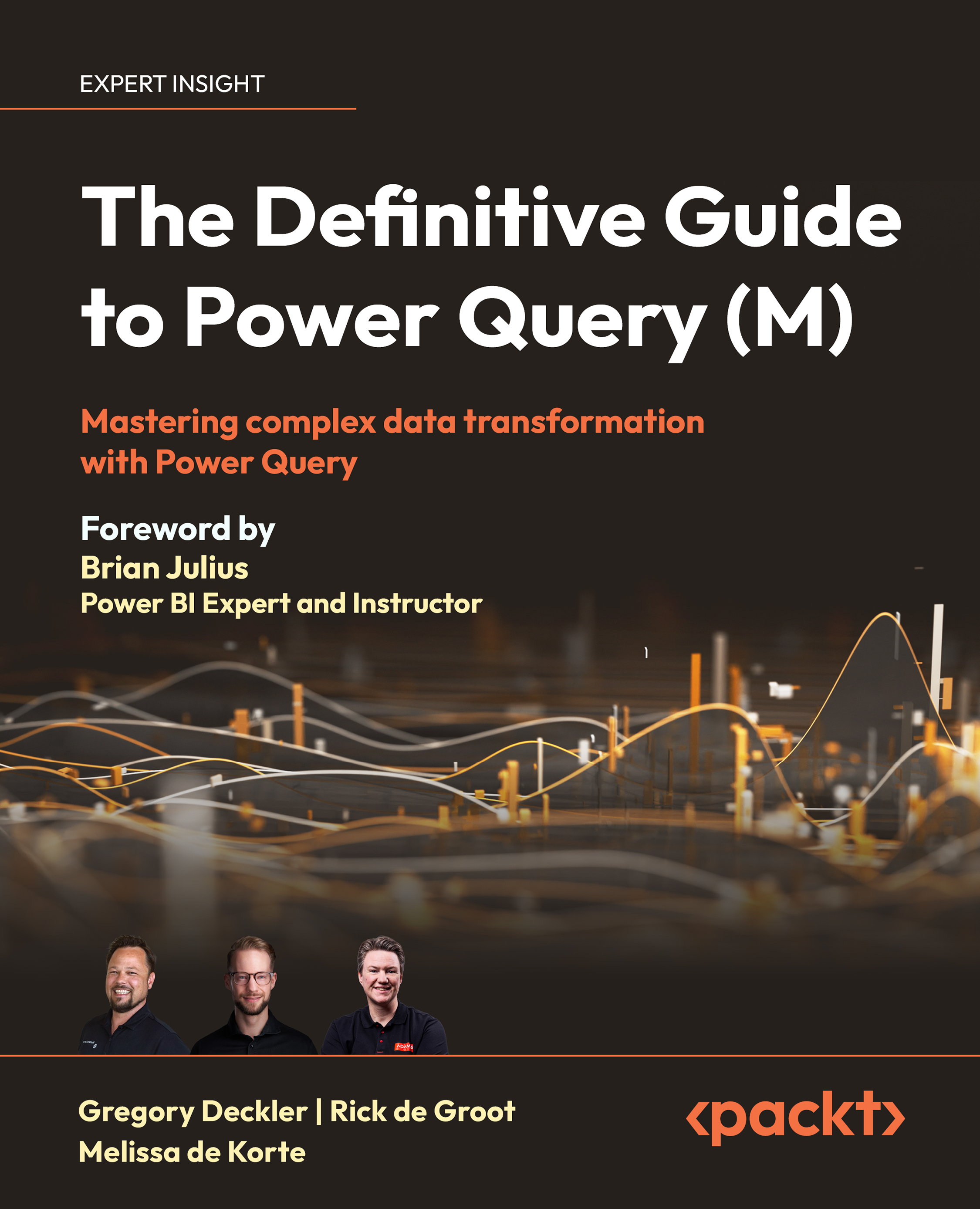
The Definitive Guide to Power Query (M)

The Definitive Guide to Power Query (M)

By : Greg Deckler, Rick de Groot, Melissa de Korte
4.8 (36)
close
close
The Definitive Guide to Power Query (M)

The Definitive Guide to Power Query (M)

4.8 (36)
By: Greg Deckler, Rick de Groot, Melissa de Korte

Overview of this book

Data transformation is a critical step in building data models and business intelligence reports. Power Query is an invaluable tool for anyone who wants to master data transformation, and this book will equip you with the knowledge and skills to make the most of it. The Definitive Guide to Power Query (M) will help you build a solid foundation in the Power Query M language. As you progress through the chapters, you'll learn how to use that knowledge to implement advanced concepts and data transformations. This will set the stage for an uncompromisingly thorough exploration of the Power Query M Language. You'll also get to grips with optimizing performance, handling errors, and implementing efficient data processing techniques. As this is a hands-on guide, the practical examples in the chapters will help you gain the skills to apply Power Query to real-world problems and improve your data analysis capabilities. By the end of this book, you will be able to leverage all of Power Query's remarkable capabilities for data transformation. *Email sign-up and proof of purchase required
Table of Contents (19 chapters)
close
close
17
Other Books You May Enjoy
18
Index

Facets

So far, we have looked at the base data types in the M language, both the primitive and the custom ones. However, you may have encountered values that look like data types, but with a different notation. For instance, when selecting a new data type, you see the following popup:

Figure 5.32: The drop-down menu for changing column types

Notice how the menu shows four different ways to label number values. Now, suppose we change a column to Decimal Number and a column to a Fixed decimal number. The UI produces the following code:

Table.TransformColumnTypes( Source ,
  { { "Name",  type number   },
    { "Value", Currency.Type } } )

The first type transformation references the familiar type number. However, what exactly is Currency.Type? The answer is this is one of the Type Facets, commonly referred to as facets.

Type Facets provide additional information about your data types. They become useful when Power Query needs to talk to other...

CONTINUE READING
83
Tech Concepts
36
Programming languages
73
Tech Tools
Icon Unlimited access to the largest independent learning library in tech of over 8,000 expert-authored tech books and videos.
Icon Innovative learning tools, including AI book assistants, code context explainers, and text-to-speech.
Icon 50+ new titles added per month and exclusive early access to books as they are being written.
The Definitive Guide to Power Query (M)
notes
bookmark Notes and Bookmarks search Search in title playlist Add to playlist download Download options font-size Font size

Change the font size

margin-width Margin width

Change margin width

day-mode Day/Sepia/Night Modes

Change background colour

Close icon Search
Country selected

Close icon Your notes and bookmarks

Confirmation

Modal Close icon
claim successful

Buy this book with your credits?

Modal Close icon
Are you sure you want to buy this book with one of your credits?
Close
YES, BUY

Submit Your Feedback

Modal Close icon
Modal Close icon
Modal Close icon