Sign In Start Free Trial
Account

Add to playlist

Create a Playlist

Modal Close icon
You need to login to use this feature.
  • Book Overview & Buying Pandas Cookbook
  • Table Of Contents Toc
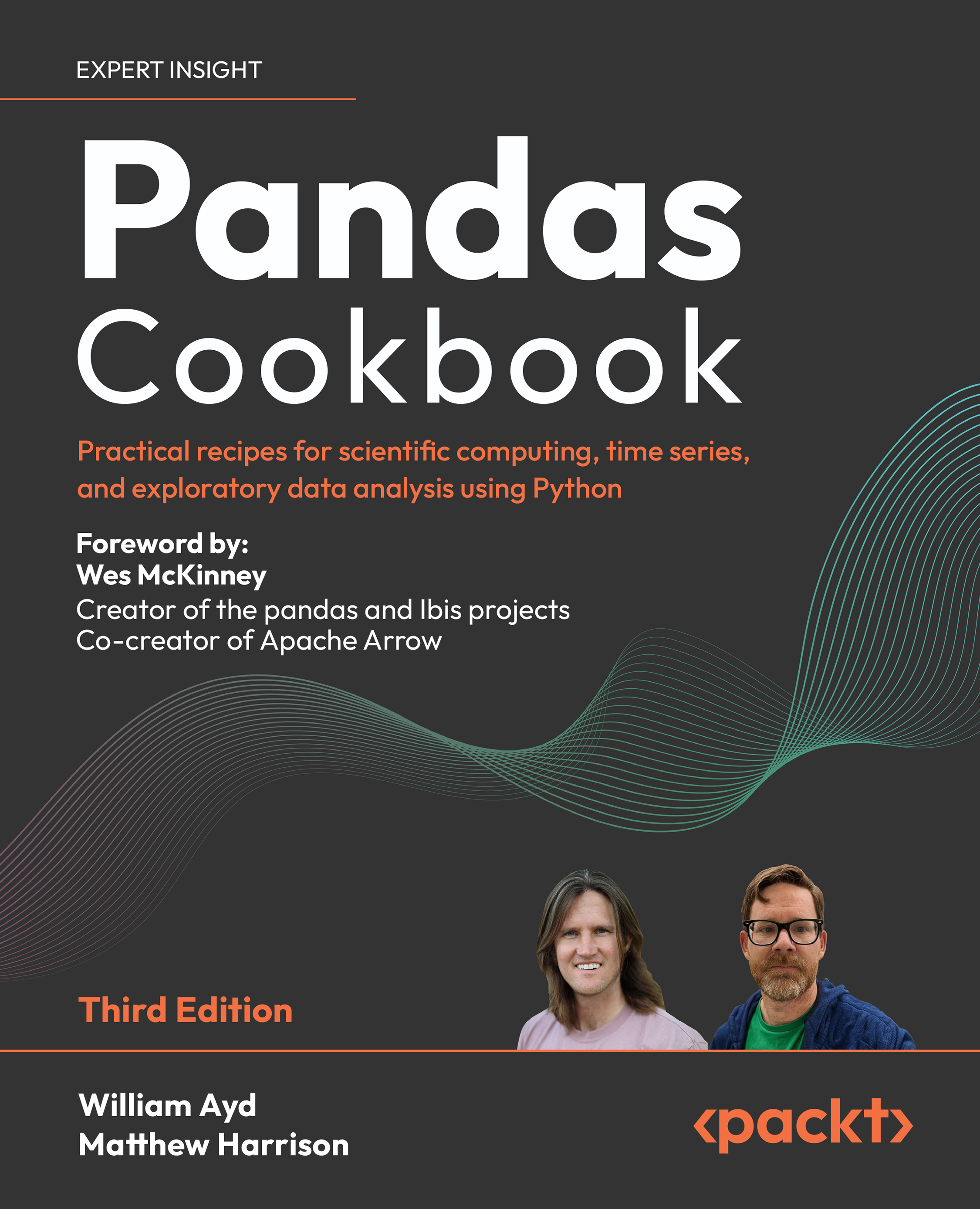
Pandas Cookbook

Pandas Cookbook - Third Edition

By : William Ayd, Matthew Harrison
4.9 (10)
close
close
Pandas Cookbook

Pandas Cookbook

4.9 (10)
By: William Ayd, Matthew Harrison

Overview of this book

Unlock the full power of pandas 2.x with this hands-on cookbook, designed for Python developers, data analysts, and data scientists who need fast, efficient solutions for real-world data challenges. This book provides practical, ready-to-use recipes to streamline your workflow. With step-by-step guidance, you'll master data wrangling, visualization, performance optimization, and scalable data analysis using pandas’ most powerful features. From importing and merging large datasets to advanced time series analysis and SQL-like operations, this cookbook equips you with the tools to analyze, manipulate, and visualize data like a pro. Learn how to boost efficiency, optimize memory usage, and seamlessly integrate pandas with NumPy, PyArrow, and databases. This book will help you transform raw data into actionable insights with ease. *Email sign-up and proof of purchase required
Table of Contents (14 chapters)
close
close
12
Other Books You May Enjoy
13
Index

Datetime selection

Back in Chapter 2, Selection and Assignment, we discussed the many robust ways that pandas allows you to select data from a pd.Series or pd.DataFrame by interacting with their associated row pd.Index. If you happen to create a pd.Index using datetime data, it ends up being represented as a special subclass called a pd.DatetimeIndex. This subclass overrides some functionality of the pd.Index.loc method to give you more flexible selection options tailored to temporal data.

How to do it

pd.date_range is a convenient function that helps you quickly generate a pd.DatetimeIndex. One of the ways to use this function is to specify a starting date with the start= parameter, specify a step frequency with the freq= parameter, and specify the desired length of your pd.DatetimeIndex with the periods= argument.

For instance, to generate a pd.DatetimeIndex that starts on December 27, 2023, and provides 5 days in total with 10 days between each record, you would write...

CONTINUE READING
83
Tech Concepts
36
Programming languages
73
Tech Tools
Icon Unlimited access to the largest independent learning library in tech of over 8,000 expert-authored tech books and videos.
Icon Innovative learning tools, including AI book assistants, code context explainers, and text-to-speech.
Icon 50+ new titles added per month and exclusive early access to books as they are being written.
Pandas Cookbook
notes
bookmark Notes and Bookmarks search Search in title playlist Add to playlist download Download options font-size Font size

Change the font size

margin-width Margin width

Change margin width

day-mode Day/Sepia/Night Modes

Change background colour

Close icon Search
Country selected

Close icon Your notes and bookmarks

Confirmation

Modal Close icon
claim successful

Buy this book with your credits?

Modal Close icon
Are you sure you want to buy this book with one of your credits?
Close
YES, BUY

Submit Your Feedback

Modal Close icon
Modal Close icon
Modal Close icon