


-
Book Overview & Buying
-
Table Of Contents

Learn D3.js - Second Edition
By :


Learn D3.js
By:
Overview of this book
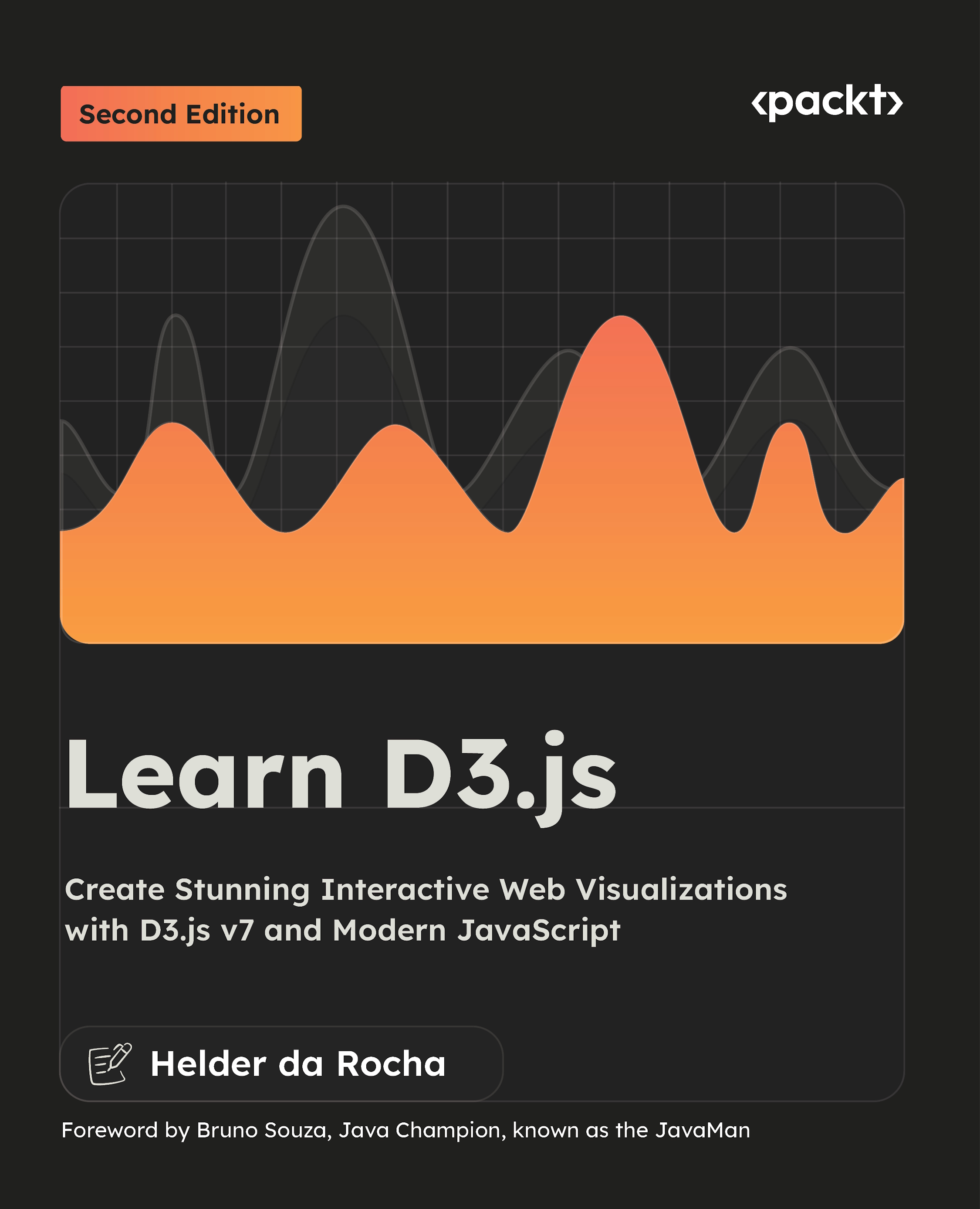
Learn D3.js, Second Edition, is a fully updated guide to building interactive, standards-compliant data visualizations for the web using D3.js v7 and modern JavaScript. Whether you're a developer, designer, data journalist, or analyst, this book will help you master the core techniques for transforming data into compelling, meaningful visuals.
Starting with fundamentals like selections, data binding, and SVG, the book progressively covers scales, axes, animations, hierarchical data, and geographical maps. Each chapter includes short examples and a hands-on project with downloadable code you can run, modify, and use in your own work.
This new edition introduces improved chapter structure, updated code samples using ES2019 standards, and better formatting for readability. Chapters were completely rewritten to focus on the most important topics first, with suggested exercises after each section, complete with commented solutions and online step-by-step tutorials. All code snippets are drawn from real-world D3 data visualization projects available in a GitHub repository, which also includes bonus content on integrating D3 into applications and migrating legacy code.
With its practical approach, this book remains one of the most respected resources for learning D3.js and creating interactive data visualizations with JavaScript.
Table of Contents (27 chapters)
Preface


Part 1: Getting Started with D3
 Free Chapter
Chapter 1: Data-driven documents
Chapter 2: Essential JavaScript for D3 (Online)
Chapter 3: Essential SVG for D3 (Online)
Chapter 4: Quick Start
Part 2: Core D3
Chapter 5: Loading and Parsing Data

Chapter 6: Selections and Data Binding
Chapter 7: Working with Data
Chapter 8: Axes
Chapter 9: Scales
Chapter 10: Colors
Chapter 11: Creating Line and Area Charts
Chapter 12: Creating Pies and Stacks
Chapter 13: Transitions and Animation
Chapter 14: Events and Interactivity
Part 3: Advanced D3
Chapter 15: Creating Tree Visualizations
Chapter 16: Creating Partitions and Enclosures
Chapter 17: Visualizing Flows and Networks
Chapter 18: Force-Directed Networks
Chapter 19: Cartographical Visualizations
Chapter 20: References and Additional Resources
Chapter 21: Unlock Your Exclusive Benefits
Index
Other Books You May Enjoy


