Sign In Start Free Trial
Account

Add to playlist

Create a Playlist

Modal Close icon
You need to login to use this feature.
  • Book Overview & Buying Blender 3D Cookbook
  • Table Of Contents Toc
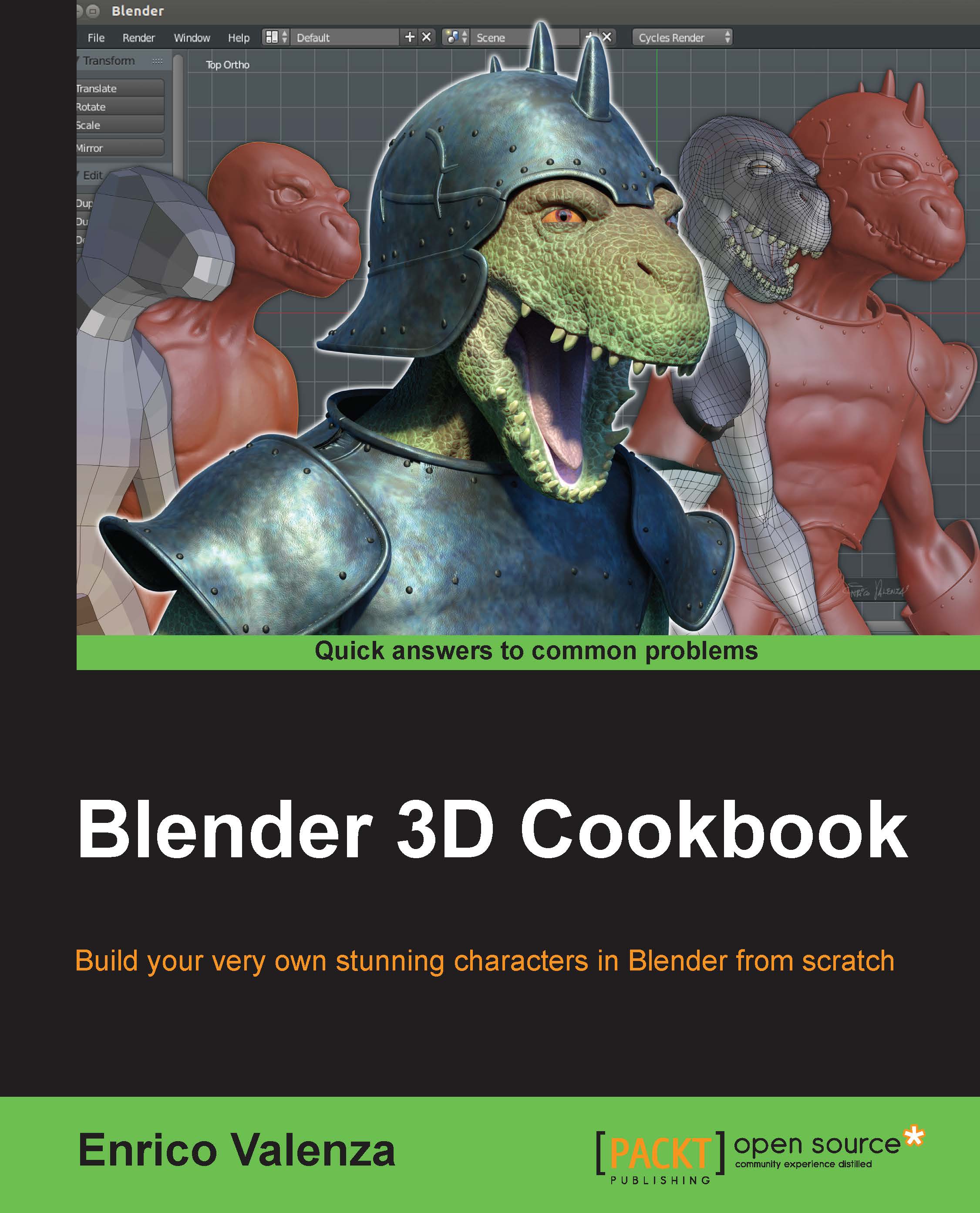
Blender 3D Cookbook

Blender 3D Cookbook

By : Valenza
4.7 (9)
close
close
Blender 3D Cookbook

Blender 3D Cookbook

4.7 (9)
By: Valenza

Overview of this book

This book is aimed at the professionals that already have good 3D CGI experience with commercial packages and have now decided to try the open source Blender and want to experiment with something more complex than the average tutorials on the web. However, it's also aimed at the intermediate Blender users who simply want to go some steps further. It's taken for granted that you already know how to move inside the Blender interface, that you already have 3D modeling knowledge, and also that of basic 3D modeling and rendering concepts, for example, edge-loops, n-gons, or samples. In any case, it's also possible for a keen beginner to follow this book, by combining it with the manual on the BlenderWiki or preceding it with a basic Blender UI tutorial on the web. The keyboard/mouse shortcuts for the operations in the recipes are, at least in all the more relevant cases, indicated in brackets.
Table of Contents (16 chapters)
close
close
15
Index

Making a tileable scales image in Blender Internal


So, the first thing to do is to obtain a tileable grayscale reptilian scales image; we'll start from an already existing image obtained from an old and larger texture I had painted in Gimp for a dinosaur model some years ago… but that's a different story.

In any case, if you prefer, you can paint a new reptilian scales image from scratch by using painting software such as Gimp or Photoshop or open source applications such as MyPaint (http://mypaint.intilinux.com/) or Krita (https://krita.org/).

Getting ready

We are taking for granted that in your Blender User Preferences window, you still have the Import Images as Planes addon enabled; if not, start Blender and just enable it as already explained in Chapter 1, Modeling the Character's Base Mesh. Then, follow these steps:

  1. Select and delete the default Cube primitive in the scene. Select the Camera and the Lamp and move them to the 6th scene layer.

  2. Click on the main File menu and then on the Import...

Visually different images
CONTINUE READING
83
Tech Concepts
36
Programming languages
73
Tech Tools
Icon Unlimited access to the largest independent learning library in tech of over 8,000 expert-authored tech books and videos.
Icon Innovative learning tools, including AI book assistants, code context explainers, and text-to-speech.
Icon 50+ new titles added per month and exclusive early access to books as they are being written.
Blender 3D Cookbook
notes
bookmark Notes and Bookmarks search Search in title playlist Add to playlist font-size Font size

Change the font size

margin-width Margin width

Change margin width

day-mode Day/Sepia/Night Modes

Change background colour

Close icon Search
Country selected

Close icon Your notes and bookmarks

Confirmation

Modal Close icon
claim successful

Buy this book with your credits?

Modal Close icon
Are you sure you want to buy this book with one of your credits?
Close
YES, BUY

Submit Your Feedback

Modal Close icon
Modal Close icon
Modal Close icon