Sign In Start Free Trial
Account

Add to playlist

Create a Playlist

Modal Close icon
You need to login to use this feature.
  • Book Overview & Buying Blender 3D Cookbook
  • Table Of Contents Toc
Blender 3D Cookbook

Blender 3D Cookbook

By : Enrico Valenza
4.7 (9)
close
close
Blender 3D Cookbook

Blender 3D Cookbook

4.7 (9)
By: Enrico Valenza

Overview of this book

This book is aimed at the professionals that already have good 3D CGI experience with commercial packages and have now decided to try the open source Blender and want to experiment with something more complex than the average tutorials on the web. However, it's also aimed at the intermediate Blender users who simply want to go some steps further. It's taken for granted that you already know how to move inside the Blender interface, that you already have 3D modeling knowledge, and also that of basic 3D modeling and rendering concepts, for example, edge-loops, n-gons, or samples. In any case, it's also possible for a keen beginner to follow this book, by combining it with the manual on the BlenderWiki or preceding it with a basic Blender UI tutorial on the web. The keyboard/mouse shortcuts for the operations in the recipes are, at least in all the more relevant cases, indicated in brackets.
Table of Contents (16 chapters)
close
close
15
Index

Preface

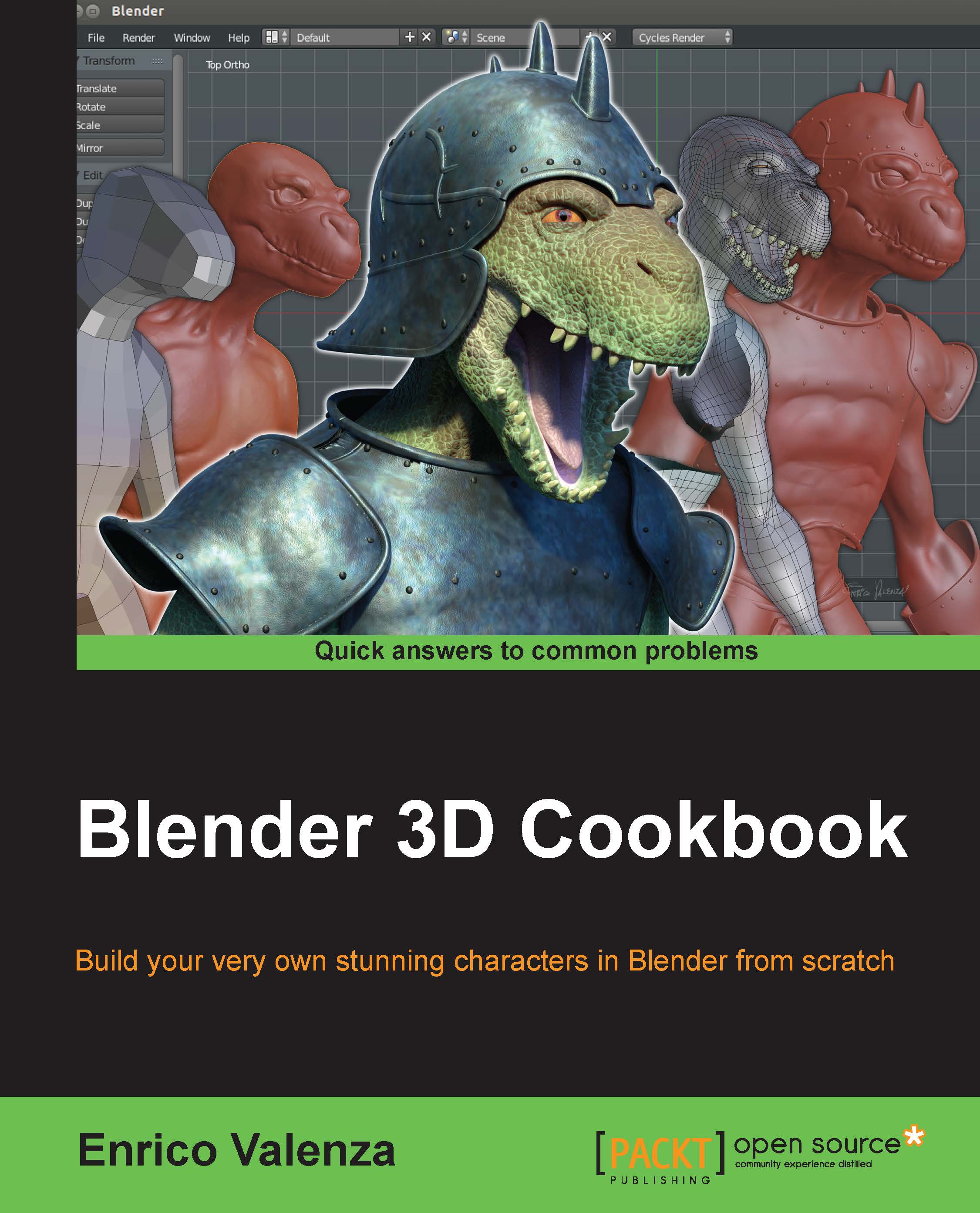
This cookbook is based on the ultimate 2.7 series of Blender and illustrates the workflow to create from scratch the monster creature Gidiosaurus, a fictional humanoid biped reptilian warrior, almost 2 meters tall, with scaled skin and wearing a sort of simple medieval armor.

So, by the use of recipes in this book, we'll see all the stages that a character's creation workflow usually undergoes in a production pipeline based on the open source software Blender; starting from concept sketches used as reference templates for the modeling and sculpting; going through the re-topology, UDIM unwrapping, rigging, texturing, and shading stages; and finally ending with the lighting, the rendering of a simple walk cycle animation, and also a bit of compositing. You will find quite a lot of stuff in the industry usually solved through the use of different applications, but that can be almost completely tackled just in Blender!

The order of all the stages of such a workflow is mandatory for most of them; for example, all the stages from Chapter 1, Modeling the Character's Base Mesh, to Chapter 4, Re-topology of the High Resolution Sculpted Character's Mesh, but can also be subjective in others.

In fact, stages such as the rigging and the skinning, the unwrapping of the mesh, the creation of the shaders, and the textures painting are often, at least in my experience, simultaneous or interchangeable. I usually build the rig and make a quick skinning of the mesh to verify that the deformations work correctly and then, if it's the case, I modify the mesh, fix the unwrap, tweak the vertex groups weights, modify the rig, and so on.

That's why in this book, after the unwrapping stage (Chapter 5, Unwrapping the Low Resolution Mesh), there are chapters about the rigging, skinning, and animation, and only later there are the chapters about the shaders and the textures creation, which ideally would have been the natural followers. While we are rigging a character, sometimes the need for some modifications in the mesh topology or even in the geometry turns up, usually to allow for better deformation in certain areas; this is the kind of corrections that we prefer to have before the unwrapping and the complex texture painting stages are done.

Because the different stages must be kept separated and explained one by one through recipes, it would be difficult to keep this kind of simultaneity in the cookbook. That's why, in very few cases, you'll find blank steps linking to other recipes and some images showing the future effect of the involved processes; for example, in Chapter 2, Sculpting the Character's Base Mesh, there are recipes about the different ways to obtain the mesh subdivision that at a certain step link to a later recipe, or in Chapter 6, Rigging the Low Resolution Mesh, there are examples of the deformation effects that the rig will have on the already skinned mesh even if the reader hasn't approached the skinning stage yet and so on. If this is the case, it is clarified at the time.

If you are not a total beginner in Blender, you are probably already using your customized version of the User Interface, with your personal preferences as add-ons, modified screens, and whatever else already set in the User Preferences panel.

In this cookbook, by the way, we'll presume to start our workflow with the Factory Settings, which is the basic interface and the preferences situation we have at the very first time we start Blender just after to have downloaded the zip and uncompressed it to some location on our hard drive.

If this the case, in the Getting ready section of the recipes, instructions about any required add-on and/or particular settings to be enabled are provided.

Note

In the making of this cookbook, I've used versions of Blender from 2.71 to 2.73a. So, besides the version number that you'll see in the images written in the main header, you can sometimes find a screenshot showing buttons or features not appearing in the other images; such as, for example, for the Node Editor toolbar between versions 2.71 and 2.72, as shown in the following screenshot (only relevant to Cycles):

Preface

In no case, things like these should be an issue because there aren't many differences in these versions, only improvements, and the provided files have been tested under all of them. Obviously, new features or bug fixes introduced in version 2.73a are not available in the previous ones, so always use the latest official Blender release (also, the new versions 2.74 and 2.75a, although not debated in the cookbook, are OK).

A list of the new features available in the new versions can be found at http://wiki.blender.org/index.php/Dev:Ref/Release_Notes/2.73, http://wiki.blender.org/index.php/Dev:Ref/Release_Notes/2.74, and http://wiki.blender.org/index.php/Dev:Ref/Release_Notes/2.75.

I want to assure you that no Gidiosaurus has been harmed in the making of this cookbook. Moreover, the Gidiosaurus is totally a fictional character and any reference to extinct or still living creatures is totally coincidental and fortuitous. Even more, the name Gidiosaurus (from Gidio = Gidio and saurus = lizard) is copyrighted; the Gidiosaurus character has been designed, sculpted, and modeled by Enrico Valenza and is released under the Creative Commons license CC BY-NC-ND 4.0 (http://creativecommons.org/licenses/by-nc-nd/4.0/). This means that any version of the Gidiosaurus model or the character's textures provided through blend files with this cookbook, besides special distribution permission granted by the author to Packt Publishing for this cookbook, cannot be used for commercial purposes, but only for personal projects and the appropriate credit must always be given anyway.

CONTINUE READING
83
Tech Concepts
36
Programming languages
73
Tech Tools
Icon Unlimited access to the largest independent learning library in tech of over 8,000 expert-authored tech books and videos.
Icon Innovative learning tools, including AI book assistants, code context explainers, and text-to-speech.
Icon 50+ new titles added per month and exclusive early access to books as they are being written.
Blender 3D Cookbook
notes
bookmark Notes and Bookmarks search Search in title playlist Add to playlist font-size Font size

Change the font size

margin-width Margin width

Change margin width

day-mode Day/Sepia/Night Modes

Change background colour

Close icon Search
Country selected

Close icon Your notes and bookmarks

Confirmation

Modal Close icon
claim successful

Buy this book with your credits?

Modal Close icon
Are you sure you want to buy this book with one of your credits?
Close
YES, BUY

Submit Your Feedback

Modal Close icon
Modal Close icon
Modal Close icon