Sign In Start Free Trial
Account

Add to playlist

Create a Playlist

Modal Close icon
You need to login to use this feature.
  • Book Overview & Buying Unreal Engine Game Development Blueprints
  • Table Of Contents Toc
Unreal Engine Game Development Blueprints

Unreal Engine Game Development Blueprints

By : Valcasara
2.3 (3)
close
close
Unreal Engine Game Development Blueprints

Unreal Engine Game Development Blueprints

2.3 (3)
By: Valcasara

Overview of this book

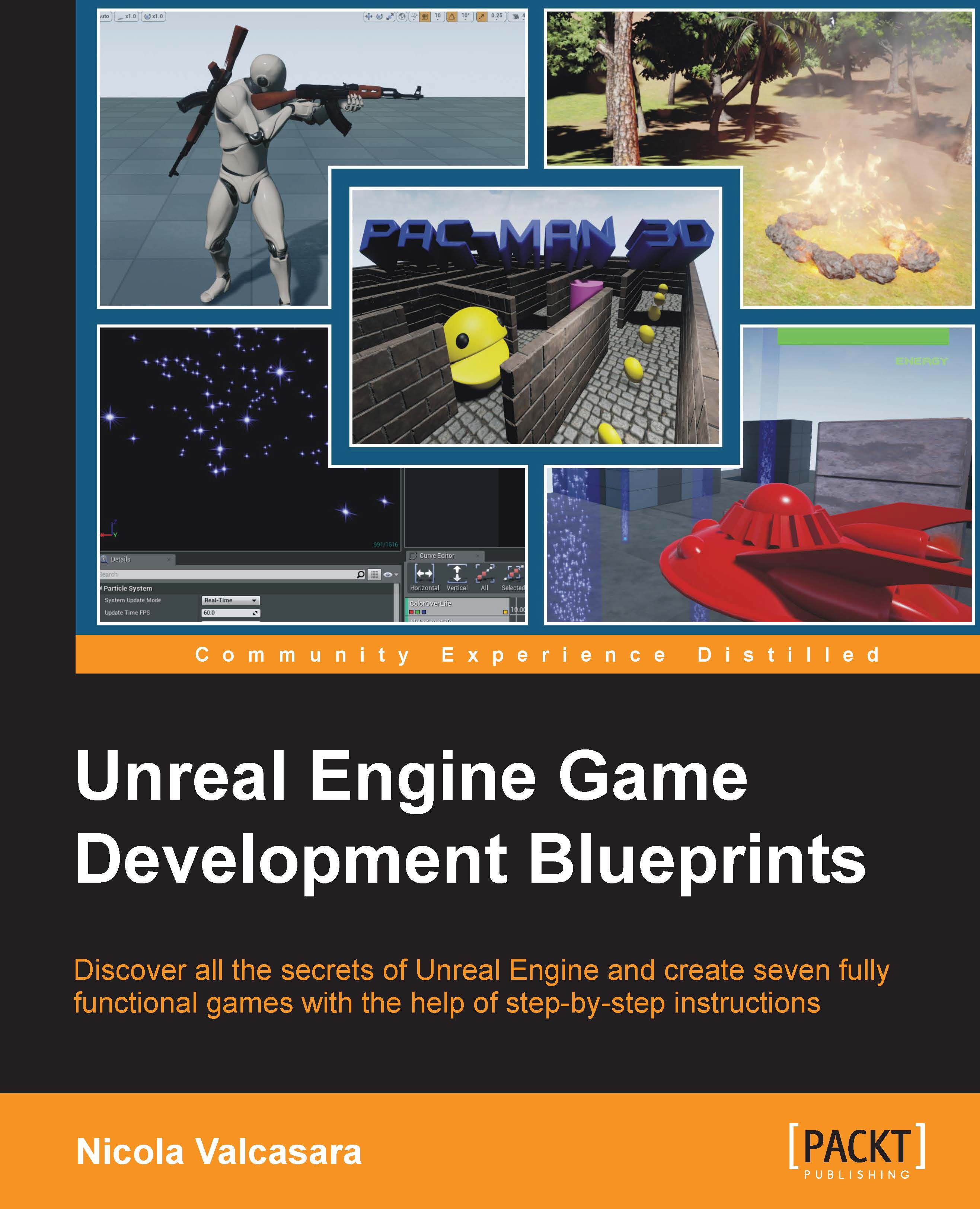
With the arrival of Unreal Engine 4, a new wonderful tool was born: Blueprint. This visual scripting tool allows even non-programmers to develop the logic for their games, allowing almost anyone to create entire games without the need to write a single line of code. The range of features you can access with Blueprint script is pretty extensive, making it one of the foremost choices for many game developers. Unreal Engine Game Development Blueprints helps you unleash the real power of Unreal by helping you to create engaging and spectacular games. It will explain all the aspects of developing a game, focusing on visual scripting, and giving you all the information you need to create your own games. We start with an introductory chapter to help you move fluidly inside the Blueprint user interface, recognize its different components, and understand any already written Blueprint script. Following this, you will learn how to modify generated Blueprint classes to produce a single player tic-tac-toe game and personalize it. Next, you will learn how to create simple user interfaces, and how to extend Blueprints through code. This will help you make an informed decision between choosing Blueprint or code. You will then see the real power of Unreal unleashed as you create a beautiful scene with moving, AI controlled objects, particles, and lights. Then, you will learn how to create AI using a behavior tree and a global level Blueprint, how to modify the camera, and how to shoot custom bullets. Finally, you will create a complex game using Blueprintable components complete with a menu, power-up, dangerous objects, and different weapons.
Table of Contents (9 chapters)
close
close

The code

We are done with the editor, for now. It is time to open our Visual Studio project and add the logic of the game.

C++ code in UE4 is called assisted C++, meaning that there are a lot of features and conventions that help people to write fully working classes in minutes, even without code experience.

Open the Visual Studio project by double-clicking the .sln file in the root folder of the project or navigate to File | Open Visual Studio from the editor.

You will see that some files are already present in Solution Explorer. Let's take a look at these files:

The code

First, you will notice that there are two projects in your solution. The first one is the whole engine source code. You will usually never touch it as it is easy to make a mistake owing to the complexity of the engine, and you should not change anything in it unless you are an expert. Also, there is a whole company that is updating that code frequently, improving it at least once a month.

The second project is our game. The root...

CONTINUE READING
83
Tech Concepts
36
Programming languages
73
Tech Tools
Icon Unlimited access to the largest independent learning library in tech of over 8,000 expert-authored tech books and videos.
Icon Innovative learning tools, including AI book assistants, code context explainers, and text-to-speech.
Icon 50+ new titles added per month and exclusive early access to books as they are being written.
Unreal Engine Game Development Blueprints
notes
bookmark Notes and Bookmarks search Search in title playlist Add to playlist font-size Font size

Change the font size

margin-width Margin width

Change margin width

day-mode Day/Sepia/Night Modes

Change background colour

Close icon Search
Country selected

Close icon Your notes and bookmarks

Confirmation

Modal Close icon
claim successful

Buy this book with your credits?

Modal Close icon
Are you sure you want to buy this book with one of your credits?
Close
YES, BUY

Submit Your Feedback

Modal Close icon
Modal Close icon
Modal Close icon