


-
Book Overview & Buying
-
Table Of Contents

Blender 3D Incredible Machines
By :


Blender 3D Incredible Machines
By:
Overview of this book
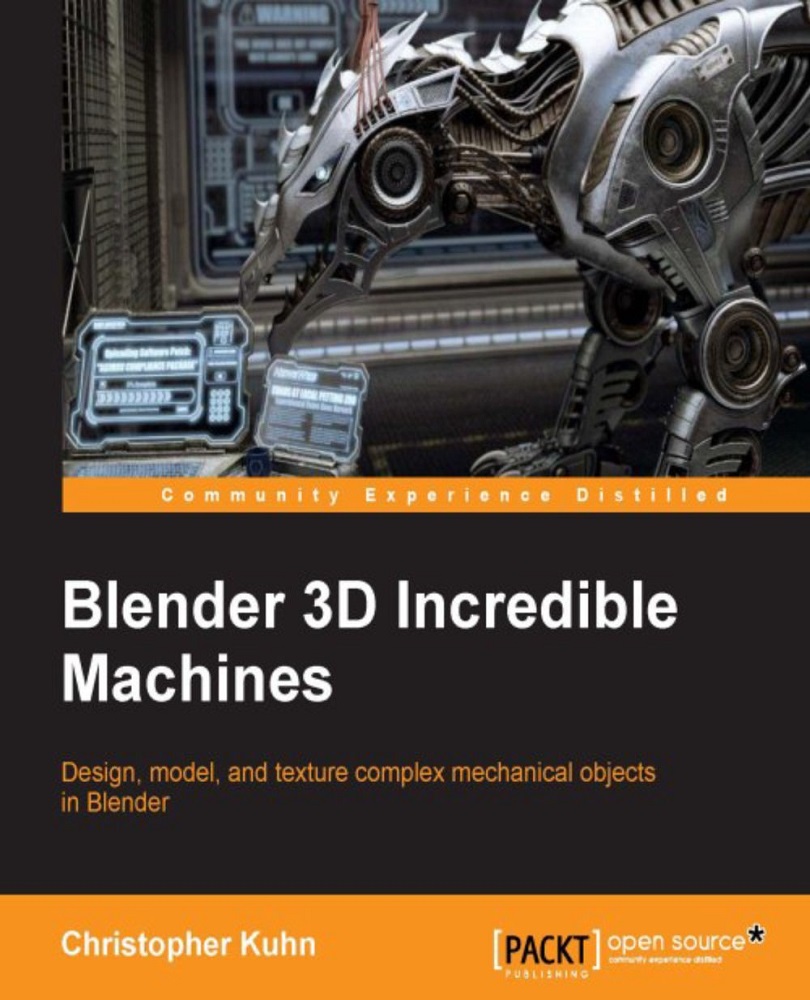
Blender 3D is one of the top pieces of 3D animation software. Machine modeling is an essential aspect of war games, space games, racing games, and animated action films. As the Blender software grows more powerful and popular, there is a demand to take your modeling skills to the next level. This book will cover all the topics you need to create professional models and renders.
This book will help you develop a comprehensive skill set that covers the key aspects of mechanical modeling. Through this book, you will create many types of projects, including a pistol, spacecraft, robot, and a racer. We start by making a Sci-fi pistol, creating its basic shape and adding details to it. Moving on, you’ll discover modeling techniques for larger objects such as a space craft and take a look at how different techniques are required for freestyle modeling.
After this, we’ll create the basic shapes for the robot and combine the meshes to create unified objects. We'll assign materials and explore the various options for freestyle rendering. We’ll discuss techniques to build low-poly models, create a low-poly racer, and explain how they differ from the high poly models we created previously.
By the end of this book, you will have mastered a workflow that you will be able to apply to your own creations.
Table of Contents (11 chapters)
Preface


 Free Chapter
1. Sci-Fi Pistol - Creating the Basic Shapes
2. Sci-Fi Pistol - Adding Details
3. Texturing and Rendering Your Sci-Fi Pistol
4. Spacecraft – Creating the Basic Shapes
5. Spacecraft - Adding Details
6. Spacecraft – Materials, Textures, and Rendering
7. Modeling Your Freestyle Robot
8. Robot - Freestyle Rendering
9. Low-Poly Racer – Building the Mesh

10. Low-Poly Racer – Materials and Textures


