Sign In Start Free Trial
Account

Add to playlist

Create a Playlist

Modal Close icon
You need to login to use this feature.
  • Book Overview & Buying Building a 3D Game with LibGDX
  • Table Of Contents Toc
Building a 3D Game with LibGDX

Building a 3D Game with LibGDX

By : Sebastián Di Giuseppe, Andreas Krühlmann, Elmar van Rijnswou
2.7 (3)
close
close
Building a 3D Game with LibGDX

Building a 3D Game with LibGDX

2.7 (3)
By: Sebastián Di Giuseppe, Andreas Krühlmann, Elmar van Rijnswou

Overview of this book

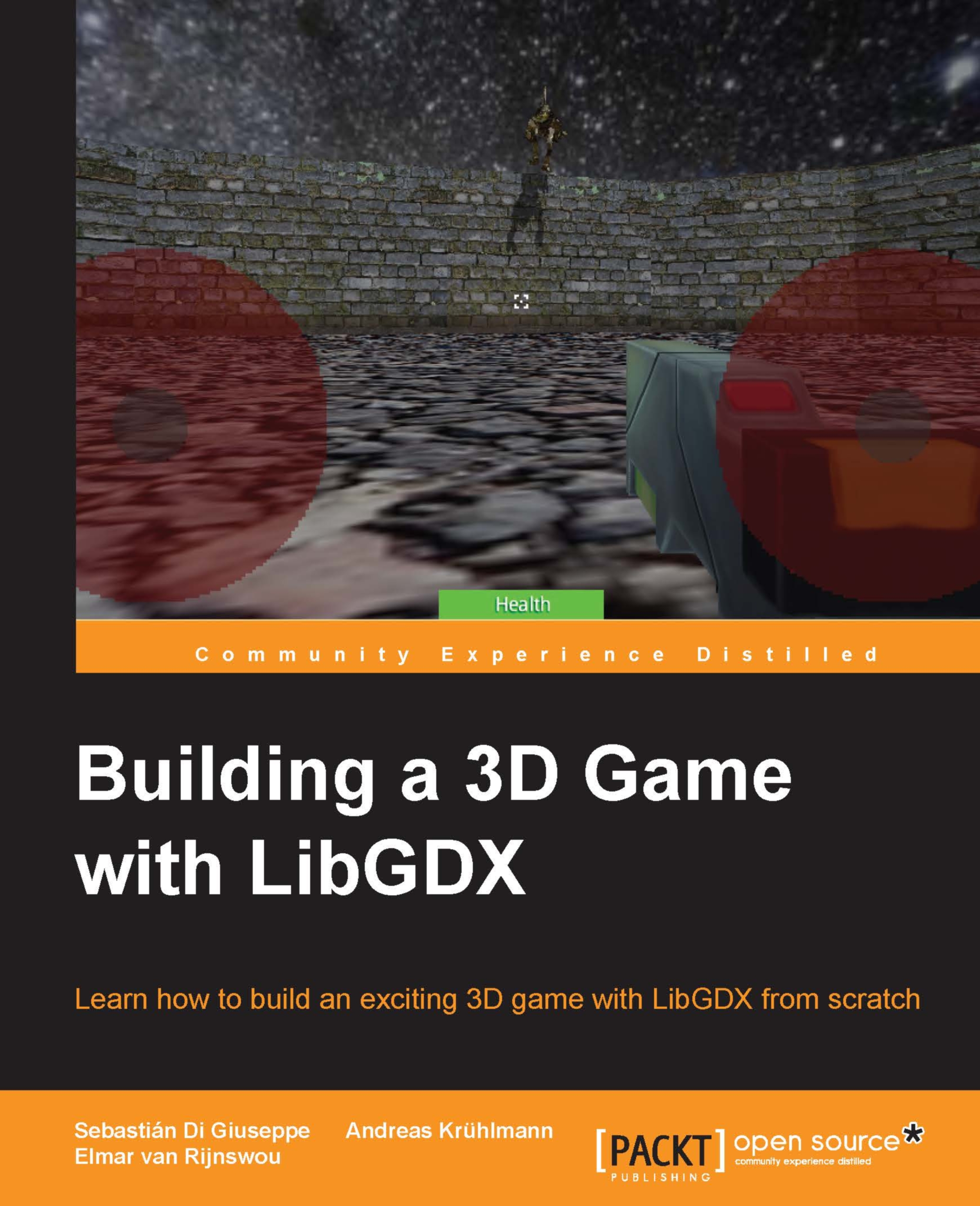
LibGDX is a hugely popular open source, cross-platform, Java-based game development framework built for the demands of cross-platform game development. This book will teach readers how the LibGDX framework uses its 3D rendering API with the OpenGL wrapper, in combination with Bullet Physics, 3D Particles, and Shaders to develop and deploy a game application to different platforms You will start off with the basic Intellij environment, workflow and set up a LibGDX project with necessary APIs for 3D development. You will then go through LibGDX’s 3D rendering API main features and talk about the camera used for 3D. Our next step is to put everything together to build a basic 3D game with Shapes, including basic gameplay mechanics and basic UI. Next you will go through modeling, rigging, and animation in Blender. We will then talk about refining mechanics, new input implementations, implementing enemy 3D models, mechanics, and gameplay balancing. The later part of this title will help you to manage secondary resources like audio, music and add 3D particles in the game to make the game more realistic. You will finally test and deploy the app on a multitude of different platforms, ready to start developing your own titles how you want!
Table of Contents (8 chapters)
close
close

Chapter 1. Setting Up Your Development Environment

LibGDX's development is very powerful, and that is why we will set up a nice and stable structure to work with before jumping into the code and project structure. We will use IntelliJ IDEA to do most of our development for the simply because it's productive (and of course, there are few neat tricks to combine with LibGDX), though it's very common to use Eclipse for development too. There are other ways to set up a 3D game with LibGDX, but to start off this book; we will build the game with basic assets created by code. In this chapter, we will explain how to download and set up all the required tools to get you started with setting up an environment to build 3D games with LibGDX, and to work on desktop and Android platforms. Although LibGDX also builds for HTML (WebGL) and iOS, we won't cover these builds because they do not fit with our game, but they are as easy as the following documentation guidelines on the official site (http://libgdx.badlogicgames.com/). You will learn more about this in this chapter.

Assuming you know LibGDX, you already have the Java Development Kit (JDK) installed and the Android software development kit (SDK) updated (you need API 22 with the LibGDX version [1.6.4]); otherwise, a simple Google search will do. The steps are OS-free and we will use Windows to implement them.

We will cover the following topics in this chapter:

  • Downloading and installing IntelliJ IDEA
  • Setting up the LibGDX project and importing it to IntelliJ IDEA
  • Running and debugging the game
CONTINUE READING
83
Tech Concepts
36
Programming languages
73
Tech Tools
Icon Unlimited access to the largest independent learning library in tech of over 8,000 expert-authored tech books and videos.
Icon Innovative learning tools, including AI book assistants, code context explainers, and text-to-speech.
Icon 50+ new titles added per month and exclusive early access to books as they are being written.
Building a 3D Game with LibGDX
notes
bookmark Notes and Bookmarks search Search in title playlist Add to playlist download Download options font-size Font size

Change the font size

margin-width Margin width

Change margin width

day-mode Day/Sepia/Night Modes

Change background colour

Close icon Search
Country selected

Close icon Your notes and bookmarks

Confirmation

Modal Close icon
claim successful

Buy this book with your credits?

Modal Close icon
Are you sure you want to buy this book with one of your credits?
Close
YES, BUY

Submit Your Feedback

Modal Close icon
Modal Close icon
Modal Close icon