Sign In Start Free Trial
Account

Add to playlist

Create a Playlist

Modal Close icon
You need to login to use this feature.
  • Book Overview & Buying Unity UI Cookbook
  • Table Of Contents Toc
Unity UI Cookbook

Unity UI Cookbook

By : Francesco Sapio
4.5 (13)
close
close
Unity UI Cookbook

Unity UI Cookbook

4.5 (13)
By: Francesco Sapio

Overview of this book

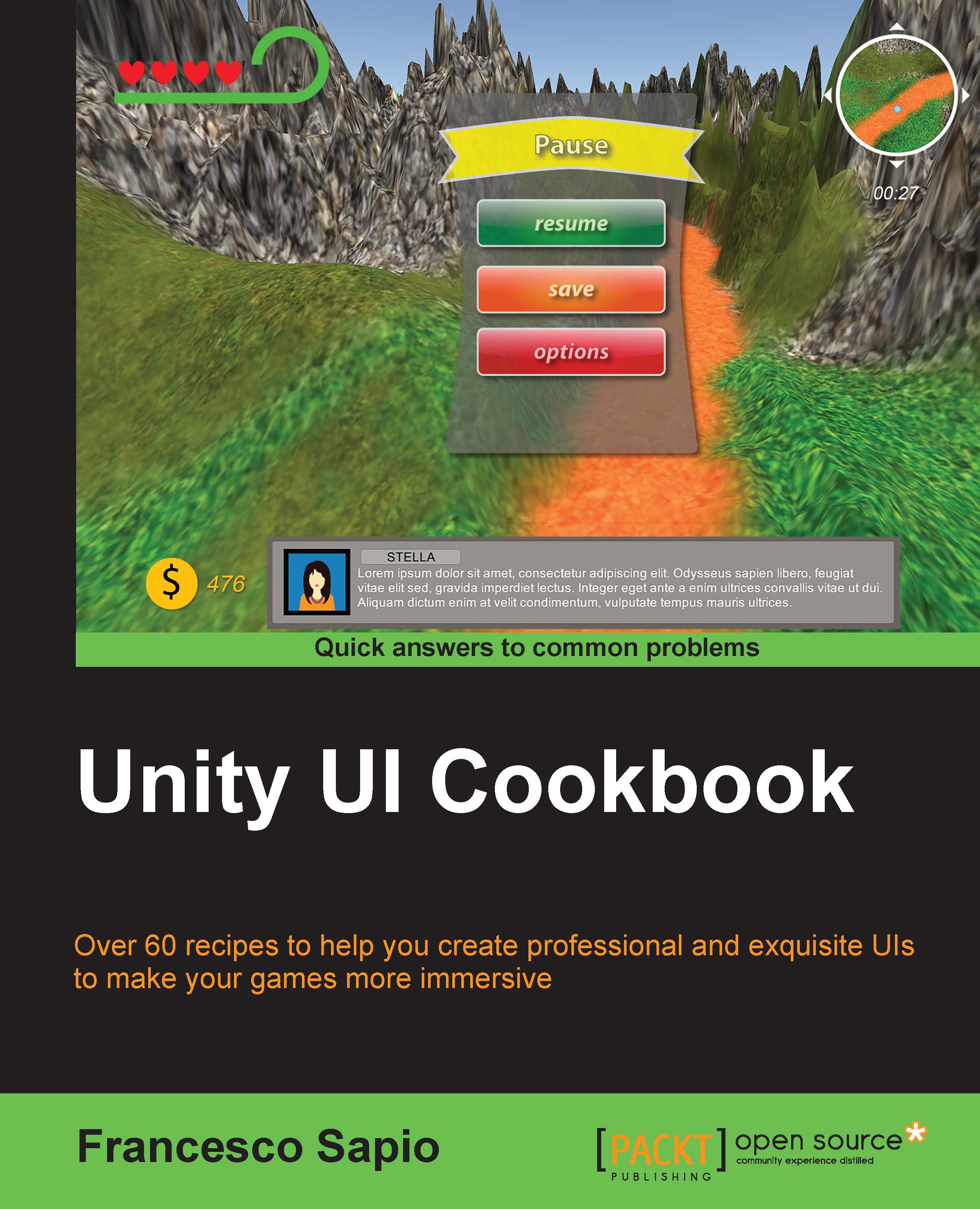
With the increasing interest in game development, it's essential to design and implement a UI that reflects the game settings and shows the right information to the player. The Unity system is used to create complex and aesthetically pleasing user interfaces in order to give a professional look and feel to a game. Although the new Unity UI system is powerful and quite easy to use, by integrating it with C# scripts, it's possible to realize the potential of this system and bring an impressive UI to games. This guide is an invaluable collection of recipes if you are planning to use Unity to develop a game. Starting with the basic concepts of the UI components, we’ll take you all the way through to creating complex interfaces by including animations and dynamics elements. Based on real-world problems, these recipes will start by showing you how to make common UI elements such as counters and healthbars. You will then get a walkthrough of how to manage time using timers, and will learn how to format them. You will move on to decorating and animating the UI elements to vivify them and give them a professional touch. Furthermore, you will be guided into the 3D UI world and into HUD scripting. Finally, you will discover how to implement complex minimaps in the interface.
Table of Contents (12 chapters)
close
close
11
Index

Implementing a radial timer

In this recipe, we are going to create a radial timer. The time that is remaining will be displayed as a ring that reduces circularly over time. To achieve this, we will use the Image (Script) component, along with a script to manage the length of the circular bar. A timer like this can be useful when it is relating to something in particular. For instance, if a character has a special ability and we want the timer to represent the duration that the ability can be used for, a radial timer can be implemented. In this way, we are able to add an icon that then represents the ability. It can be centered in the middle of the radial timer, keeping the UI concentrated and contained.

How to do it...

  1. First of all, we need to create a circular bar for our timer. We can do this by opening a graphics program to make it, or by implementing the one that we previously created in the Implementing a radial heath bar recipe in the previous chapter.
  2. Next, import the bar into your...
CONTINUE READING
83
Tech Concepts
36
Programming languages
73
Tech Tools
Icon Unlimited access to the largest independent learning library in tech of over 8,000 expert-authored tech books and videos.
Icon Innovative learning tools, including AI book assistants, code context explainers, and text-to-speech.
Icon 50+ new titles added per month and exclusive early access to books as they are being written.
Unity UI Cookbook
notes
bookmark Notes and Bookmarks search Search in title playlist Add to playlist font-size Font size

Change the font size

margin-width Margin width

Change margin width

day-mode Day/Sepia/Night Modes

Change background colour

Close icon Search
Country selected

Close icon Your notes and bookmarks

Confirmation

Modal Close icon
claim successful

Buy this book with your credits?

Modal Close icon
Are you sure you want to buy this book with one of your credits?
Close
YES, BUY

Submit Your Feedback

Modal Close icon
Modal Close icon
Modal Close icon