
Sign In Start Free Trial
Account

Add to playlist

Create a Playlist

Modal Close icon
You need to login to use this feature.
  • Book Overview & Buying Real-Time 3D Graphics with WebGL 2
  • Table Of Contents Toc
Real-Time 3D Graphics with WebGL 2

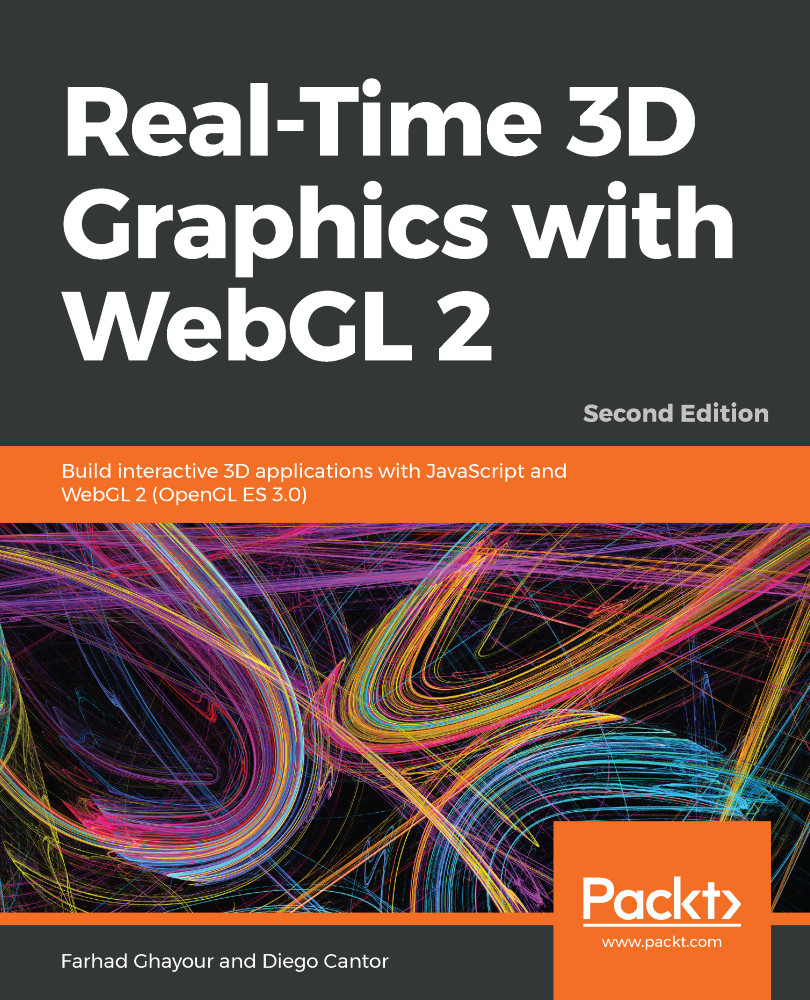
Real-Time 3D Graphics with WebGL 2 - Second Edition

By : Farhad Ghayour, Diego Cantor
4.8 (12)
close
close
Real-Time 3D Graphics with WebGL 2

Real-Time 3D Graphics with WebGL 2

4.8 (12)
By: Farhad Ghayour, Diego Cantor

Overview of this book

As highly interactive applications have become an increasingly important part of the user experience, WebGL is a unique and cutting-edge technology that brings hardware-accelerated 3D graphics to the web. Packed with 80+ examples, this book guides readers through the landscape of real-time computer graphics using WebGL 2. Each chapter covers foundational concepts in 3D graphics programming with various implementations. Topics are always associated with exercises for a hands-on approach to learning. This book presents a clear roadmap to learning real-time 3D computer graphics with WebGL 2. Each chapter starts with a summary of the learning goals for the chapter, followed by a detailed description of each topic. The book offers example-rich, up-to-date introductions to a wide range of essential 3D computer graphics topics, including rendering, colors, textures, transformations, framebuffers, lights, surfaces, blending, geometry construction, advanced techniques, and more. With each chapter, you will "level up" your 3D graphics programming skills. This book will become your trustworthy companion in developing highly interactive 3D web applications with WebGL and JavaScript.
Table of Contents (14 chapters)
close
close

Depth Testing

Each fragment that has been processed by the fragment shader carries an associated depth value. Though fragments are two-dimensional since they’re rendered on the screen, the depth value keeps the information of how far the fragment is from the camera (screen). Depth values are stored in a special WebGL buffer named depth buffer or z-buffer. The z comes from the fact that x and y values correspond to the screen coordinates of the fragment, while the z value measures distance perpendicular to the screen.

After the fragment has been calculated by the fragment shader, it becomes available for depth testing. This only occurs if the depth test is enabled. Assuming that gl is the JavaScript variable that contains our WebGL context, we can enable depth testing by writing the following:

gl.enable(gl.DEPTH_TEST);

The depth test takes the depth value of a fragment...

CONTINUE READING
83
Tech Concepts
36
Programming languages
73
Tech Tools
Icon Unlimited access to the largest independent learning library in tech of over 8,000 expert-authored tech books and videos.
Icon Innovative learning tools, including AI book assistants, code context explainers, and text-to-speech.
Icon 50+ new titles added per month and exclusive early access to books as they are being written.
Real-Time 3D Graphics with WebGL 2
notes
bookmark Notes and Bookmarks search Search in title playlist Add to playlist download Download options font-size Font size

Change the font size

margin-width Margin width

Change margin width

day-mode Day/Sepia/Night Modes

Change background colour

Close icon Search
Country selected

Close icon Your notes and bookmarks

Confirmation

Modal Close icon
claim successful

Buy this book with your credits?

Modal Close icon
Are you sure you want to buy this book with one of your credits?
Close
YES, BUY

Submit Your Feedback

Modal Close icon
Modal Close icon
Modal Close icon