Sign In Start Free Trial
Account

Add to playlist

Create a Playlist

Modal Close icon
You need to login to use this feature.
  • Book Overview & Buying Vulkan 3D Graphics Rendering Cookbook
  • Table Of Contents Toc
Vulkan 3D Graphics Rendering Cookbook

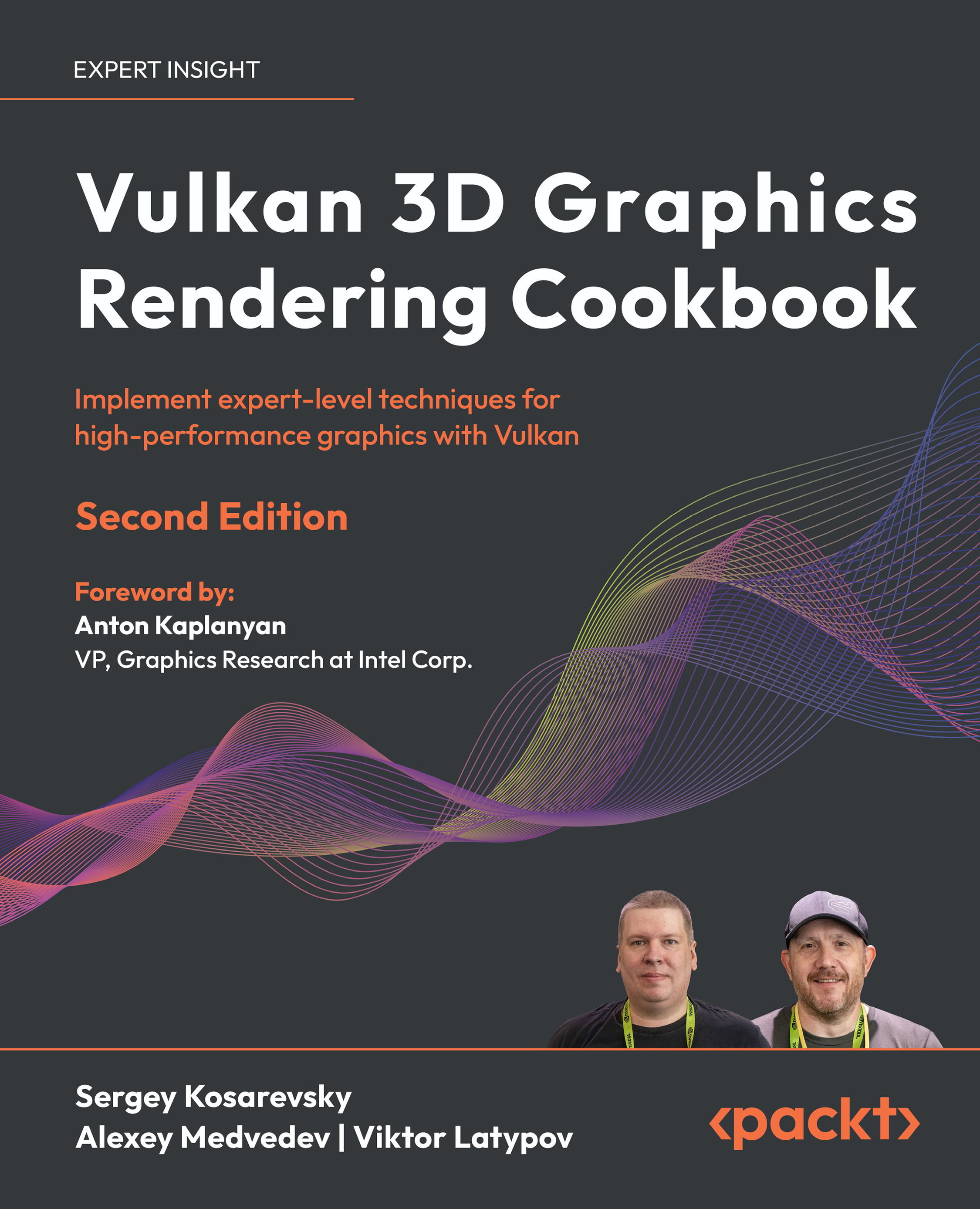
Vulkan 3D Graphics Rendering Cookbook - Second Edition

By : Sergey Kosarevsky, Alexey Medvedev, Viktor Latypov
3 (4)
close
close
Vulkan 3D Graphics Rendering Cookbook

Vulkan 3D Graphics Rendering Cookbook

3 (4)
By: Sergey Kosarevsky, Alexey Medvedev, Viktor Latypov

Overview of this book

Written by experts with decades of rendering experience, this cookbook equips you with practical, hands-on recipes to master modern 3D graphics development by using bindless Vulkan. Focusing on Vulkan 1.3, this second edition starts by setting up your development environment, and quickly transitions to building a robust 3D rendering framework using self-contained recipes. Each recipe helps you incrementally enhance your codebase, integrating a variety of 3D rendering techniques and algorithms into a cohesive project. You’ll get to grips with core techniques, such as glTF 2.0 physically based rendering, image-based lighting, and GPU-driven rendering. The chapters help you grasp advanced topics, including glTF animations, screen-space rendering techniques, and optimization strategies. You’ll also learn how to use glTF 2.0 advanced PBR extensions and handle complex geometry data, ensuring your rendering engine is both powerful and performant. These new additions will enable you to create dynamic and realistic 3D graphics environments, fully utilizing Vulkan’s capabilities. By the end of this 3D rendering book, you’ll have gained an improved understanding of best practices used in modern graphic APIs and be able to create fast and versatile 3D rendering frameworks. *Email sign-up and proof of purchase required
Table of Contents (15 chapters)
close
close
13
Other Books You May Enjoy
14
Index

Initializing Vulkan shader modules

The Vulkan API consumes shaders in the form of compiled SPIR-V binaries. We already learned how to compile shaders from GLSL source code to SPIR-V using the open-source glslang compiler from Khronos. In this recipe, we will learn how to use GLSL shaders and precompiled SPIR-V binaries in Vulkan.

Getting ready

We recommend reading the recipe Compiling Vulkan shaders at runtime in Chapter 1 before you proceed.

How to do it...

Let’s take a look at our next demo application, Chapter02/02_HelloTriangle, to learn the high-level LightweightVK API for shader modules. There’s a method createShaderModule() in IContext that does the work and a helper function loadShaderModule() which makes it easier to use.

  1. The helper function loadShaderModule() is defined in shared/Utils.cpp. It detects the shader stage type from the file name extension and calls createShaderModule() with the appropriate parameters.
    Holder<ShaderModuleHandle> loadShaderModule(
      const std::unique_ptr<lvk::IContext>& ctx,
      const char* fileName)
    {
      const std::string code = readShaderFile(fileName);
      const lvk::ShaderStage stage =
        lvkShaderStageFromFileName(fileName);
      Holder<ShaderModuleHandle> handle =
        ctx->createShaderModule({ code.c_str(), stage,
         (std::string("Shader Module: ") + fileName).c_str() });
      return handle;
    }
    
  2. In this way, given a pointer to IContext, Vulkan shader modules can be created from GLSL shaders as follows, where codeVS and codeFS are null-terminated strings holding the vertex and fragment shader source code, respectively.
    Holder<ShaderModuleHandle> vert = loadShaderModule(
      ctx, "Chapter02/02_HelloTriangle/src/main.vert");
    Holder<ShaderModuleHandle> frag = loadShaderModule(
      ctx, "Chapter02/02_HelloTriangle/src/main.frag");
    
  3. The parameter of createShaderModule() is a structure ShaderModuleDesc containing all properties required to create a Vulkan shader module. If the dataSize member field is non-zero, the data field is treated as a binary SPIR-V blob. If dataSize is zero, data is treated as a null-terminated string containing GLSL source code.
    struct ShaderModuleDesc {
      ShaderStage stage = Stage_Frag;
      const char* data = nullptr;
      size_t dataSize = 0;
      const char* debugName = "";
      ShaderModuleDesc(const char* source, lvk::ShaderStage stage,
        const char* debugName) : stage(stage), data(source),
        debugName(debugName) {}
      ShaderModuleDesc(const void* data, size_t dataLength,
        lvk::ShaderStage stage, const char* debugName) :
        stage(stage), data(static_cast<const char*>(data)),
        dataSize(dataLength), debugName(debugName) {}
    };
    
  4. Inside VulkanContext::createShaderModule(), we handle the branching for textual GLSL and binary SPIR-V shaders. An actual VkShaderModule object is stored in a pool, which we will discuss in subsequent chapters.
    struct ShaderModuleState final {
      VkShaderModule sm = VK_NULL_HANDLE;
      uint32_t pushConstantsSize = 0;
    };
    Holder<ShaderModuleHandle>
      VulkanContext::createShaderModule(const ShaderModuleDesc& desc)
    {
      Result result;
      ShaderModuleState sm = desc.dataSize ?
        createShaderModuleFromSPIRV(
          desc.data, desc.dataSize, desc.debugName, &result) :
        createShaderModuleFromGLSL(
          desc.stage, desc.data, desc.debugName, &result); // text
      return { this, shaderModulesPool_.create(std::move(sm)) };
    }
    
  5. The creation of a Vulkan shader module from a binary SPIR-V blob looks as follows. Error checking is omitted for simplicity.
    ShaderModuleState VulkanContext::createShaderModuleFromSPIRV(
      const void* spirv,
      size_t numBytes,
      const char* debugName,
      Result* outResult) const
    {
      VkShaderModule vkShaderModule = VK_NULL_HANDLE;
      const VkShaderModuleCreateInfo ci = {
        .sType = VK_STRUCTURE_TYPE_SHADER_MODULE_CREATE_INFO,
        .codeSize = numBytes,
        .pCode = (const uint32_t*)spirv,
      };
      vkCreateShaderModule(vkDevice_, &ci, nullptr, &vkShaderModule);
    
  6. There’s one important trick here. We will need the size of push constants in the shader to initialize our Vulkan pipelines later. Here, we use the SPIRV-Reflect library to introspect the SPIR-V code and retrieve the size of the push constants from it.
      SpvReflectShaderModule mdl;
      SpvReflectResult result =
        spvReflectCreateShaderModule(numBytes, spirv, &mdl);
      LVK_ASSERT(result == SPV_REFLECT_RESULT_SUCCESS);
      SCOPE_EXIT {
        spvReflectDestroyShaderModule(&mdl);
      };
      uint32_t pushConstantsSize = 0;
      for (uint32_t i = 0; i < mdl.push_constant_block_count; ++i) {
        const SpvReflectBlockVariable& block =
          mdl.push_constant_blocks[i];
        pushConstantsSize = std::max(pushConstantsSize, block.offset + block.size);
      }
      return {
        .sm = vkShaderModule,
        .pushConstantsSize = pushConstantsSize,
      };
    }
    
  7. The VulkanContext::createShaderModuleFromGLSL() function invokes compileShader(), which we learned about in the recipe Compiling Vulkan shaders at runtime in Chapter 1 to create a SPIR-V binary blob. It then calls the aforementioned createShaderModuleFromSPIRV() to create an actual VkShaderModule. Before doing so, it injects a bunch of textual source code into the provided GLSL code. This is done to reduce code duplication in the shader. Things like declaring GLSL extensions and helper functions for bindless rendering are injected here. The injected code is quite large, and we will explore it step by step in subsequent chapters. For now, you can find it in lightweightvk/lvk/vulkan/VulkanClasses.cpp.
    ShaderModuleState VulkanContext::createShaderModuleFromGLSL(
      ShaderStage stage,
      const char* source,
      const char* debugName,
      Result* outResult) const
    {
      const VkShaderStageFlagBits vkStage = shaderStageToVkShaderStage(stage);
      std::string sourcePatched;
    
  8. The automatic GLSL code injection happens only when the provided GLSL shader does not contain the #version directive. This allows you to override the code injection and provide complete GLSL shaders manually.
      if (strstr(source, "#version ") == nullptr) {
        if (vkStage == VK_SHADER_STAGE_TASK_BIT_EXT ||
            vkStage == VK_SHADER_STAGE_MESH_BIT_EXT) {
          sourcePatched += R"(
          #version 460
          #extension GL_EXT_buffer_reference : require
          // ... skipped a lot of injected code
        }
        sourcePatched += source;
        source = sourcePatched.c_str();
      }
      const glslang_resource_t glslangResource =
        lvk::getGlslangResource(
          getVkPhysicalDeviceProperties().limits);
      std::vector<uint8_t> spirv;
      const Result result = lvk::compileShader(
        vkStage, source, &spirv, &glslangResource);
      return createShaderModuleFromSPIRV(
        spirv.data(), spirv.size(), debugName, outResult);
    }
    

Now that our Vulkan shader modules are ready to be used with Vulkan pipelines, let’s learn how to do that in the next recipe.

CONTINUE READING
83
Tech Concepts
36
Programming languages
73
Tech Tools
Icon Unlimited access to the largest independent learning library in tech of over 8,000 expert-authored tech books and videos.
Icon Innovative learning tools, including AI book assistants, code context explainers, and text-to-speech.
Icon 50+ new titles added per month and exclusive early access to books as they are being written.
Vulkan 3D Graphics Rendering Cookbook
notes
bookmark Notes and Bookmarks search Search in title playlist Add to playlist download Download options font-size Font size

Change the font size

margin-width Margin width

Change margin width

day-mode Day/Sepia/Night Modes

Change background colour

Close icon Search
Country selected

Close icon Your notes and bookmarks

Confirmation

Modal Close icon
claim successful

Buy this book with your credits?

Modal Close icon
Are you sure you want to buy this book with one of your credits?
Close
YES, BUY

Submit Your Feedback

Modal Close icon
Modal Close icon
Modal Close icon