


-
Book Overview & Buying
-
Table Of Contents

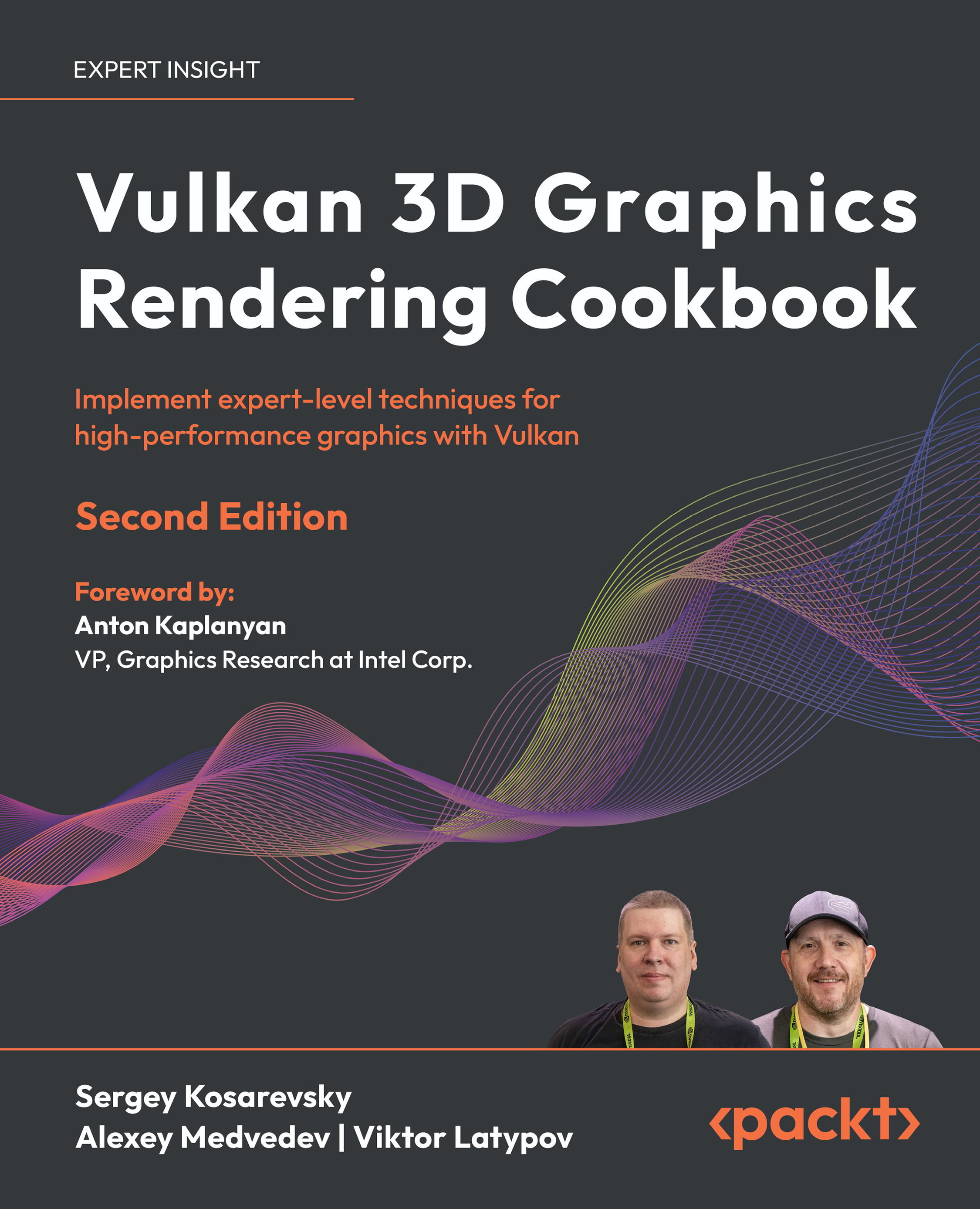
Vulkan 3D Graphics Rendering Cookbook - Second Edition
By :


Vulkan 3D Graphics Rendering Cookbook
By:
Overview of this book
Written by experts with decades of rendering experience, this cookbook equips you with practical, hands-on recipes to master modern 3D graphics development by using bindless Vulkan.
Focusing on Vulkan 1.3, this second edition starts by setting up your development environment, and quickly transitions to building a robust 3D rendering framework using self-contained recipes. Each recipe helps you incrementally enhance your codebase, integrating a variety of 3D rendering techniques and algorithms into a cohesive project. You’ll get to grips with core techniques, such as glTF 2.0 physically based rendering, image-based lighting, and GPU-driven rendering. The chapters help you grasp advanced topics, including glTF animations, screen-space rendering techniques, and optimization strategies. You’ll also learn how to use glTF 2.0 advanced PBR extensions and handle complex geometry data, ensuring your rendering engine is both powerful and performant. These new additions will enable you to create dynamic and realistic 3D graphics environments, fully utilizing Vulkan’s capabilities.
By the end of this 3D rendering book, you’ll have gained an improved understanding of best practices used in modern graphic APIs and be able to create fast and versatile 3D rendering frameworks.
*Email sign-up and proof of purchase required
Table of Contents (15 chapters)
Preface


Establishing a Build Environment
 Free Chapter
Getting Started with Vulkan
Working with Vulkan Objects
Adding User Interaction and Productivity Tools
Working with Geometry Data
Physically Based Rendering Using the glTF 2.0 Shading Model
Advanced PBR Extensions
Graphics Rendering Pipeline
glTF Animations

Image-Based Techniques
Advanced Rendering Techniques and Optimizations
Unlock Your Book’s Exclusive Benefits
Other Books You May Enjoy
Index


