


-
Book Overview & Buying
-
Table Of Contents

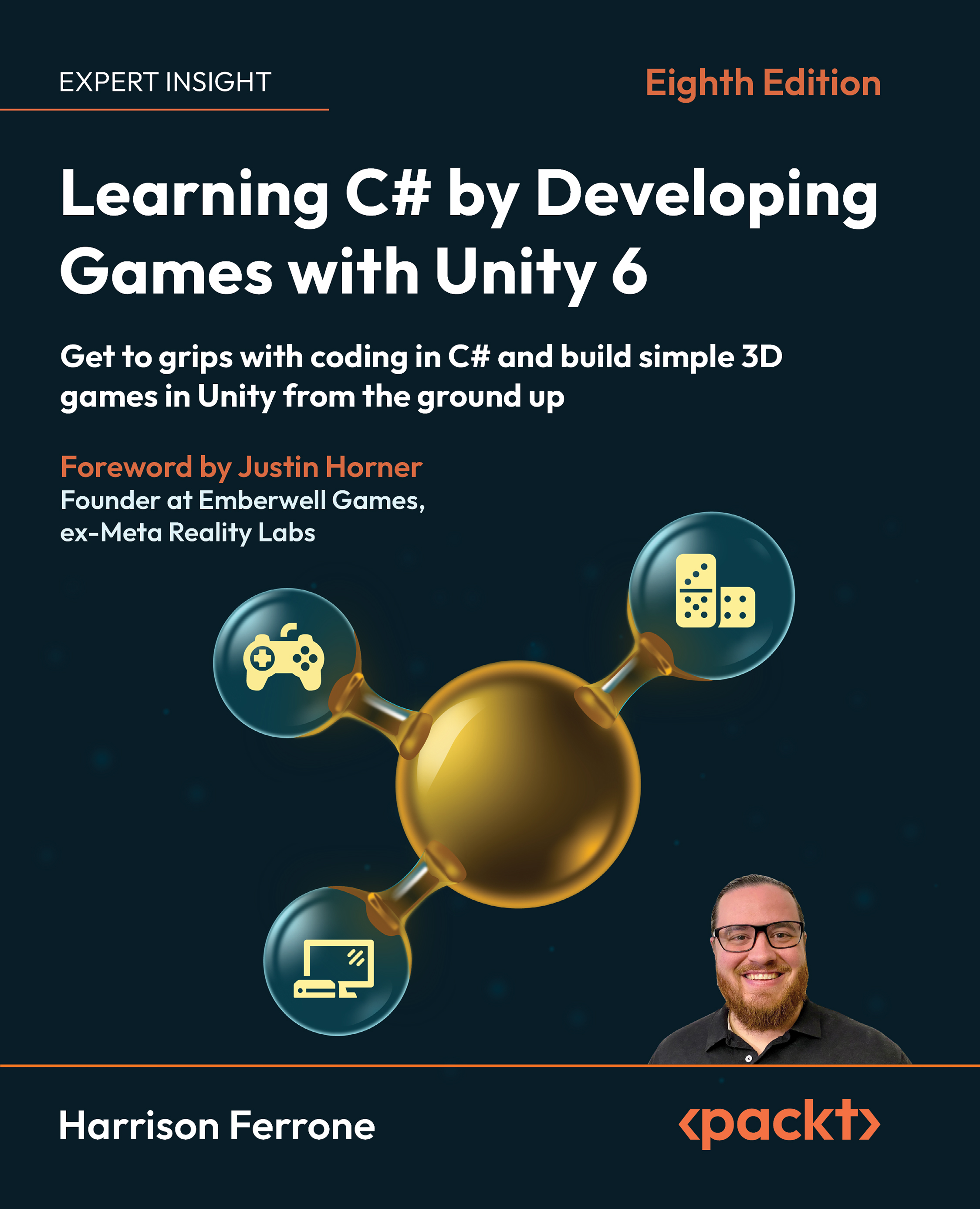
Learning C# by Developing Games with Unity 6 - Eighth Edition
By :


Learning C# by Developing Games with Unity 6
By:
Overview of this book
It's the ability to write custom C# scripts for behaviors and game mechanics that really takes Unity the extra mile. That's where this book will help you as a new programmer!
Harrison Ferrone, in this eighth edition of the bestselling series, will take you through the core concepts of programming and the C# language from scratch, while building an engaging and playable game prototype in Unity 6.
You’ll get to grips with the fundamentals of object-oriented programming (OOP) and the Unity engine with lots of code samples, exercises, and tips to go beyond the book with your work. You’ll write C# scripts for simple game mechanics, perform procedural programming, request live data from the web, and add complexity to your games by introducing intelligent enemies and damage-dealing projectiles. You’ll also explore the underlying mechanics of Unity game development, including game design, lighting basics, player movement, camera controls, collisions, and more, with every passing chapter.
Note: The screenshots in the book display the Unity Editor in full-screen mode for a comprehensive view. You can easily reference color versions of images by downloading them from the GitHub repository or the graphics bundle linked in the book.
*Email sign-up and proof of purchase required
Table of Contents (20 chapters)
Preface


 Free Chapter
Getting to Know Your Environment
The Building Blocks of Programming
Diving into Variables, Types, and Methods
Control Flow and Collection Types
Working with Classes, Structs, and OOP

Getting Your Hands Dirty with Unity
Movement, Camera Controls, and Collisions
Scripting Game Mechanics
Basic AI and Enemy Behavior
Revisiting Types, Methods, and Classes
Specialized Collection Types and LINQ
Saving, Loading, and Serializing Data
Connecting to the World Wide Web
Exploring Generics, Delegates, and Beyond
The Journey Continues
Unlock Your Book’s Exclusive Benefits
Pop Quiz Answers
Other Books You May Enjoy
Index


