Sign In Start Free Trial
Account

Add to playlist

Create a Playlist

Modal Close icon
You need to login to use this feature.
  • Book Overview & Buying Learning C# by Developing Games with Unity 6
  • Table Of Contents Toc
Learning C# by Developing Games with Unity 6

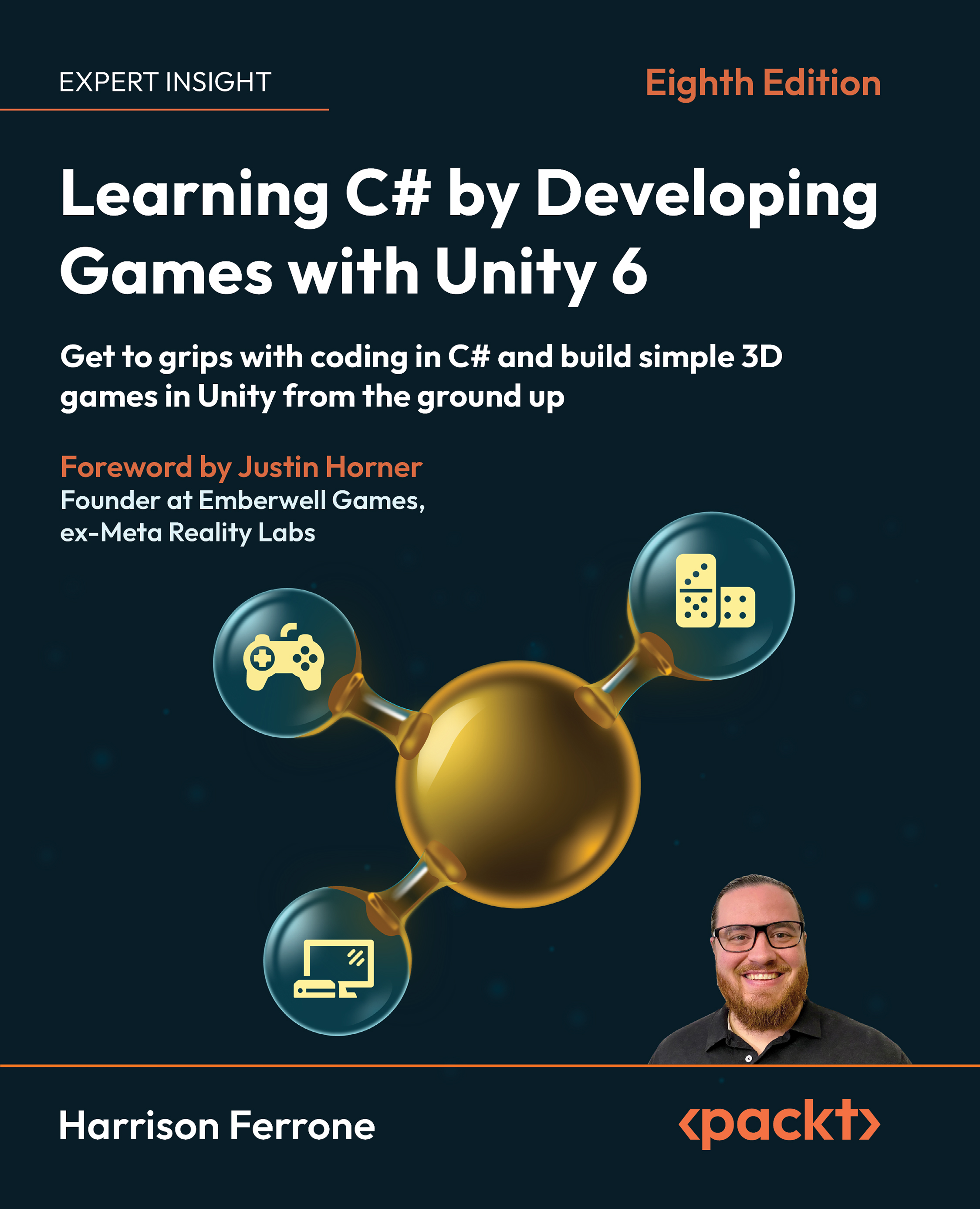
Learning C# by Developing Games with Unity 6 - Eighth Edition

By : Harrison Ferrone
5 (1)
close
close
Learning C# by Developing Games with Unity 6

Learning C# by Developing Games with Unity 6

5 (1)
By: Harrison Ferrone

Overview of this book

It's the ability to write custom C# scripts for behaviors and game mechanics that really takes Unity the extra mile. That's where this book will help you as a new programmer! Harrison Ferrone, in this eighth edition of the bestselling series, will take you through the core concepts of programming and the C# language from scratch, while building an engaging and playable game prototype in Unity 6. You’ll get to grips with the fundamentals of object-oriented programming (OOP) and the Unity engine with lots of code samples, exercises, and tips to go beyond the book with your work. You’ll write C# scripts for simple game mechanics, perform procedural programming, request live data from the web, and add complexity to your games by introducing intelligent enemies and damage-dealing projectiles. You’ll also explore the underlying mechanics of Unity game development, including game design, lighting basics, player movement, camera controls, collisions, and more, with every passing chapter. Note: The screenshots in the book display the Unity Editor in full-screen mode for a comprehensive view. You can easily reference color versions of images by downloading them from the GitHub repository or the graphics bundle linked in the book. *Email sign-up and proof of purchase required
Table of Contents (20 chapters)
close
close
Preface
chevron up
16
Unlock Your Book’s Exclusive Benefits
17
Pop Quiz Answers
18
Other Books You May Enjoy
19
Index

Preface

Unity is one of the most popular game engines in the world, catering to hobbyists, professional AAA studios, and cinematic production companies. While known for its use as a 3D tool, Unity has a host of dedicated features supporting everything from 2D games and virtual reality to post-production and cross-platform publishing.

Developers love its drag-and-drop interface and built-in features, but it’s the ability to write custom C# scripts for behaviors and game mechanics that really takes Unity the extra mile. Learning how to write C# code might not be a huge obstacle to a seasoned programmer with other languages under their belt, but it can be daunting for those of you who have no programming experience. That’s where this book comes in, as I’ll be taking you through the building blocks of programming and the C# language from scratch while building a fun and playable game prototype in Unity.

Who this book is for

This book is written for those of you who don’t have any experience with the basic tenets of programming or C#. However, if you’re a competent novice or seasoned professional coming from another language, or even C#, but need to get hands-on with game development in Unity, this is still where you want to be.

What this book covers

Chapter 1, Getting to Know Your Environment, starts off with the Unity installation process, the main features of the editor, and finding documentation for C# and Unity-specific topics. We’ll also go through creating C# scripts from inside Unity and look at Visual Studio, the application where all our code editing takes place.

Chapter 2, The Building Blocks of Programming, begins by laying out the atomic-level concepts of programming, giving you the chance to relate variables, methods, and classes to situations in everyday life. From there, we’ll move on to simple debugging techniques, proper formatting and commenting, and how Unity turns C# scripts into components.

Chapter 3, Diving into Variables, Types, and Methods, takes a deeper look at the building blocks from Chapter 2. This includes C# data types, naming conventions, access modifiers, and everything else you’ll need for the foundation of a program. We’ll also go over how to write methods, add parameters, and use return types, ending with an overview of standard Unity methods belonging to the MonoBehaviour class.

Chapter 4, Control Flow and Collection Types, introduces the common approaches to making decisions in code, consisting of the if...else and switch statements. From there, we’ll move on to working with arrays, lists, and dictionaries, and incorporating iteration statements for looping through collection types. We’ll end the chapter with a look at conditional looping statements and a special C# data type called enumerations.

Chapter 5, Working with Classes, Structs, and OOP, details our first contact with constructing and instantiating classes and structs. We’ll go through the basic steps of creating constructors, adding variables and methods, and the fundamentals of subclassing and inheritance. The chapter will end with a comprehensive explanation of object-oriented programming (OOP) and how it applies to C#.

Chapter 6, Getting Your Hands Dirty with Unity, marks our departure from C# syntax into the world of game design, level building, and Unity’s featured tools. We’ll start by going over the basics of a game design document and then move on to blocking out our level geometry and adding lighting and a simple particle system.

Chapter 7, Movement, Camera Controls, and Collisions, explains different approaches to moving a player object and setting up a third-person camera. We’ll discuss incorporating Unity physics for more realistic locomotion effects, as well as how to work with collider components and capture interactions within a scene.

Chapter 8, Scripting Game Mechanics, introduces the concept of game mechanics and how to effectively implement them. We’ll start by adding a simple jump action, creating a shooting mechanic, and building on the previous chapters’ code by adding logic to handle item collection.

Chapter 9, Basic AI and Enemy Behavior, starts with a brief overview of artificial intelligence (AI) in games and the concepts we will be applying to Hero Born. Topics covered in this chapter will include navigation in Unity, using the level geometry and a navigation mesh, smart agents, and automated enemy movement.

Chapter 10, Revisiting Types, Methods, and Classes, takes a more in-depth look at data types, intermediate method features, and additional behaviors that can be used for more complex classes. This chapter will give you a deeper understanding of the versatility and breadth of the C# language.

Chapter 11, Specialized Collection Types and LINQ, dives into stacks, queues, hash sets, and the different development scenarios that each is uniquely suited for. This chapter also explores filtering, ordering, and transforming data collections using LINQ.

Chapter 12, Saving, Loading, and Serializing Data, gets you ready to handle your game’s information. Topics covered in this chapter include working with the filesystem and creating, deleting, and updating files. We’ll also cover different data types, including XML, JSON, and binary data, and end with a practical discussion on serializing C# objects directly into data formats.

Chapter 13, Connecting to the World Wide Web, introduces the basics of web requests, downloading data from web servers, and turning that information into actionable game mechanics. We’ll also cover the differences between synchronous and asynchronous code and how Unity handles both.

Chapter 14, Exploring Generics, Delegates, and Beyond, details intermediate features of the C# language and how to apply them in practical, real-world scenarios. We’ll start with an overview of generic programming and progress to concepts such as delegation, events, and exception handling.

Chapter 15, The Journey Continues, reviews the main topics you’ve learned throughout the book and leaves you with resources for further study in both C# and Unity. Included in these resources will be online reading material, certifications, and a host of my favorite video tutorial channels.

To get the most out of this book

The only thing you need to get the most from your upcoming C# and Unity adventure is a curious mind and a willingness to learn. Having said that, doing all the code exercises, Hero’s trials, and Quiz sections is a must if you hope to cement the knowledge you’re learning. Lastly, revisiting topics and entire chapters to refresh or solidify your understanding before moving on is always a good idea. There is no sense in building a house on an unstable foundation.

You’ll also need a current version of Unity installed on your computer—version 6.0 or later is recommended. All code examples have been tested with Unity 6000.0.50f1 and should work with future versions without issues.

This is the software/hardware covered in the book:

  • Unity 6.0 or later
  • Visual Studio 2019 or later
  • C# 9.0 or later

Before starting, check that your computer setup meets the Unity system requirements at https://docs.unity3d.com/6000.0/Documentation/Manual/system-requirements.html.

Download the example code files

The code bundle for the book is hosted on GitHub at https://github.com/PacktPublishing/Learning-C-by-Developing-Games-with-Unity-6_8th-Edn.

We also have other code bundles from our rich catalog of books and videos available at https://github.com/PacktPublishing. Check them out!

Download the color images

We also provide a PDF file that has color images of the screenshots/diagrams used in this book. You can download it here: https://packt.link/gbp/9781805808718.

This book contains long screenshots captured to provide you with an overview of the entire Unity window. As a result, the text on these images may appear small at 100% zoom. We recommend referring to the graphics bundle for ease of understanding.

Conventions used

There are a number of text conventions used throughout this book.

CodeInText: Indicates code words in text, database table names, folder names, filenames, file extensions, pathnames, dummy URLs, user input, and X/Twitter handles. For example: “For simple text or individual variables, use the standard Debug.Log() method.”

A block of code is set as follows:

public int CurrentAge = 30;

Any command-line input or output is written as follows:

[12:58:12] Player detected - attack!
UnityEngine.Debug:Log (object)
[12:58:15] Player deaths: 0
UnityEngine.Debug:Log (object)
[12:58:18] Player deaths: 1
UnityEngine.Debug:Log (object)
[12:58:18] Next time you'll be at number 2
UnityEngine.Debug:Log (object)

Bold: Indicates a new term, an important word, or words that you see on the screen. For instance, words in menus or dialog boxes appear in the text like this. For example: “For reference, the name of each GameObject can be found at the top of the Inspector tab with the object selected.”

Warnings or important notes appear like this.

Tips and tricks appear like this.

Get in touch

Feedback from our readers is always welcome.

General feedback: Email [email protected] and mention the book’s title in the subject of your message. If you have questions about any aspect of this book, please email us at [email protected].

Errata: Although we have taken every care to ensure the accuracy of our content, mistakes do happen. If you have found a mistake in this book, we would be grateful if you reported this to us. Please visit http://www.packtpub.com/submit-errata, click Submit Errata, and fill in the form.

Piracy: If you come across any illegal copies of our works in any form on the internet, we would be grateful if you would provide us with the location address or website name. Please contact us at [email protected] with a link to the material.

If you are interested in becoming an author: If there is a topic that you have expertise in and you are interested in either writing or contributing to a book, please visit http://authors.packtpub.com/.

Share your thoughts

Once you’ve read Learning C# by Developing Games with Unity 6, Eighth Edition, we’d love to hear your thoughts! Please click here to go straight to the Amazon review page for this book and share your feedback.

Your review is important to us and the tech community and will help us make sure we’re delivering excellent quality content.

CONTINUE READING
83
Tech Concepts
36
Programming languages
73
Tech Tools
Icon Unlimited access to the largest independent learning library in tech of over 8,000 expert-authored tech books and videos.
Icon Innovative learning tools, including AI book assistants, code context explainers, and text-to-speech.
Icon 50+ new titles added per month and exclusive early access to books as they are being written.
Learning C# by Developing Games with Unity 6
notes
bookmark Notes and Bookmarks search Search in title playlist Add to playlist download Download options font-size Font size

Change the font size

margin-width Margin width

Change margin width

day-mode Day/Sepia/Night Modes

Change background colour

Close icon Search
Country selected

Close icon Your notes and bookmarks

Confirmation

Modal Close icon
claim successful

Buy this book with your credits?

Modal Close icon
Are you sure you want to buy this book with one of your credits?
Close
YES, BUY

Submit Your Feedback

Modal Close icon
Modal Close icon
Modal Close icon