Sign In Start Free Trial
Account

Add to playlist

Create a Playlist

Modal Close icon
You need to login to use this feature.
  • Book Overview & Buying Unity Virtual Reality Projects
  • Table Of Contents Toc
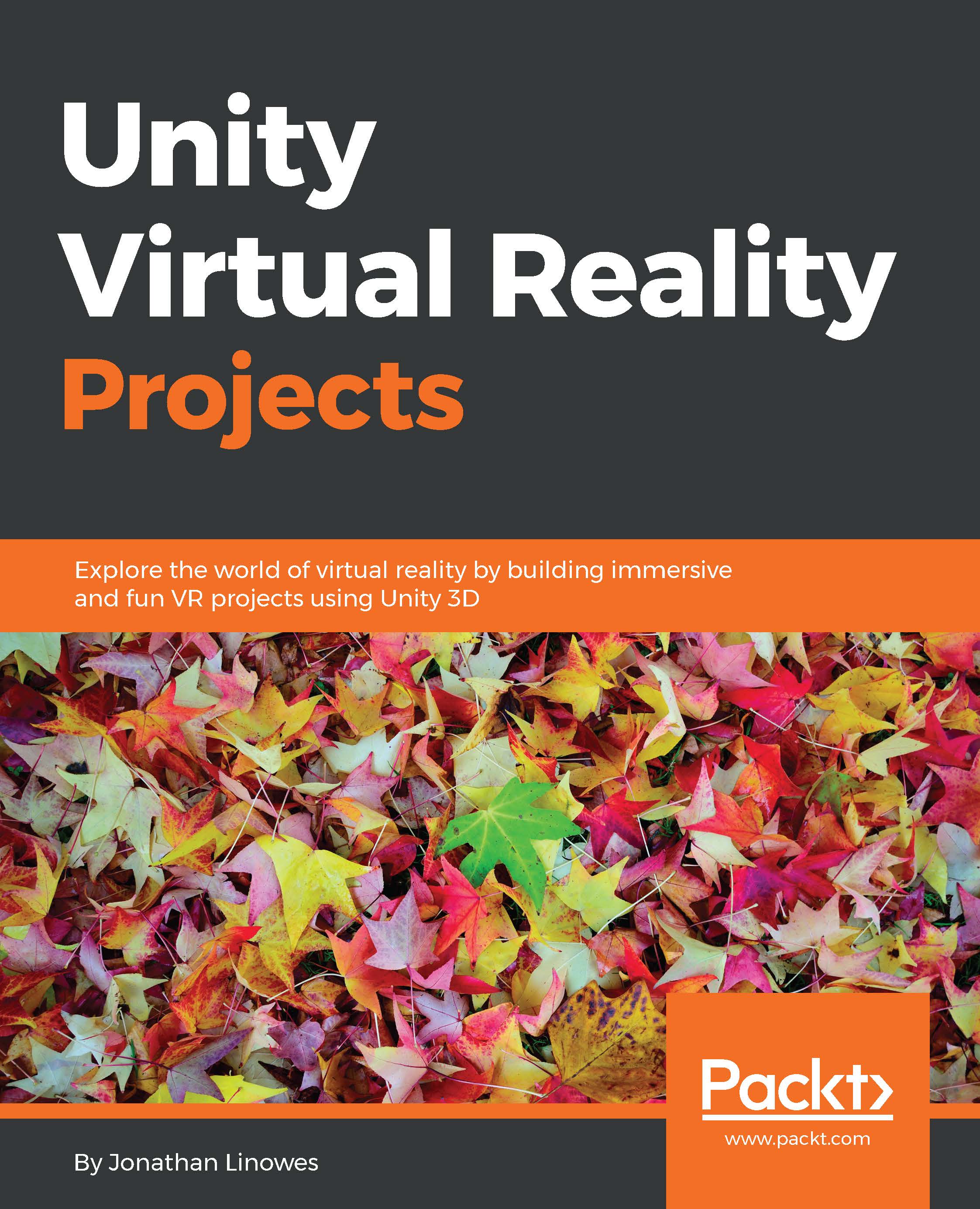
Unity Virtual Reality Projects

Unity Virtual Reality Projects

By : Jonathan Linowes
4.1 (20)
close
close
Unity Virtual Reality Projects

Unity Virtual Reality Projects

4.1 (20)
By: Jonathan Linowes

Overview of this book

What is consumer “virtual reality�? Wearing a head-mounted display you view stereoscopic 3D scenes. You can look around by moving your head, and walk around using hand controls or motion sensors. You are engaged in a fully immersive experience. On the other hand, Unity is a powerful game development engine that provides a rich set of features such as visual lighting, materials, physics, audio, special effects, and animation for creating 2D and 3D games. Unity 5 has become the leading platform for building virtual reality games, applications and experiences for this new generation of consumer VR devices. Using a practical and project-based approach, this book will educate you about the specifics of virtual reality development in Unity. You will learn how to use Unity to develop VR applications which can be experienced with devices such as the Oculus Rift or Google Cardboard. We will then learn how to engage with virtual worlds from a third person and first person character point of view. Furthermore, you will explore the technical considerations especially important and possibly unique to VR. The projects in the book will demonstrate how to build a variety of VR experiences. You will be diving into the Unity 3D game engine via the interactive Unity Editor as well as C-Sharp programming. By the end of the book, you will be equipped to develop rich, interactive virtual reality experiences using Unity. So, let's get to it!
Table of Contents (13 chapters)
close
close
11
11. What's Next?
12
Index

Chapter 6. First-person Character

First-person Character

Ninja on Segway illustration by Alaric Holloway, used with permission

Surprisingly, we have gotten this far in a book about VR and are still only using a fixed position third-person camera! This was intentional.

The typical approach when one starts to build a VR application is to immediately place the user directly into the scene as a first-person character. After all, wearing a VR headset is inherently a first-person point of view. However, virtual reality does not always need to be from a first-person perspective. Watching and controlling the action from a third-person point of view, such as a diorama with live actors, is a legitimate approach. In fact, some research indicates that fast-paced action games, which can unavoidably cause motion sickness when played in VR from a first-person point of view, may benefit from a third-person perspective instead.

That said, in this chapter, we will now move ourselves into a controllable first-person character...

Visually different images
CONTINUE READING
83
Tech Concepts
36
Programming languages
73
Tech Tools
Icon Unlimited access to the largest independent learning library in tech of over 8,000 expert-authored tech books and videos.
Icon Innovative learning tools, including AI book assistants, code context explainers, and text-to-speech.
Icon 50+ new titles added per month and exclusive early access to books as they are being written.
Unity Virtual Reality Projects
notes
bookmark Notes and Bookmarks search Search in title playlist Add to playlist download Download options font-size Font size

Change the font size

margin-width Margin width

Change margin width

day-mode Day/Sepia/Night Modes

Change background colour

Close icon Search
Country selected

Close icon Your notes and bookmarks

Confirmation

Modal Close icon
claim successful

Buy this book with your credits?

Modal Close icon
Are you sure you want to buy this book with one of your credits?
Close
YES, BUY

Submit Your Feedback

Modal Close icon
Modal Close icon
Modal Close icon