
Sign In Start Free Trial
Account

Add to playlist

Create a Playlist

Modal Close icon
You need to login to use this feature.
  • Book Overview & Buying Android Things Quick Start Guide
  • Table Of Contents Toc
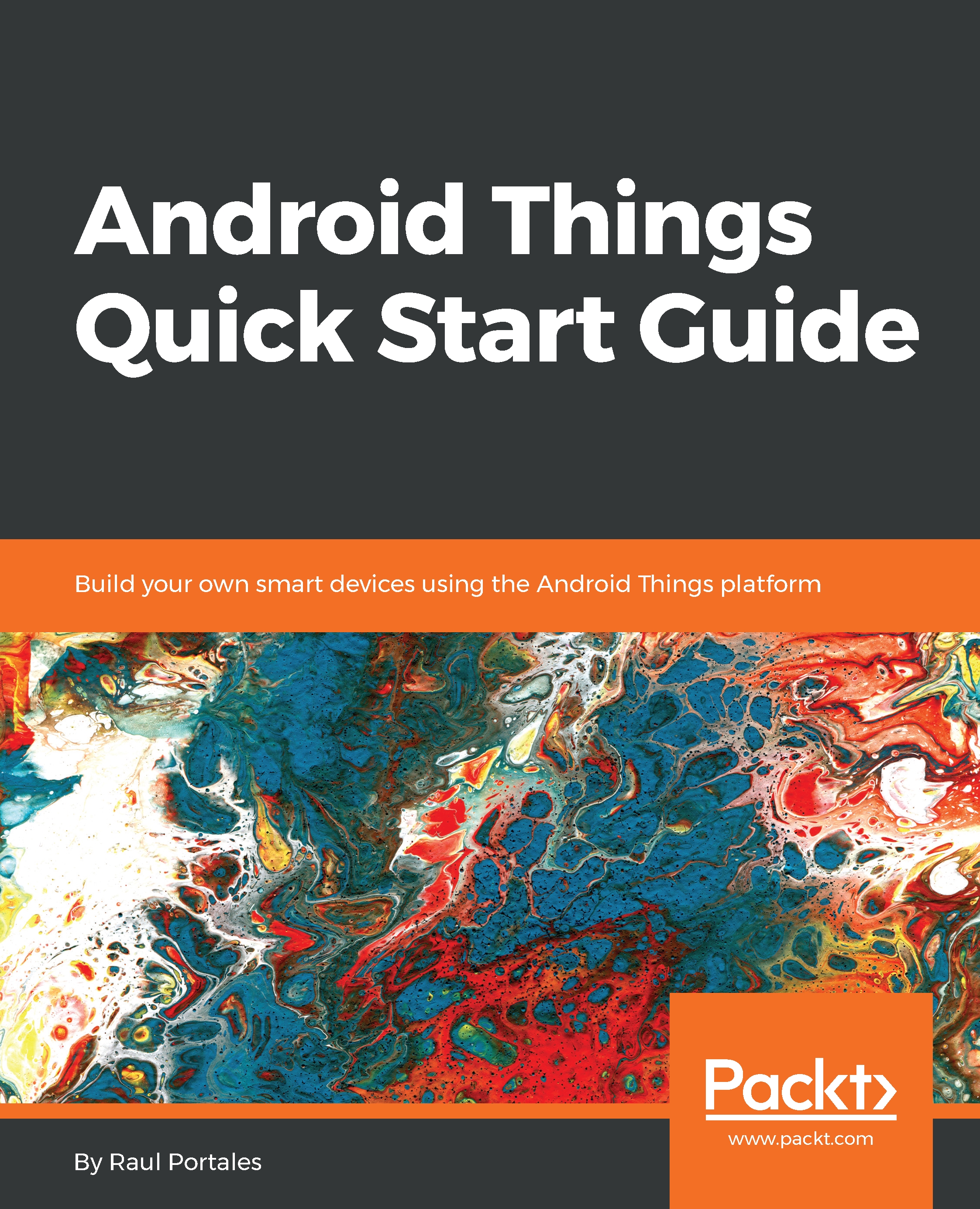
Android Things Quick Start Guide

Android Things Quick Start Guide

By : Raul Portales
5 (0)
close
close
Android Things Quick Start Guide

Android Things Quick Start Guide

5 (0)
By: Raul Portales

Overview of this book

Android Things is the IoT platform made by Google, based on Android. It allows us to build smart devices in a simple and convenient way, leveraging on the Android ecosystem tools and libraries, while letting Google take care of security updates. This book takes you through the basics of IoT and smart devices. It will help you to interact with common IoT device components and learn the underlying protocols. For a simple setup, we will be using Rainbow HAT so that we don't need to do any wiring. In the first chapter, you will learn about the Android Things platform, the design concepts behind it, and how it relates to other IoT frameworks. We will look at the Developer Kits and learn how to install Android Things on them by creating a simple project. Later, we will explore the real power of Android Things, learning how to make a UI, designing and communicating with companion apps in different ways, showcasing a few libraries. We will demonstrate libraries and you will see how powerful the Android Things operating system is.
Table of Contents (10 chapters)
close
close

Introducing Android Things

Welcome to Android Things Quick Start Guide. In this introductory chapter, we will look at the big picture of Android Thing, how it compares to other—in principle—similar platforms, such as Arduino, and explore the vision behind the platform. We will check the different developer kits available exploring the pros and cons of each one. We will also look at the other components we will use throughout the book. We will also learn how to install Android Things on a developer kit and how to connect to it from our development computer in order to deploy our code. Finally, we will follow the creation of a basic project for Android Things using Android Studio, see how it is structured, and discuss the differences with a default Android project. The topics covered are as follows:

  • What is Android Things?
  • Design concepts behind Android Things
  • Hardware you will need
  • Setting up a developer kit
  • Creating an Android Things project

So, let's get started.

CONTINUE READING
83
Tech Concepts
36
Programming languages
73
Tech Tools
Icon Unlimited access to the largest independent learning library in tech of over 8,000 expert-authored tech books and videos.
Icon Innovative learning tools, including AI book assistants, code context explainers, and text-to-speech.
Icon 50+ new titles added per month and exclusive early access to books as they are being written.
Android Things Quick Start Guide
notes
bookmark Notes and Bookmarks search Search in title playlist Add to playlist download Download options font-size Font size

Change the font size

margin-width Margin width

Change margin width

day-mode Day/Sepia/Night Modes

Change background colour

Close icon Search
Country selected

Close icon Your notes and bookmarks

Confirmation

Modal Close icon
claim successful

Buy this book with your credits?

Modal Close icon
Are you sure you want to buy this book with one of your credits?
Close
YES, BUY

Submit Your Feedback

Modal Close icon
Modal Close icon
Modal Close icon