
Sign In Start Free Trial
Account

Add to playlist

Create a Playlist

Modal Close icon
You need to login to use this feature.
  • Book Overview & Buying Hands-On Robotics Programming with C++
  • Table Of Contents Toc
  • Feedback & Rating feedback
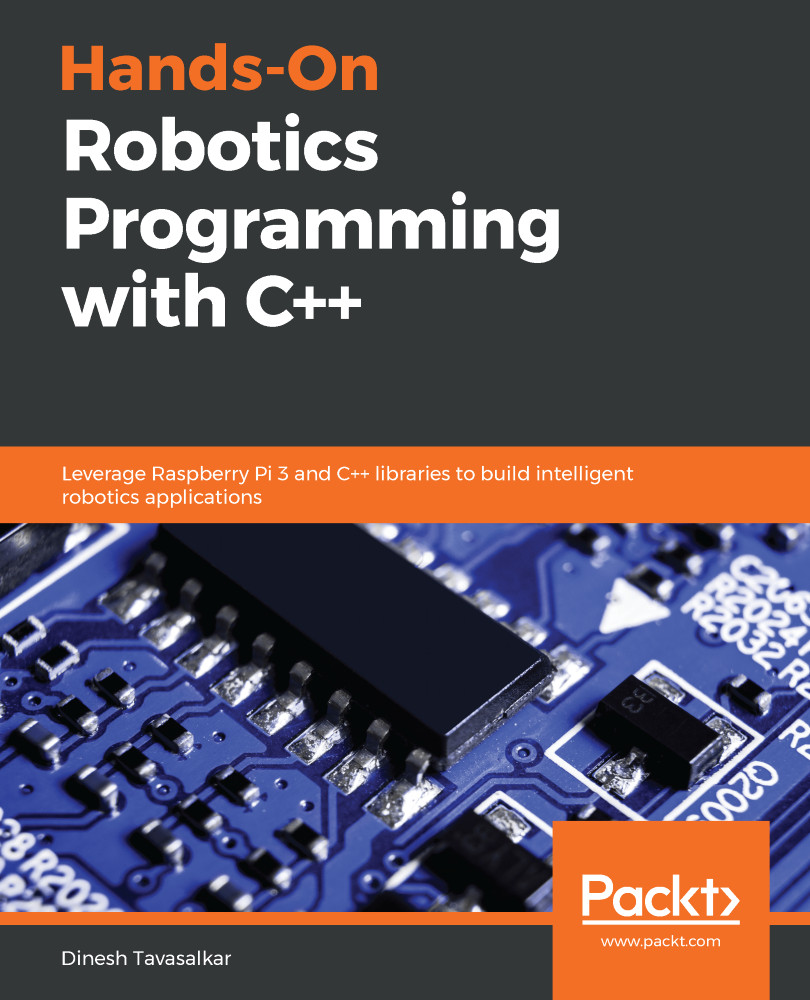
Hands-On Robotics Programming with C++

Hands-On Robotics Programming with C++

By : Dinesh Tavasalkar
2.5 (2)
close
close
Hands-On Robotics Programming with C++

Hands-On Robotics Programming with C++

2.5 (2)
By: Dinesh Tavasalkar

Overview of this book

C++ is one of the most popular legacy programming languages for robotics, and a combination of C++ and robotics hardware is used in many leading industries. This book will bridge the gap between Raspberry Pi and C/C++ programming and enable you to develop applications for Raspberry Pi. You'll even be able to implement C programs in Raspberry Pi with the WiringPi library. The book will guide you through developing a fully functional car robot and writing programs to move it in different directions. You’ll then create an obstacle-avoiding robot using an ultrasonic sensor. In addition to this, you’ll find out how to control the robot wirelessly using your PC or Mac. This book will also help you work with object detection and tracking using OpenCV, and guide you through exploring face detection techniques. Finally, you will create an Android app and control the robot wirelessly with an Android smartphone. By the end of this book, you will have gained experience in developing a robot using Raspberry Pi and C/C++ programming.
Table of Contents (16 chapters)
close
close
Lock Free Chapter
1
Section 1: Getting Started with wiringPi on a Raspberry Pi
4
Section 2: Raspberry Pi Robotics
8
Section 3: Face and Object Recognition Robot
12
Section 4: Smartphone-Controlled Robot

Setting up the Raspberry Pi Zero W as a desktop computer

As we've said, the Raspberry Pi Zero W is a stripped-down version of the Raspberry Pi 3B+. The Raspberry Pi Zero W has very limited connections, so in order to connect it to different peripherals, we will need to purchase some additional components. We will need the following hardware components:

  • A keyboard
  • A mouse
  • A microSD card of minimum 8 GB (recommended 32 GB)
  • A microSD card reader
  • An HDMI cable
  • A display unit, preferably an LED screen or a TV with an HDMI port
  • A mobile charger or a power bank to power the Raspberry Pi

  • A micro USB B-to-USB connector (also known as an OTG connector), which looks like the following:
  • A mini HDMI-to-HDMI connector, as follows:
  • A USB hub, as pictured here:

Now that we know what hardware we require, let's set up our Raspberry Pi Zero W.

...
Visually different images
CONTINUE READING
83
Tech Concepts
36
Programming languages
73
Tech Tools
Icon Unlimited access to the largest independent learning library in tech of over 8,000 expert-authored tech books and videos.
Icon Innovative learning tools, including AI book assistants, code context explainers, and text-to-speech.
Icon 50+ new titles added per month and exclusive early access to books as they are being written.
Hands-On Robotics Programming with C++
notes
bookmark Notes and Bookmarks search Search in title playlist Add to playlist download Download options font-size Font size

Change the font size

margin-width Margin width

Change margin width

day-mode Day/Sepia/Night Modes

Change background colour

Close icon Search
Country selected

Close icon Your notes and bookmarks

Confirmation

Modal Close icon
claim successful

Buy this book with your credits?

Modal Close icon
Are you sure you want to buy this book with one of your credits?
Close
YES, BUY

Submit Your Feedback

Modal Close icon
Modal Close icon
Modal Close icon