


-
Book Overview & Buying
-
Table Of Contents

Embedded Linux Development Using Yocto Project - Third Edition
By :


Embedded Linux Development Using Yocto Project
By:
Overview of this book
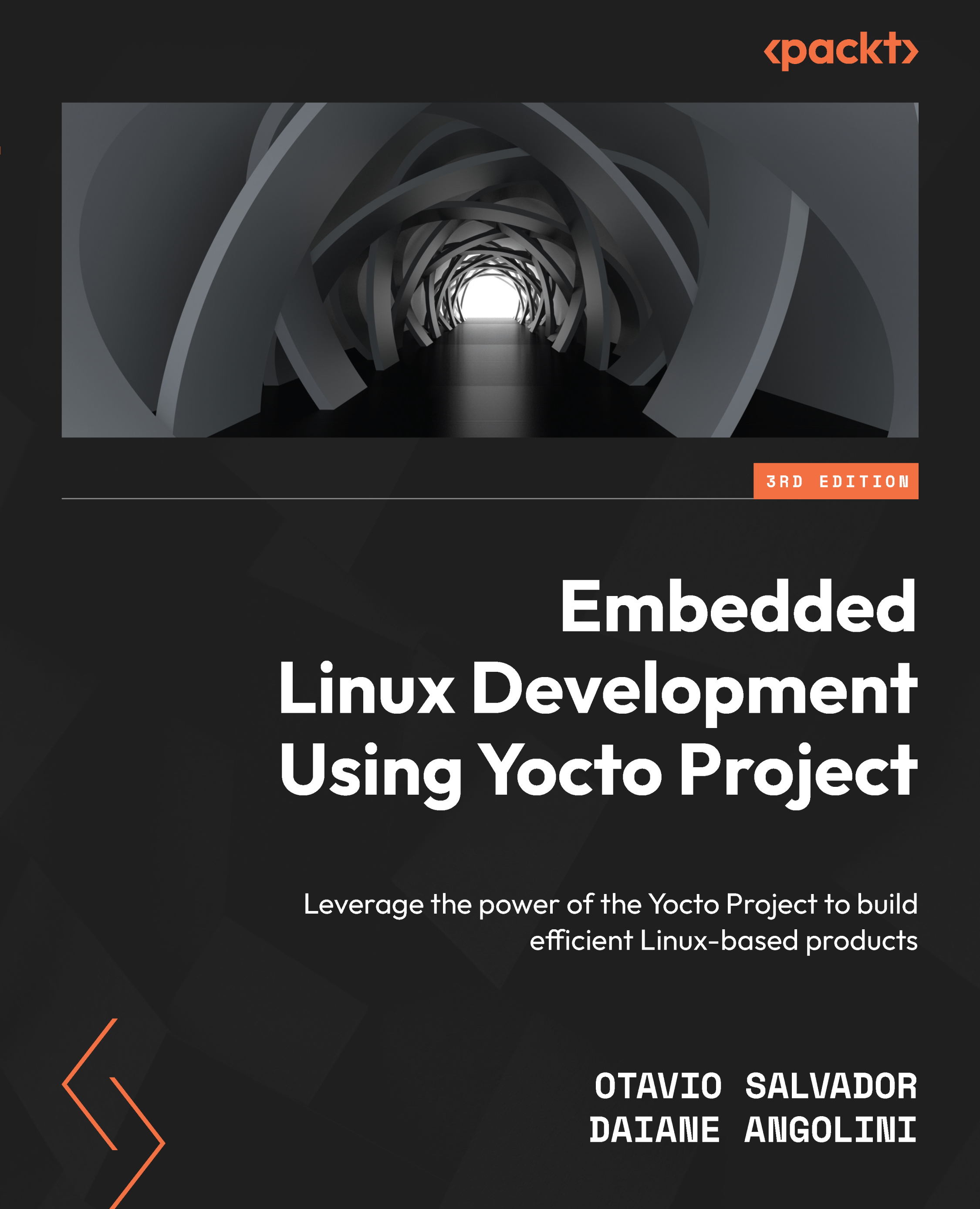
The Yocto Project is the industry standard for developing dependable embedded Linux projects. It stands out from other frameworks by offering time-efficient development with enhanced reliability and robustness.
With Embedded Linux Development Using Yocto Project, you’ll acquire an understanding of Yocto Project tools, helping you perform different Linux-based tasks. You’ll gain a deep understanding of Poky and BitBake, explore practical use cases for building a Linux subsystem project, employ Yocto Project tools available for embedded Linux, and uncover the secrets of SDK, recipe tool, and others. This new edition is aligned with the latest long-term support release of the aforementioned technologies and introduces two new chapters, covering optimal emulation in QEMU for faster product development and best practices.
By the end of this book, you’ll be well-equipped to generate and run an image for real hardware boards. You’ll gain hands-on experience in building efficient Linux systems using the Yocto Project.
Table of Contents (20 chapters)
Preface


Chapter 1: Meeting the Yocto Project
 Free Chapter
Chapter 2: Baking Our First Poky-Based System
Chapter 3: Using Toaster to Bake an Image
Chapter 4: Meeting the BitBake Tool
Chapter 5: Grasping the BitBake Tool
Chapter 6: Detailing the Temporary Build Directory
Chapter 7: Assimilating Packaging Support
Chapter 8: Diving into BitBake Metadata
Chapter 9: Developing with the Yocto Project
Chapter 10: Debugging with the Yocto Project
Chapter 11: Exploring External Layers
Chapter 12: Creating Custom Layers
Chapter 13: Customizing Existing Recipes
Chapter 14: Achieving GPL Compliance
Chapter 15: Booting Our Custom Embedded Linux

Chapter 16: Speeding Up Product Development through Emulation – QEMU
Chapter 17: Best Practices
Index


