


-
Book Overview & Buying
-
Table Of Contents

.NET MAUI Cross-Platform Application Development
By :


.NET MAUI Cross-Platform Application Development
By:
Overview of this book
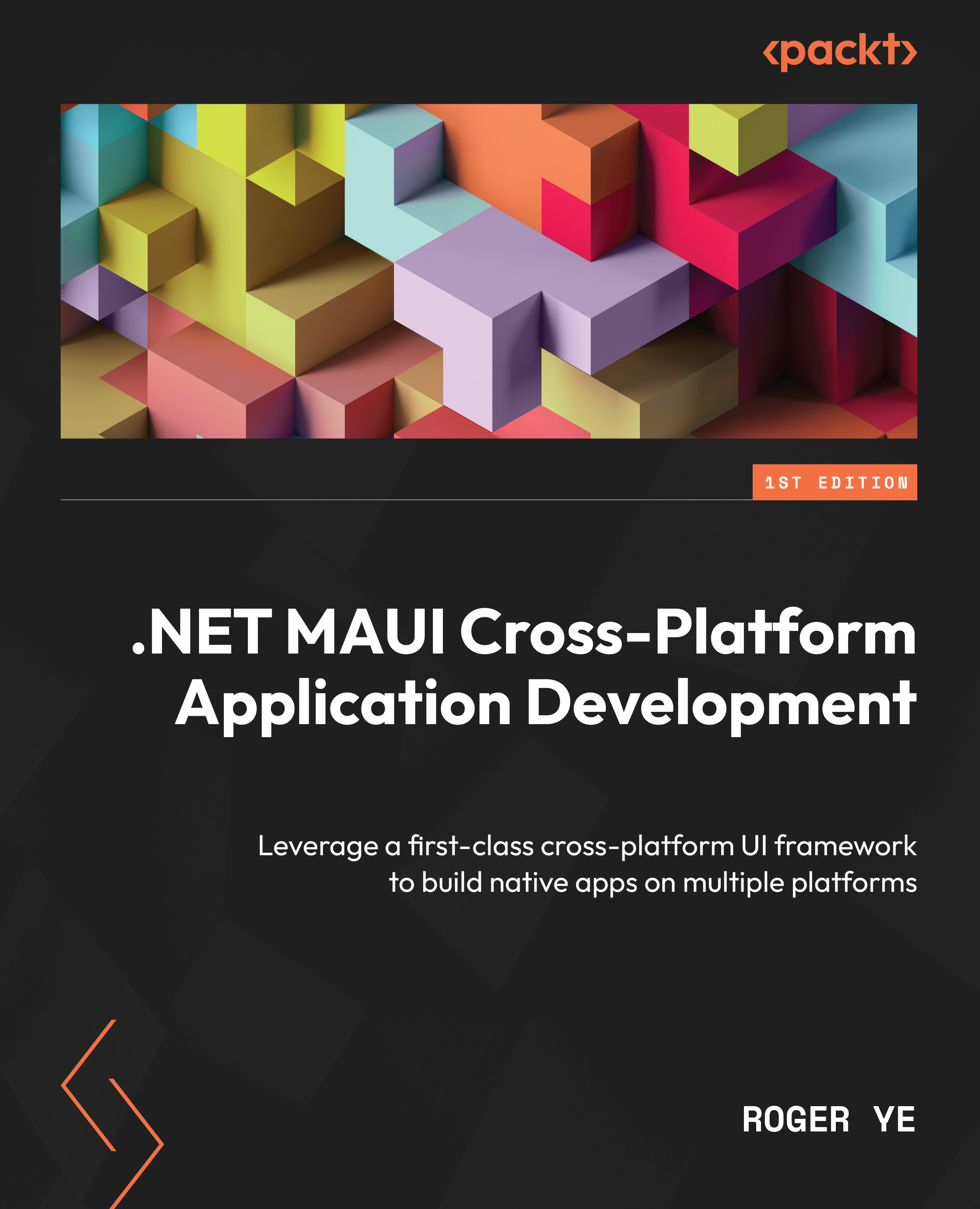
An evolution of Xamarin.Forms, .NET Multi-platform App UI (.NET MAUI) is a cross-platform framework for creating native mobile and desktop apps with C# and XAML. Using .NET MAUI, you can develop apps that’ll run on Android, iOS, macOS, and Windows from a single shared code-base. This step-by-step guide provides a comprehensive introduction to those who are new to .NET MAUI that will have you up to speed with app development using .NET MAUI in no time.
The book begins by showing you how to develop a cross-platform application using .NET MAUI and then helps you build an app throughout the chapters. You’ll gain all the knowledge needed to create a cross-platform application for Android, iOS, the mac OS, and Windows from a single shared code-base using .NET MAUI. As you advance, you’ll get to grips with the entire application development lifecycle, from design and implementation through to deployment to the app store through the development of a password manager app using KeePassLib. The concluding chapters will teach you how to integrate the latest frontend technology into your app through .NET MAUI Blazor.
By the end of this book, you’ll have learned how to develop your own cross-platform applications using .NET MAUI.
Table of Contents (18 chapters)
Preface


Part 1: Exploring .NET MAUI
 Free Chapter
Chapter 1: Getting Started with .NET MAUI
Chapter 2: Building Our First .NET MAUI App
Chapter 3: User Interface Design with XAML
Chapter 4: Exploring MVVM and Data Binding
Chapter 5: Navigation using .NET MAUI Shell and NavigationPage
Chapter 6: Introducing Dependency Injection and Platform-Specific Services

Part 2: Implementing .NET MAUI Blazor
Chapter 7: Introducing Blazor Hybrid App Development
Chapter 8: Understanding the Blazor Layout and Routing
Chapter 9: Implementing Blazor Components
Chapter 10: Advanced Topics in Creating Razor Components
Part 3: Testing and Deployment
Chapter 11: Developing Unit Tests
Chapter 12: Deploying and Publishing in App Stores
Index
Other Books You May Enjoy


