Sign In Start Free Trial
Account

Add to playlist

Create a Playlist

Modal Close icon
You need to login to use this feature.
  • Book Overview & Buying Swift Cookbook
  • Table Of Contents Toc
Swift Cookbook

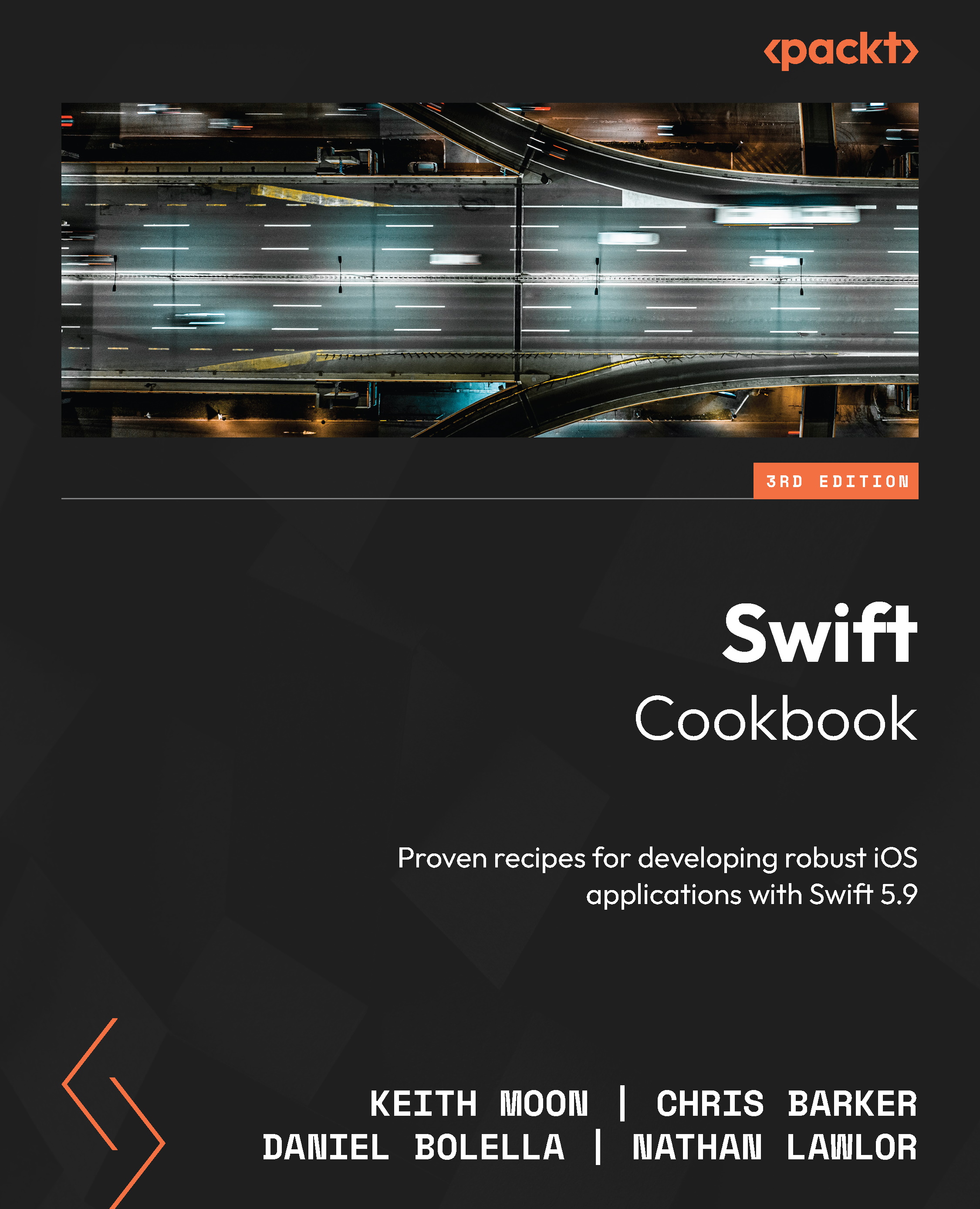
Swift Cookbook - Third Edition

By : Keith Moon, Chris Barker, Daniel Bolella, Nathan Lawlor
5 (3)
close
close
Swift Cookbook

Swift Cookbook

5 (3)
By: Keith Moon, Chris Barker, Daniel Bolella, Nathan Lawlor

Overview of this book

Unlock the full potential of Swift and elevate your iOS development skills with this new edition of Swift Cookbook, highlighting the latest features in Swift 5.9. This cookbook will take your Swift programming skills to the next level, boosting your productivity and efficiency step by step through a plethora of practical recipes. Although this book is primarily for experienced iOS developers, it provides an introductory overview of Swift 5.9, including its basic building blocks, syntax, and the functionalities of Swift constructs, to get you warmed up. Once you’ve mastered the fundamentals, you’ll get down to business. Unless you’re completely new to Swift, this recipe-based guide doesn’t need to be read in order; you can jump to whichever topic takes your fancy, from UIKit and SwiftUI to advanced UI techniques, from Swift’s control flow and generics to machine learning with Vision, CoreML, and augmented reality with ARKit. By the end of this book, you’ll be fully up to speed with Swift’s capabilities and be able to develop amazing applications across a wide variety of domains.
Table of Contents (15 chapters)
close
close

Extending functionality with extensions

Extensions let us add functionality to our existing classes, structs, enums, and protocols. These can be especially useful when the original type is provided by an external framework, which means you aren’t able to add functionality directly.

Imagine that we often need to obtain the first word from a given string. Rather than repeatedly writing the code to split the string into words and then retrieving the first word, we can extend the functionality of String to provide its own first word.

Getting ready

In this recipe, we won’t be using any components from the previous recipes, so you can create a new playground for this recipe.

How to do it...

Let’s get started:

  1. Create an extension of String:
    extension String {
    }
  2. Within the extension’s curly brackets, add a function that returns the first word from the string:
    func firstWord() -> String {
     let spaceIndex = firstIndex(of: " ") ?? endIndex
     let word = prefix(upTo: spaceIndex)
     return String(word)
    }
  3. Now, we can use this new method on String to get the first word from a phrase:
    let llap = "Ask me about Loom"
    let firstWord = llap.firstWord()
    print(firstWord) // Ask

How it works...

We can define an extension using the extension keyword and then specify the type we want to extend. The implementation of this extension is defined within curly brackets:

extension String {
 //...
}

Methods and computed properties can be defined in extensions in the same way that they can be defined within classes, structs, and enums. Here, we will add a firstWord function to the String struct:

extension String {
 func firstWord() -> String {
  let spaceIndex = firstIndex(of: " ") ?? endIndex
  let word = prefix(upTo: spaceIndex)
  return String(word)
 }
}

The implementation of the firstWord method is not important for this recipe, so we’ll just touch on it briefly.

In Swift, String is a collection, so we can use the collection methods to find the first index of an empty space. However, this could be nil, since the string may contain only one word or no characters at all, so if the index is nil, we must use endIndex instead. The nil coalescing operator (??) is only used to assign endIndex if firstIndex(of: " ") is nil.

More generally, the operation will evaluate the value on the left-hand side of the operator, unless it is nil, in which case it will assign the value on the right-hand side.

Then, we use the index of the first space to retrieve the substring up to the index, which has a SubString type. We then use that to create and return String.

Extensions can implement anything that uses the existing functionality, but they can’t store information in a new property. Therefore, computed properties can be added, but stored properties cannot. Let’s change our firstWord method so that it’s a computed property instead:

extension String {
 var firstWord: String {
  let spaceIndex = firstIndex(of: " ") ?? endIndex
  let word = prefix(upTo: spaceIndex)
  return String(word)
 }
}

There’s more...

Extensions can also be used to add protocol conformance, so let’s create a protocol that we want to add conformance to:

  1. The protocol declares that something can be represented as Int:
    protocol IntRepresentable {
     var intValue: Int { get }
    }
  2. We can extend Int and have it conform to IntRepresentable by returning itself:
    extension Int: IntRepresentable {
     var intValue: Int {
      return self
     }
    }
  3. Now, we’ll extend String, and we’ll use an Int constructor that takes String and returns Int if our String contains digits that represent an integer:
    extension String: IntRepresentable {
     var intValue: Int {
      return Int(self) ?? 0
     }
    }
  4. We can also extend our own custom types and add conformance to the same protocol, so let’s create an enum that can be IntRepresentable:
    enum CrewComplement: Int {
     case enterpriseD = 1014
     case voyager = 150
     case deepSpaceNine = 2000
    }
  5. Since our enum is Int-based, we can conform to IntRepresentable by providing rawValue:
    extension CrewComplement: IntRepresentable {
     var intValue: Int {
      return rawValue
     }
    }
  6. We now have String, Int, and CrewComplement all conforming to IntRepresentable, and since we didn’t define String or Int, we have only been able to add conformance through the use of extensions. This common conformance allows us to treat them as the same type:
    var intableThings = [IntRepresentable]()
    intableThings.append(55)
    intableThings.append(1200)
    intableThings.append("5")
    intableThings.append("1009")
    intableThings.append(CrewComplement.enterpriseD) 
    intableThings.append(CrewComplement.voyager) 
    intableThings.append(CrewComplement.deepSpaceNine)
    let over1000 = intableThings.compactMap {
     $0.intValue > 1000 ? $0.intValue: nil }
    print(over1000)

The preceding example includes the use of compactMap and the ternary operator (?), which haven’t been covered in this book. Further information can be found in the See also section.

See also

Further information about extensions can be found in Apple’s documentation on the Swift language at http://swiftbook.link/docs/extensions.

The documentation for compactMap can be found at https://developer.apple.com/documentation/swift/sequence/compactmap(_:).

Further information about the ternary operator can be found at https://docs.swift.org/swift-book/documentation/the-swift-programming-language/basicoperators/#Ternary-Conditional-Operator.

CONTINUE READING
83
Tech Concepts
36
Programming languages
73
Tech Tools
Icon Unlimited access to the largest independent learning library in tech of over 8,000 expert-authored tech books and videos.
Icon Innovative learning tools, including AI book assistants, code context explainers, and text-to-speech.
Icon 50+ new titles added per month and exclusive early access to books as they are being written.
Swift Cookbook
notes
bookmark Notes and Bookmarks search Search in title playlist Add to playlist download Download options font-size Font size

Change the font size

margin-width Margin width

Change margin width

day-mode Day/Sepia/Night Modes

Change background colour

Close icon Search
Country selected

Close icon Your notes and bookmarks

Confirmation

Modal Close icon
claim successful

Buy this book with your credits?

Modal Close icon
Are you sure you want to buy this book with one of your credits?
Close
YES, BUY

Submit Your Feedback

Modal Close icon
Modal Close icon
Modal Close icon