


-
Book Overview & Buying
-
Table Of Contents

Swift Cookbook - Third Edition
By :


Swift Cookbook
By:
Overview of this book
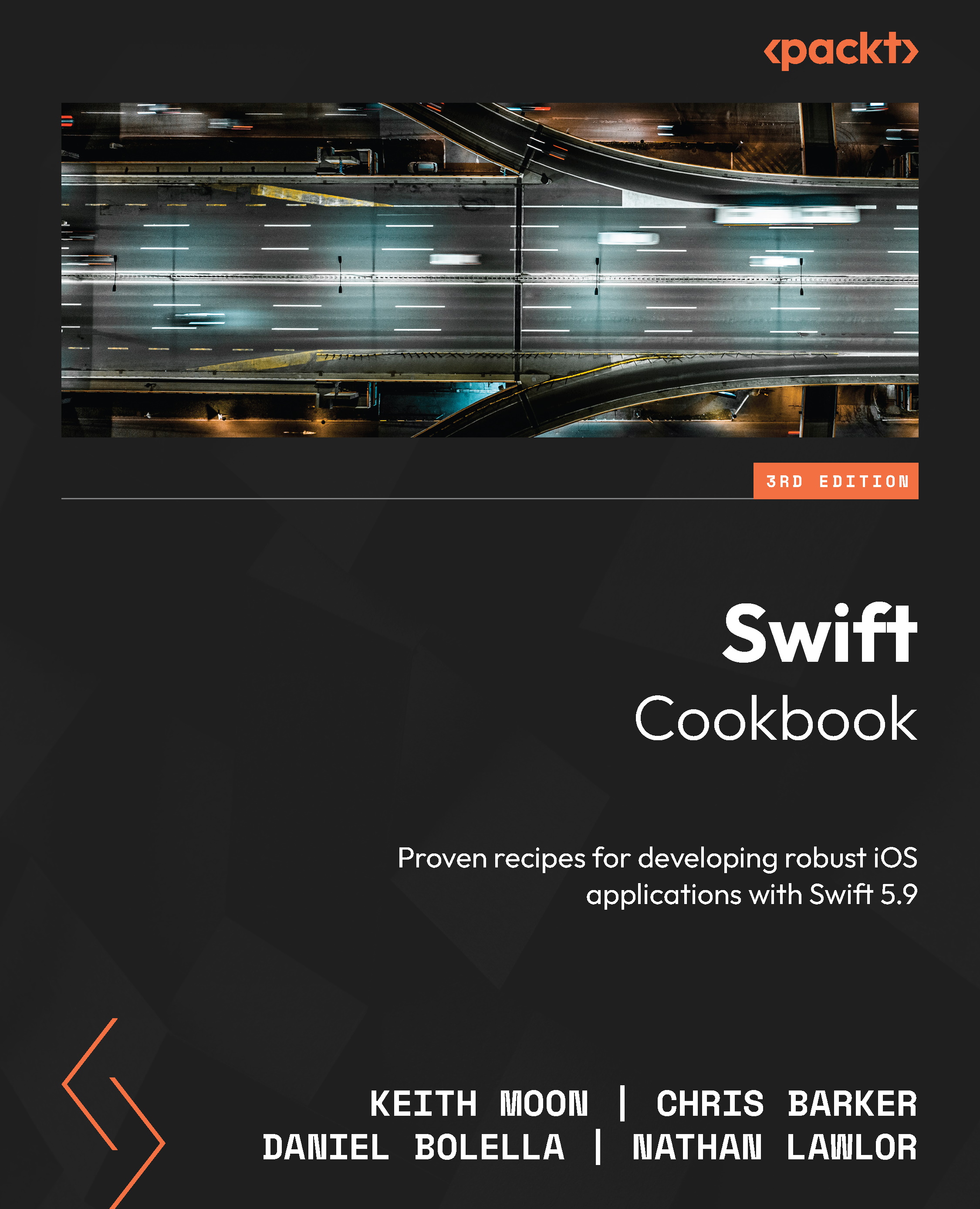
Unlock the full potential of Swift and elevate your iOS development skills with this new edition of Swift Cookbook, highlighting the latest features in Swift 5.9.
This cookbook will take your Swift programming skills to the next level, boosting your productivity and efficiency step by step through a plethora of practical recipes. Although this book is primarily for experienced iOS developers, it provides an introductory overview of Swift 5.9, including its basic building blocks, syntax, and the functionalities of Swift constructs, to get you warmed up. Once you’ve mastered the fundamentals, you’ll get down to business.
Unless you’re completely new to Swift, this recipe-based guide doesn’t need to be read in order; you can jump to whichever topic takes your fancy, from UIKit and SwiftUI to advanced UI techniques, from Swift’s control flow and generics to machine learning with Vision, CoreML, and augmented reality with ARKit.
By the end of this book, you’ll be fully up to speed with Swift’s capabilities and be able to develop amazing applications across a wide variety of domains.
Table of Contents (15 chapters)
Preface


Chapter 1: Swift Fundamentals
 Free Chapter
Chapter 2: Mastering the Building Blocks
Chapter 3: Data Wrangling with Swift
Chapter 4: Generics, Operators, and Nested Types
Chapter 5: Beyond the Standard Library
Chapter 6: Understanding Concurrency in Swift
Chapter 7: Building iOS Apps with UIKit
Chapter 8: Building iOS Apps with SwiftUI

Chapter 9: Getting to Grips with Combine
Chapter 10: Using CoreML and Vision in Swift
Chapter 11: Immersive Swift with ARKit and Augmented Reality
Chapter 12: Visualizing Data with Swift Charts
Index


