


-
Book Overview & Buying
-
Table Of Contents

Model Context Protocol for LLMs
By :


Model Context Protocol for LLMs
By:
Overview of this book
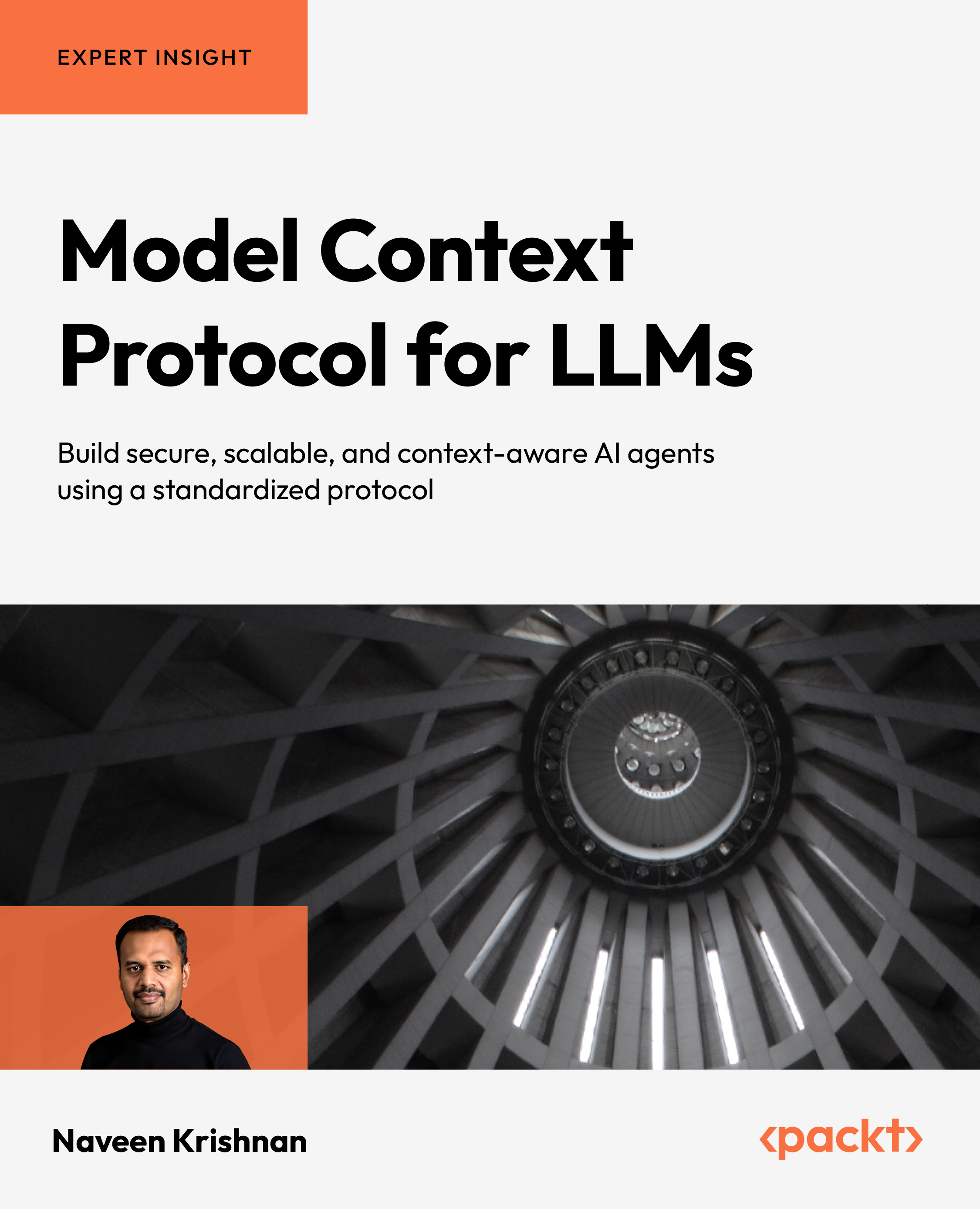
Modern LLM applications often fail due to weak context management, fragile tool integration, and poorly coordinated agents. To address these challenges, this book provides a practical blueprint for building reliable, scalable AI systems using the Model Context Protocol (MCP), an open standard for interoperable AI architectures.
You'll explore why context is the missing layer in many AI deployments and how MCP formalizes it. Through clear explanations and practical examples, you'll design modular components such as resource providers, tool providers, gateways, and standardized interfaces. You'll also integrate MCP with LangChain, AutoGen, and RAG pipelines to build collaborative, context-aware multi-agent systems.
You'll learn how to apply MCP to multimodal applications, personalization engines, and enterprise knowledge management solutions, while evaluating and benchmarking implementations for production readiness and implementing authentication, authorization, and scaling strategies for secure cloud deployments.
Written by a data and AI solutions engineer with over 17 years of experience at Microsoft and Fortune 500 organizations, this guide combines architectural depth with hands-on implementation. By the end, you'll be able to design, build, and deploy secure, reusable MCP-based LLM systems that scale confidently in production.
*Email sign-up and proof of purchase required
Table of Contents (29 chapters)
Preface


Chapter 1: Introduction to the Model Context Protocol

Chapter 2: Theoretical Foundations of Multi-Agent Systems
Chapter 3: The MCP for Non-Technical Readers
Part 2: Architecture and Core Implementation
Chapter 4: MCP Components and Interfaces
Chapter 5: MCP Architecture Overview
Chapter 6: Server-Side Implementation
Chapter 7: Client-Side Integration
Part 3: Security and Performance
Chapter 8: MCP Security Model
Chapter 9: MCP Performance Optimization
Part 4: Multi-Agent Systems and Framework Integration
Chapter 10: MCP and Multi-Agent Systems
Chapter 11: MCP for Retrieval-Augmented Generation
Chapter 12: Integrating MCP with LangChain
Chapter 13: Integrating MCP with AutoGen
Part 5: Real-World Applications
Chapter 14: MCP for Enterprise Knowledge Management
Chapter 15: MCP for Personalization and Recommendation Systems
Chapter 16: MCP for Multimodal Applications
Part 6: Evaluation, Optimization, and the Future
Chapter 17: MCP Evaluation Methodologies
Chapter 18: Performance Benchmarks and Testing
Chapter 19: Optimization Strategies and Performance Tuning
Chapter 20: Future Directions and Emerging Trends
Chapter 21: Unlock Access to the Code Bundle and the PDF Version
Index


