Sign In Start Free Trial
Account

Add to playlist

Create a Playlist

Modal Close icon
You need to login to use this feature.
  • Book Overview & Buying Swift High Performance
  • Table Of Contents Toc
  • Feedback & Rating feedback
Swift High Performance

Swift High Performance

By : Koval
4 (8)
close
close
Swift High Performance

Swift High Performance

4 (8)
By: Koval

Overview of this book

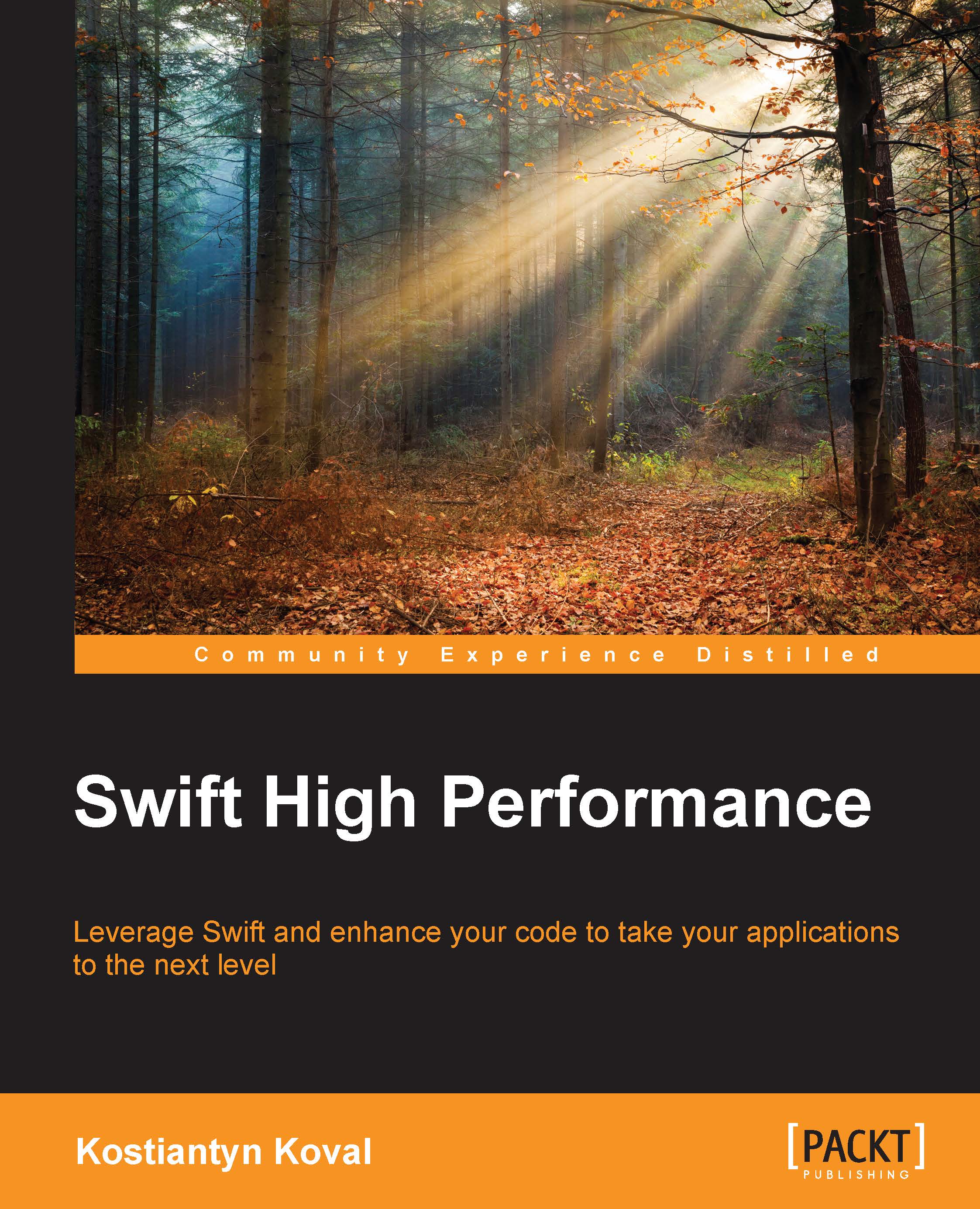
Swift is one of the most popular and powerful programming languages for building iOS and Mac OS applications, and continues to evolve with new features and capabilities. Swift is considered a replacement to Objective-C and has performance advantages over Objective-C and Python. Swift adopts safe programming patterns and adds modern features to make programming easier, more flexible, and more fun. Develop Swift and discover best practices that allow you to build solid applications and optimize their performance. First, a few of performance characteristics of Swift will be explained. You will implement new tools available in Swift, including Playgrounds and REPL. These will improve your code efficiency, enable you to analyse Swift code, and enhance performance. Next, the importance of building solid applications using multithreading concurrency and multi-core device architecture is covered, before moving on to best practices and techniques that you should utilize when building high performance applications, such as concurrency and lazy-loading. Finally, you will explore the underlying structure of Swift further, and learn how to disassemble and compile Swift code.
Table of Contents (10 chapters)
close
close
9
Index

REPL in Xcode

One of the more interesting functionalities available in the Xcode LLDB console is that you can run Swift REPL there. You can enter and execute Swift code when you stop the application execution in the debugger. This is very useful for debugging purposes.

Note

REPL can only access public types, functions, and public global variables. Local variables are not visible in REPL. If you need to work with local variables, use LLDB commands instead.

To enter an REPL console, we first have to stop the program execution and enter the LLDB debugger. There are three commands for interacting with REPL:

  • Enter REPL: repl
  • Exit REPL: :
  • Execute the LLDB command in REPL: : command, for example, :p name

We can execute the same function as before, but now use REPL commands in the debug console, as shown here:

REPL in Xcode

Now let's look at more interesting use cases of REPL. When you enter REPL, you can enter and execute Swift code. You also have access to publicly declared Swift code in your application in REPL...

Visually different images
CONTINUE READING
83
Tech Concepts
36
Programming languages
73
Tech Tools
Icon Unlimited access to the largest independent learning library in tech of over 8,000 expert-authored tech books and videos.
Icon Innovative learning tools, including AI book assistants, code context explainers, and text-to-speech.
Icon 50+ new titles added per month and exclusive early access to books as they are being written.
Swift High Performance
notes
bookmark Notes and Bookmarks search Search in title playlist Add to playlist font-size Font size

Change the font size

margin-width Margin width

Change margin width

day-mode Day/Sepia/Night Modes

Change background colour

Close icon Search
Country selected

Close icon Your notes and bookmarks

Confirmation

Modal Close icon
claim successful

Buy this book with your credits?

Modal Close icon
Are you sure you want to buy this book with one of your credits?
Close
YES, BUY

Submit Your Feedback

Modal Close icon
Modal Close icon
Modal Close icon