
Sign In Start Free Trial
Account

Add to playlist

Create a Playlist

Modal Close icon
You need to login to use this feature.
  • Book Overview & Buying Learning Rust
  • Table Of Contents Toc
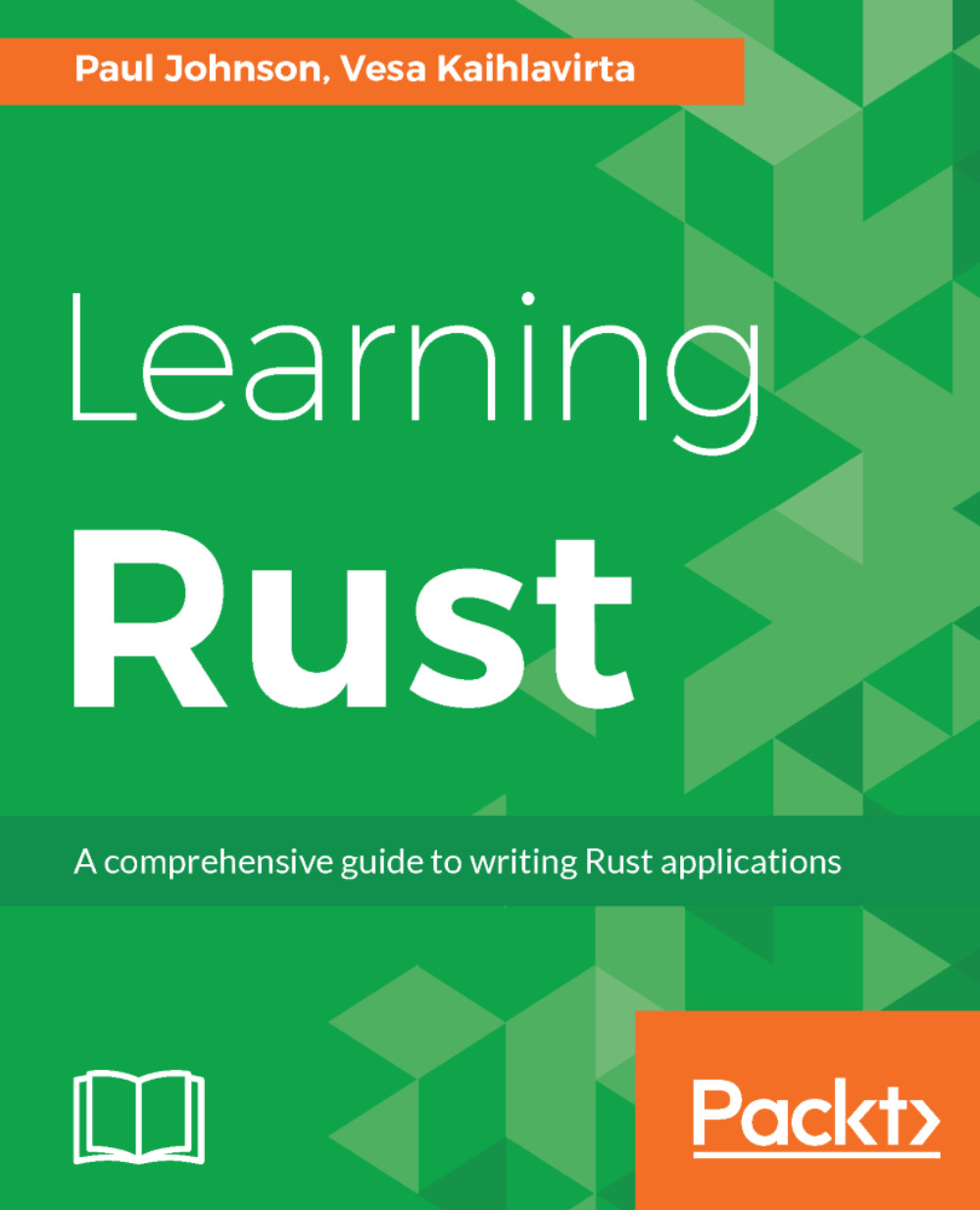
Learning Rust

Learning Rust

By : Vesa Kaihlavirta
4.5 (87)
close
close
Learning Rust

Learning Rust

4.5 (87)
By: Vesa Kaihlavirta

Overview of this book

Rust is a highly concurrent and high performance language that focuses on safety and speed, memory management, and writing clean code. It also guarantees thread safety, and its aim is to improve the performance of existing applications. Its potential is shown by the fact that it has been backed by Mozilla to solve the critical problem of concurrency. Learning Rust will teach you to build concurrent, fast, and robust applications. From learning the basic syntax to writing complex functions, this book will is your one stop guide to get up to speed with the fundamentals of Rust programming. We will cover the essentials of the language, including variables, procedures, output, compiling, installing, and memory handling. You will learn how to write object-oriented code, work with generics, conduct pattern matching, and build macros. You will get to know how to communicate with users and other services, as well as getting to grips with generics, scoping, and more advanced conditions. You will also discover how to extend the compilation unit in Rust. By the end of this book, you will be able to create a complex application in Rust to move forward with.
Table of Contents (15 chapters)
close
close
Lock Free Chapter
1
Introducing and Installing Rust
4
Conditions, Recursion, and Loops

Conventions

In this book, you will find a number of text styles that distinguish between different kinds of information. Here are some examples of these styles and an explanation of their meaning. Code words in text, database table names, folder names, filenames, file extensions, pathnames, dummy URLs, user input, and Twitter handles are shown as follows: "A shorter form is available in the unwrap method. This is the same as the expect method, but it doesn't print out anything in case of a failure."

A block of code is set as follows:

let mut file = File::create("myxml_file.xml).unwrap(); 
let mut output = io::stdout(); 
let mut input = io::stdin(); 

Any command-line input or output is written as follows:

cd app_name 
cargo build app_name  

New terms and important words are shown in bold. Words that you see on the screen, for example, in menus or dialog boxes, appear in the text like this: "Open up Visual Studio Code and go to the Command Palette, either by the View menu or by the keyboard shortcut Ctrl + Shift + P (which may differ between platforms)."

Warnings or important notes appear like this.
Tips and tricks appear like this.
CONTINUE READING
83
Tech Concepts
36
Programming languages
73
Tech Tools
Icon Unlimited access to the largest independent learning library in tech of over 8,000 expert-authored tech books and videos.
Icon Innovative learning tools, including AI book assistants, code context explainers, and text-to-speech.
Icon 50+ new titles added per month and exclusive early access to books as they are being written.
Learning Rust
notes
bookmark Notes and Bookmarks search Search in title playlist Add to playlist download Download options font-size Font size

Change the font size

margin-width Margin width

Change margin width

day-mode Day/Sepia/Night Modes

Change background colour

Close icon Search
Country selected

Close icon Your notes and bookmarks

Confirmation

Modal Close icon
claim successful

Buy this book with your credits?

Modal Close icon
Are you sure you want to buy this book with one of your credits?
Close
YES, BUY

Submit Your Feedback

Modal Close icon
Modal Close icon
Modal Close icon