Sign In Start Free Trial
Account

Add to playlist

Create a Playlist

Modal Close icon
You need to login to use this feature.
  • Book Overview & Buying Mastering PHP Design Patterns
  • Table Of Contents Toc
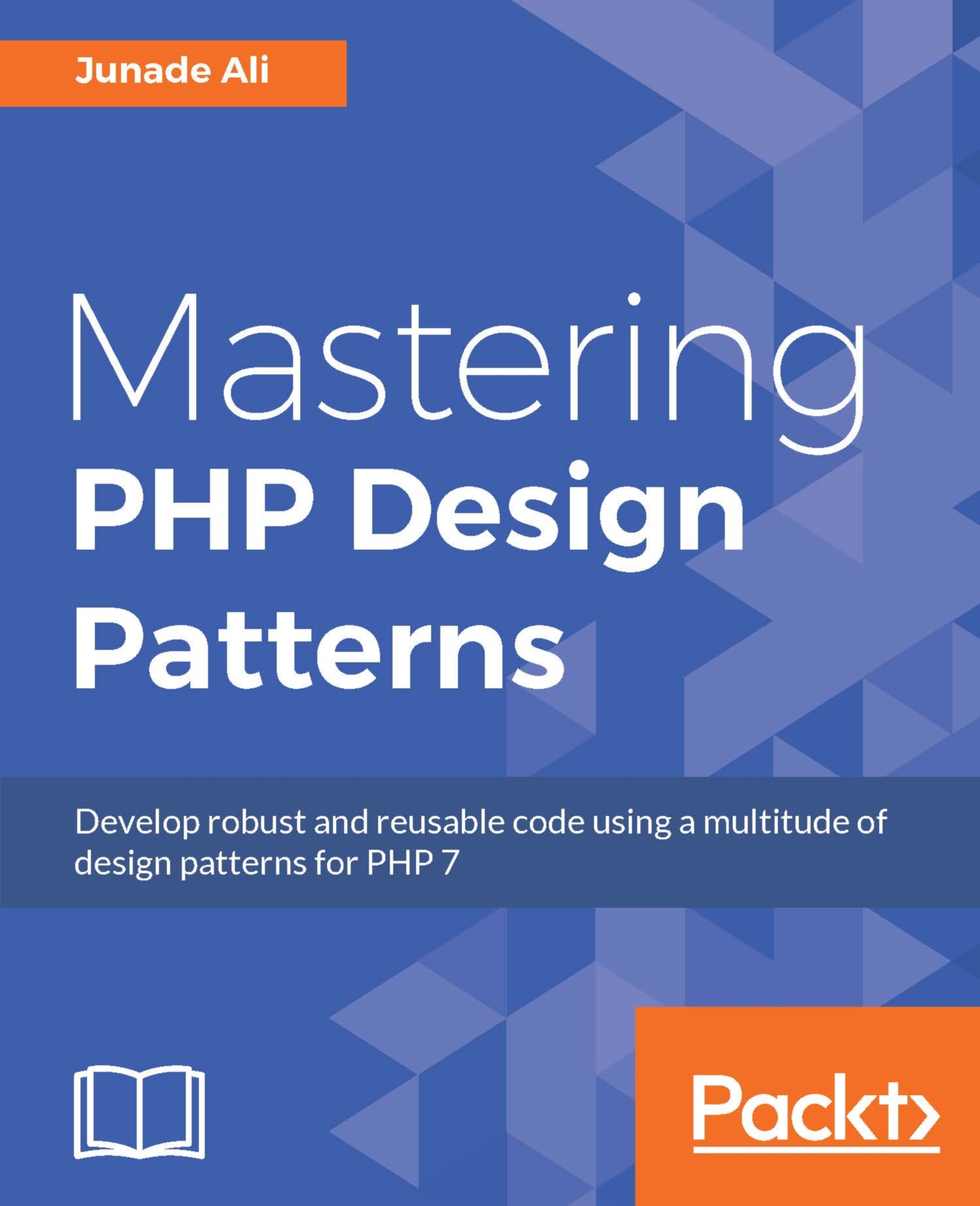
Mastering PHP Design Patterns

Mastering PHP Design Patterns

By : Junade Ali
1.5 (2)
close
close
Mastering PHP Design Patterns

Mastering PHP Design Patterns

1.5 (2)
By: Junade Ali

Overview of this book

Design patterns are a clever way to solve common architectural issues that arise during software development. With an increase in demand for enhanced programming techniques and the versatile nature of PHP, a deep understanding of PHP design patterns is critical to achieve efficiency while coding. This comprehensive guide will show you how to achieve better organization structure over your code through learning common methodologies to solve architectural problems. You’ll also learn about the new functionalities that PHP 7 has to offer. Starting with a brief introduction to design patterns, you quickly dive deep into the three main architectural patterns: Creational, Behavioral, and Structural popularly known as the Gang of Four patterns. Over the course of the book, you will get a deep understanding of object creation mechanisms, advanced techniques that address issues concerned with linking objects together, and improved methods to access your code. You will also learn about Anti-Patterns and the best methodologies to adopt when building a PHP 7 application. With a concluding chapter on best practices, this book is a complete guide that will equip you to utilize design patterns in PHP 7 to achieve maximum productivity, ensuring an enhanced software development experience.
Table of Contents (9 chapters)
close
close

Cronjob imitating service


This one is a personal hatred of mine. A developer needs a service to run indefinitely, so they just enable a cronjob that never ends, or simply have a cronjob that operates incredibly frequently (such as once every few seconds).

A cronjob is a scheduled job that will run at a predetermined time. It's not something that operates services for you. Not only is this messy from an architectural perspective, but it scales horribly and becomes terrible to monitor.

A constantly processing task should be treated as a daemon and not as something that runs on the basis of a cronjob.

Monit is a tool in Linux systems that allows you to imitate services.

You can install Monit using the apt-get command:

sudo apt-get install monit

Once Monit is installed, you can add processes to its configuration file:

sudo nano /etc/monit/monitrc

Monit can then be started by running the monit command. It also has a status command so you can verify it is still running:

monitmonit status

You can...

CONTINUE READING
83
Tech Concepts
36
Programming languages
73
Tech Tools
Icon Unlimited access to the largest independent learning library in tech of over 8,000 expert-authored tech books and videos.
Icon Innovative learning tools, including AI book assistants, code context explainers, and text-to-speech.
Icon 50+ new titles added per month and exclusive early access to books as they are being written.
Mastering PHP Design Patterns
notes
bookmark Notes and Bookmarks search Search in title playlist Add to playlist download Download options font-size Font size

Change the font size

margin-width Margin width

Change margin width

day-mode Day/Sepia/Night Modes

Change background colour

Close icon Search
Country selected

Close icon Your notes and bookmarks

Confirmation

Modal Close icon
claim successful

Buy this book with your credits?

Modal Close icon
Are you sure you want to buy this book with one of your credits?
Close
YES, BUY

Submit Your Feedback

Modal Close icon
Modal Close icon
Modal Close icon