Sign In Start Free Trial
Account

Add to playlist

Create a Playlist

Modal Close icon
You need to login to use this feature.
  • Book Overview & Buying Python Programming Blueprints
  • Table Of Contents Toc
Python Programming Blueprints

Python Programming Blueprints

By : Riti, Furtado, Pennington
4 (2)
close
close
Python Programming Blueprints

Python Programming Blueprints

4 (2)
By: Riti, Furtado, Pennington

Overview of this book

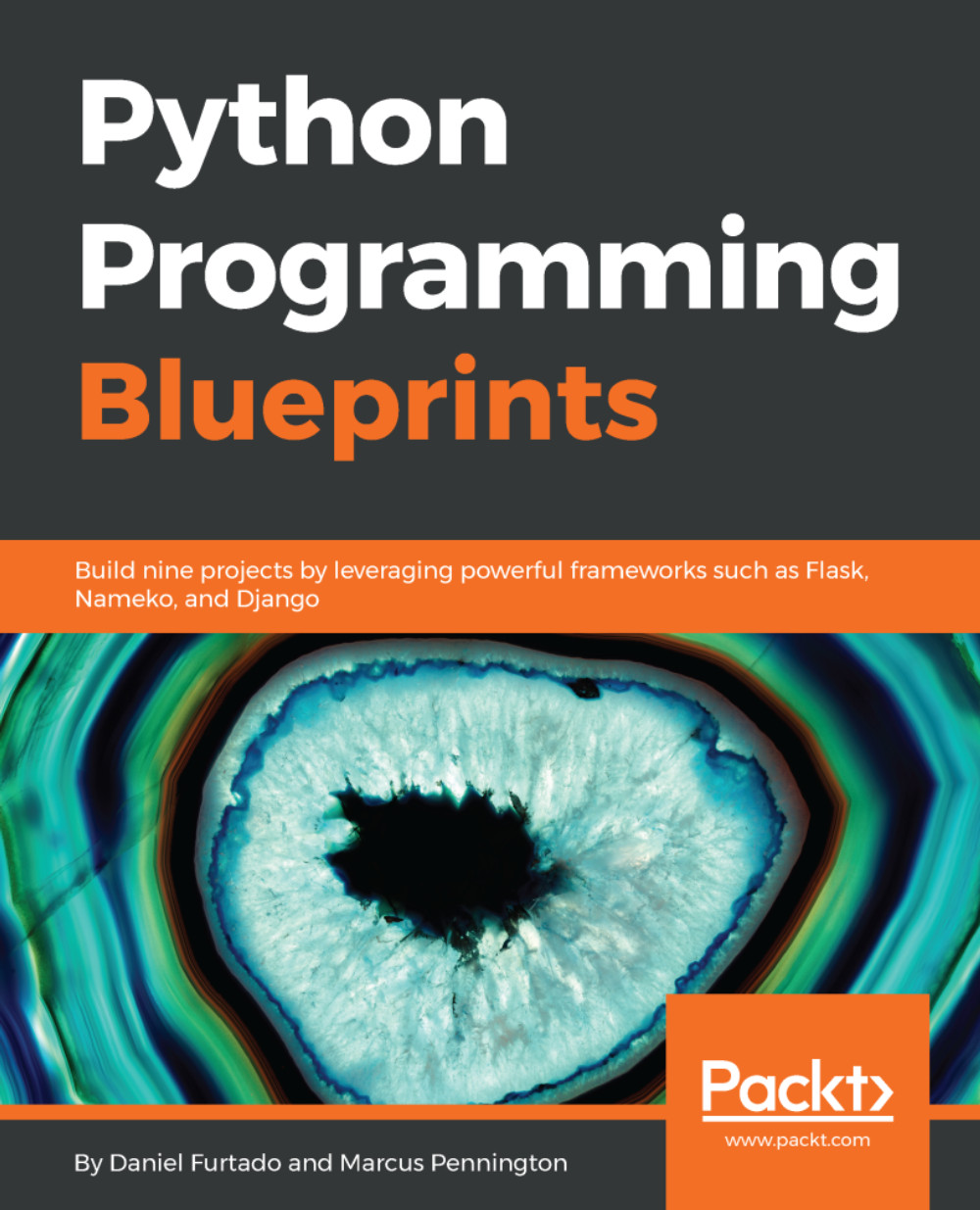
Python is a very powerful, high-level, object-oriented programming language. It's known for its simplicity and huge community support. Python Programming Blueprints will help you build useful, real-world applications using Python. In this book, we will cover some of the most common tasks that Python developers face on a daily basis, including performance optimization and making web applications more secure. We will familiarize ourselves with the associated software stack and master asynchronous features in Python. We will build a weather application using command-line parsing. We will then move on to create a Spotify remote control where we'll use OAuth and the Spotify Web API. The next project will cover reactive extensions by teaching you how to cast votes on Twitter the Python way. We will also focus on web development by using the famous Django framework to create an online game store. We will then create a web-based messenger using the new Nameko microservice framework. We will cover topics like authenticating users and, storing messages in Redis. By the end of the book, you will have gained hands-on experience in coding with Python.
Table of Contents (11 chapters)
close
close

Creating a Flask server


We will now create a new Flask web server, which will replace our Nameko Web Server. Flask is better suited to handling web requests than Nameko and comes with a lot more baked in while still being fairly lightweight. One of the features we will take advantage of is Sessions, which will allow our server to keep track of who's logged in. It also works with Jinja2 for templating, meaning that our existing template should already work.

Start by adding flask to our base.in file, then pip-compile and install (version 0.12.2 at the time of writing) using the same process as earlier.

Getting started with Flask is quite straightforward; we will start by creating our new home page endpoint. Within your temp_messenger directory, create a new file, web_server.py , with the following:

from flask import Flask, render_template # ① 
 
app = Flask(__name__) # ② 
 
@app.route('/') # ③ 
def home(): 
    return render_template('home.html') # ④ 
  1. We import the following from flask:
    • Flask...
CONTINUE READING
83
Tech Concepts
36
Programming languages
73
Tech Tools
Icon Unlimited access to the largest independent learning library in tech of over 8,000 expert-authored tech books and videos.
Icon Innovative learning tools, including AI book assistants, code context explainers, and text-to-speech.
Icon 50+ new titles added per month and exclusive early access to books as they are being written.
Python Programming Blueprints
notes
bookmark Notes and Bookmarks search Search in title playlist Add to playlist download Download options font-size Font size

Change the font size

margin-width Margin width

Change margin width

day-mode Day/Sepia/Night Modes

Change background colour

Close icon Search
Country selected

Close icon Your notes and bookmarks

Confirmation

Modal Close icon
claim successful

Buy this book with your credits?

Modal Close icon
Are you sure you want to buy this book with one of your credits?
Close
YES, BUY

Submit Your Feedback

Modal Close icon
Modal Close icon
Modal Close icon